Color Picker: Photo & RAL for iPhone and Android
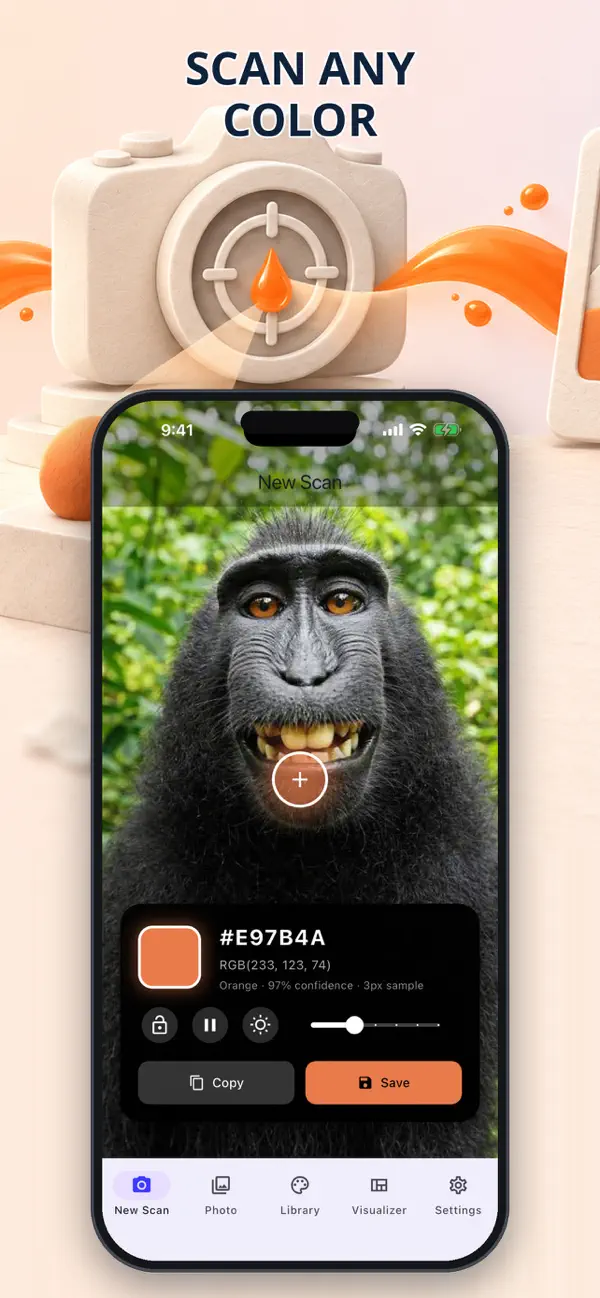
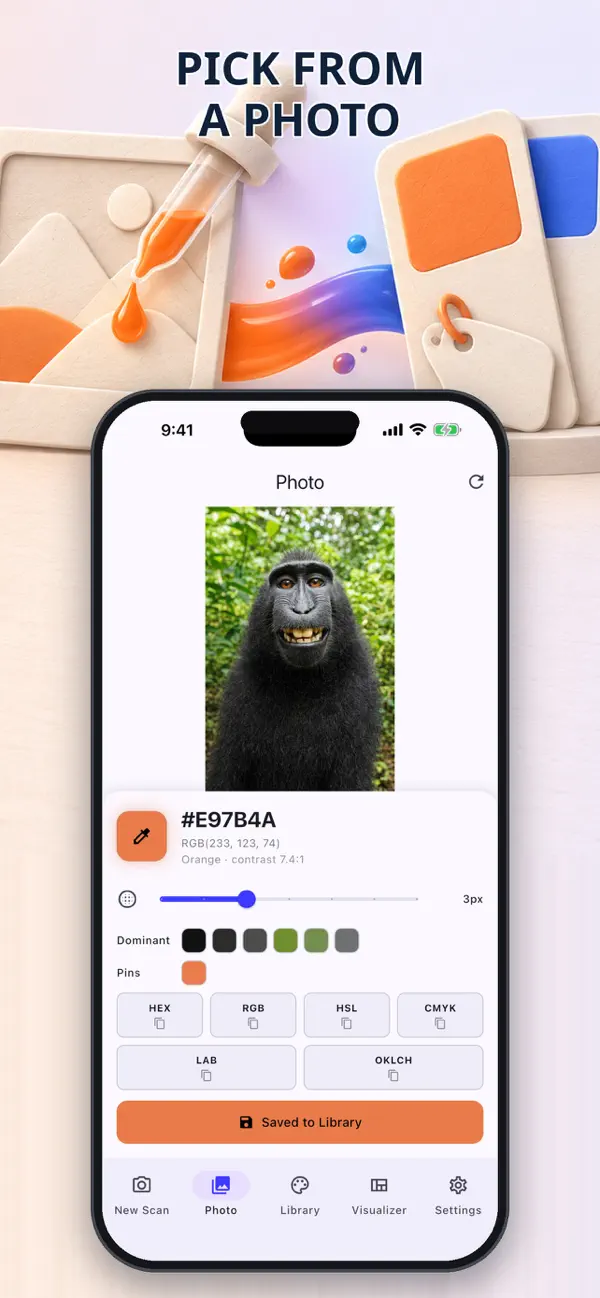
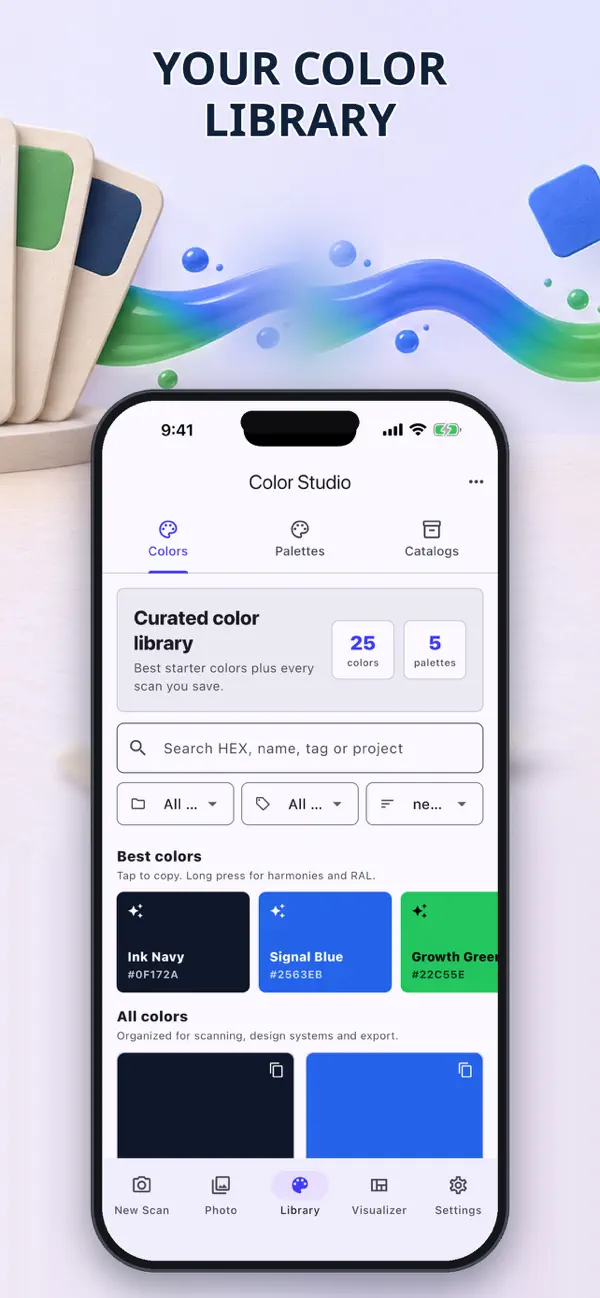
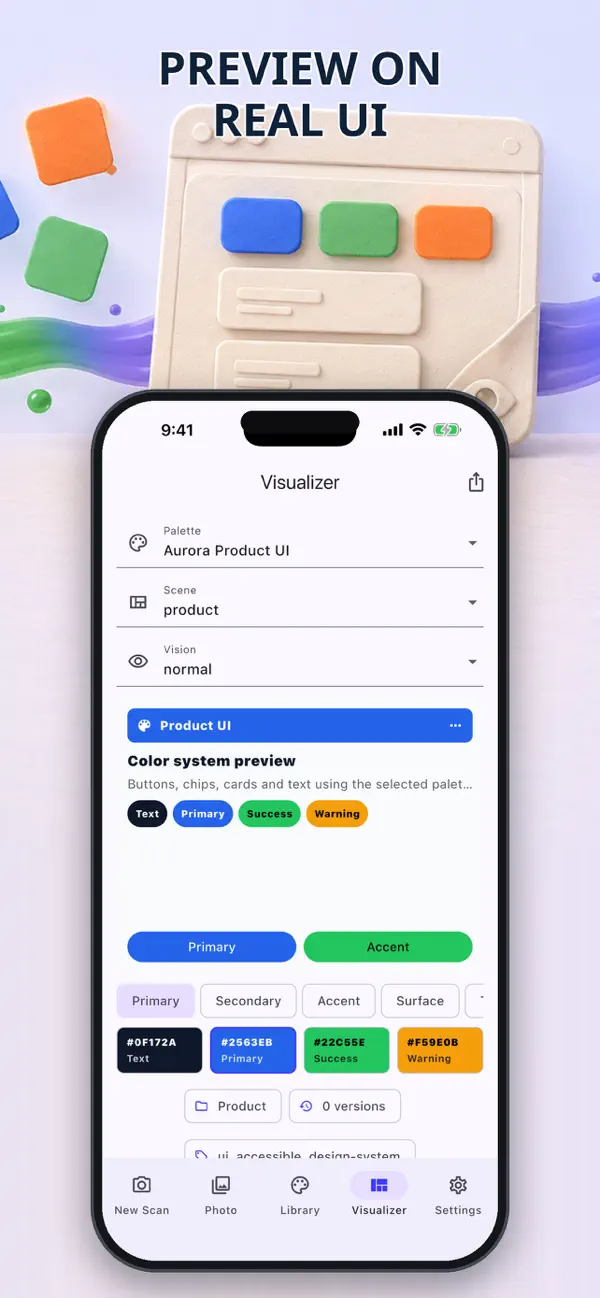
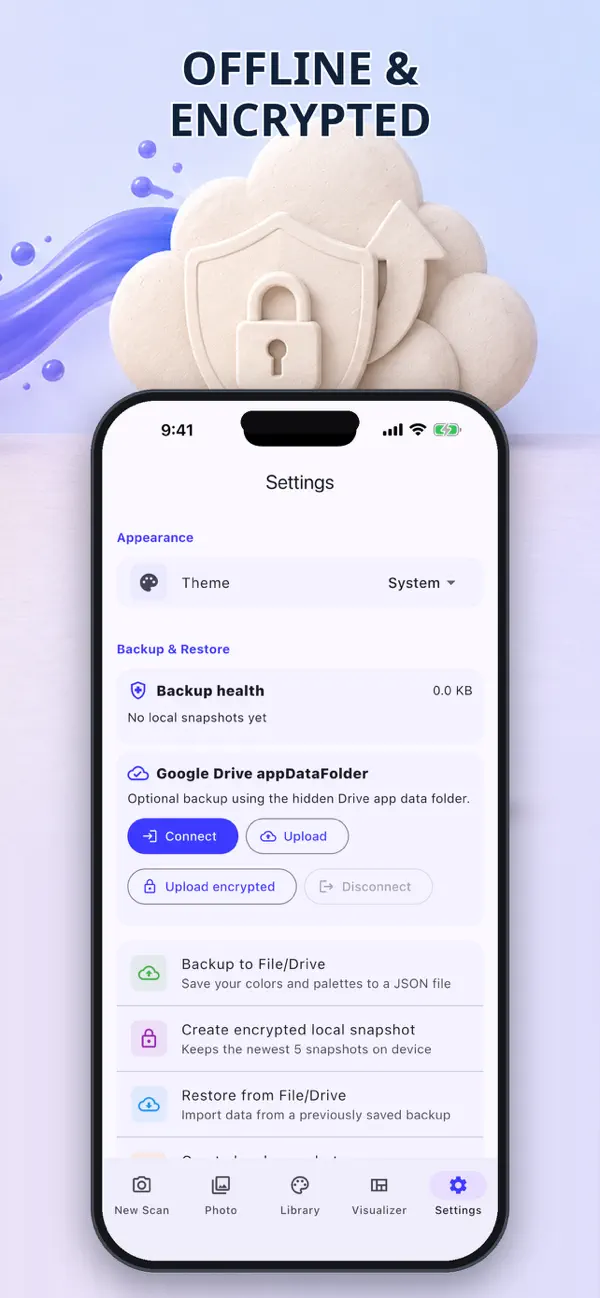
Color Picker: Photo & RAL captures a real surface or a photo sample and turns it into usable color data. Instead of trusting one unstable pixel, it samples an area, lets you freeze the frame, lock the result, calibrate white balance and inspect a confidence meter. Saved shades can be read as HEX, RGB, HSL, CMYK, LAB or OKLCH, compared with RAL Classic through Delta E (CIEDE2000), and checked for WCAG AA/AAA contrast or color-vision risks. It also builds harmony schemes and exports palettes to formats from CSS and Tailwind to ASE, PDF and CSV.
At a glance
- Platforms
- iPhone · Android
- Price
- Free
- Category
- Utilities
- No ads
- ✓
- No tracking
- ✓
- Works offline
- ✓
- Last verified
- 2026-07-29
- Minimum OS
- 13.0
- Version
- 2.0
- Released
- 2026-07-16
What is it?
Color Picker: Photo & RAL is an app for camera and photo sampling, precise color formats, RAL matching, accessibility checks, and palette export.
What problem does it solve?
Picking a single pixel from a photo is unstable, and matching a digital shade to real paint usually means reaching for a swatch book. Area sampling and Delta E comparison make both decisions more repeatable.
What it can do
- Area-sampling reads a whole region rather than one pixel, with frame freeze, color lock, white-balance calibration, and a confidence meter.
- Read and search saved shades in HEX, RGB, HSL, CMYK, LAB, and OKLCH.
- Compare a captured shade with RAL Classic using Delta E (CIEDE2000), or import a custom catalog.
- Generate more than ten harmony schemes, check WCAG AA/AAA contrast, and preview color-vision simulations.
- Export palettes to CSS, SCSS, Tailwind, Design Tokens JSON, SVG, PDF, GIMP GPL, Adobe ASE/ACO, Apple CLR, or CSV.
Screenshots
How to use it
Aim the camera at a surface or open a photo, sample an area, lock the color, and calibrate white balance if needed. Save it to the library, compare it with RAL, check contrast, then export the palette in the format your project uses.
Who it is for
Painters and tradespeople matching paint, interior planners choosing from photos, and designers checking contrast and color vision.
Privacy and permissions
You can find the permissions an app may request in its store listing and on its support page. The linked legal pages explain how the app handles data and the privacy choices it provides.
FAQ
Does Color Picker: Photo & RAL include Area-sampling reads a whole region rather than one pixel, with frame freeze, color lock, white-balance calibration, and a confidence meter?
Color Picker: Photo & RAL lists this feature in its store description: Area-sampling reads a whole region rather than one pixel, with frame freeze, color lock, white-balance calibration, and a confidence meter.
How does Color Picker: Photo & RAL handle Read and search saved shades in HEX, RGB, HSL, CMYK, LAB, and OKLCH?
Color Picker: Photo & RAL lists this feature in its store description: Read and search saved shades in HEX, RGB, HSL, CMYK, LAB, and OKLCH.
What can Color Picker: Photo & RAL do with Compare a captured shade with RAL Classic using Delta E (CIEDE2000), or import a custom catalog?
Color Picker: Photo & RAL lists this feature in its store description: Compare a captured shade with RAL Classic using Delta E (CIEDE2000), or import a custom catalog.
When is Generate more than ten harmony schemes, check WCAG AA/AAA contrast, and preview color-vision simulations useful in Color Picker: Photo & RAL?
Color Picker: Photo & RAL lists this feature in its store description: Generate more than ten harmony schemes, check WCAG AA/AAA contrast, and preview color-vision simulations.
Can I use Color Picker: Photo & RAL for Export palettes to CSS, SCSS, Tailwind, Design Tokens JSON, SVG, PDF, GIMP GPL, Adobe ASE/ACO, Apple CLR, or CSV?
Color Picker: Photo & RAL lists this feature in its store description: Export palettes to CSS, SCSS, Tailwind, Design Tokens JSON, SVG, PDF, GIMP GPL, Adobe ASE/ACO, Apple CLR, or CSV.