NoiseLedger: dB Meter Log for iPhone
NoiseLedger: dB Meter Log measures room sound with a phone microphone, then keeps readings in a local history instead of leaving a single number on screen. Take a check in a home, office or workplace, save the result with its time, and later review patterns or export a report for your own records. The log is useful when recurring noise matters more than one moment, for example an appliance hum or a changing room environment. A phone microphone has not been calibrated as a professional sound-level meter, however, and placement, case openings and the specific device affect the value.
At a glance
- Platforms
- iPhone
- Price
- Free
- Category
- Utilities
- No ads
- ✓
- No tracking
- ✓
- Works offline
- ✓
- Last verified
- 2026-07-29
- Minimum OS
- 13.0
- Version
- 1.0
- Released
- 2026-04-10
What is it?
NoiseLedger: dB Meter Log is an app for sound-level checks, local noise history, and exportable reports.
What problem does it solve?
A one-off sound reading says little about a noisy room over time. A log makes recurring patterns visible.
What it can do
- Quick noise level checks at home, in the office, or in an apartment
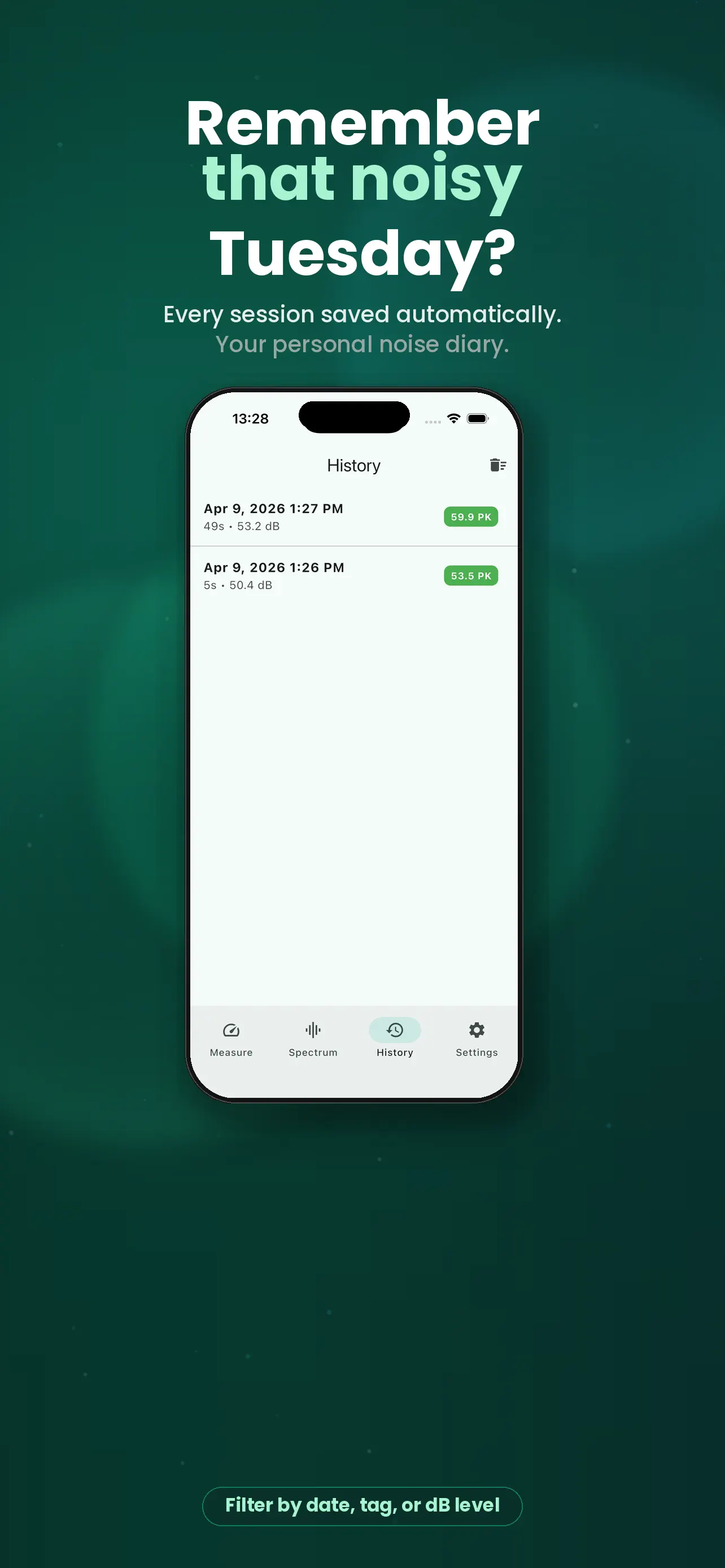
- Session history for comparing repeated measurements over time
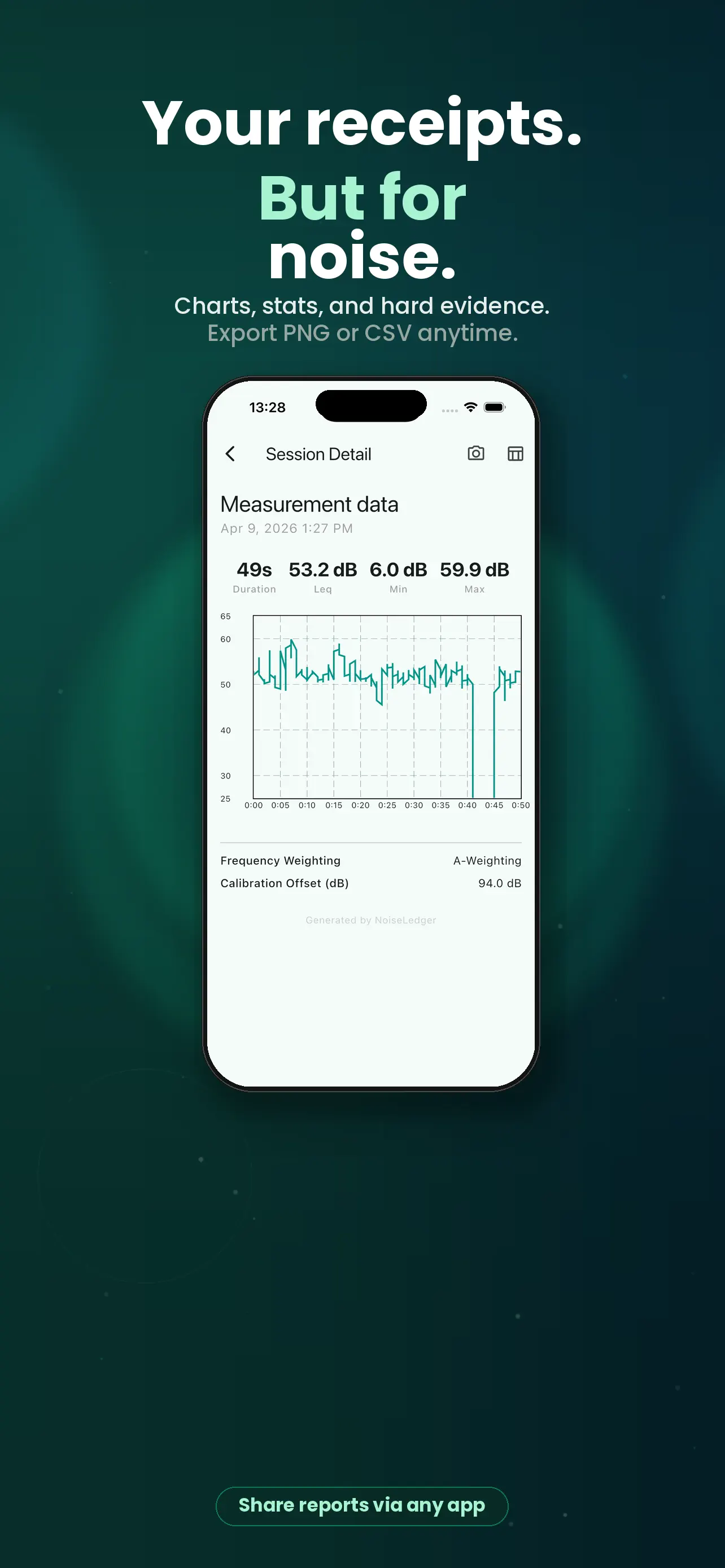
- PNG report and CSV export for sharing or archiving results
- Calibration offset and A- or Z-weighting for more useful readings
- Offline-first design with no ads, no account, and no audio storage
- NoiseLedger is a privacy-first sound level meter and noise history log for iPhone.
- Use it to check room noise, track office sound levels, and export clear reports without ads, accounts, or cloud tracking.
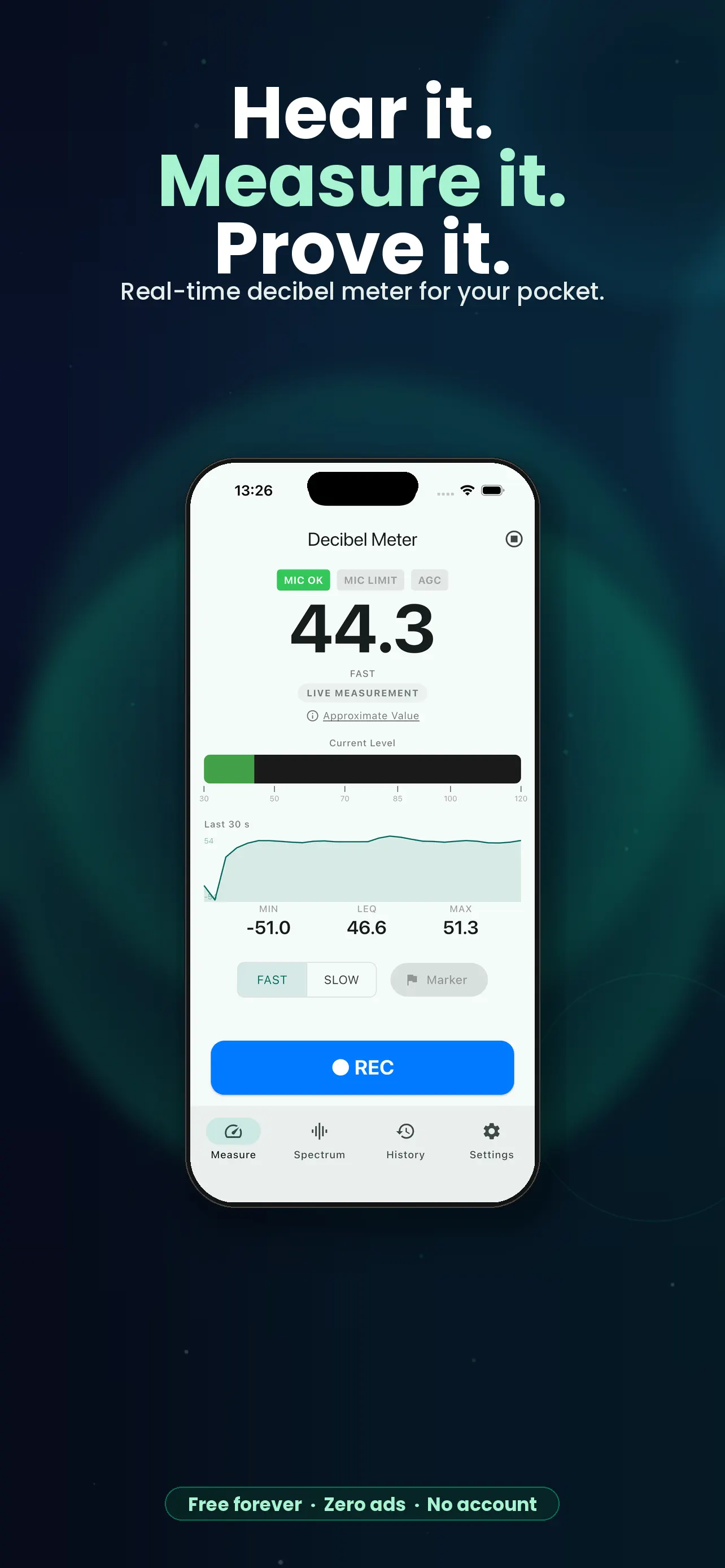
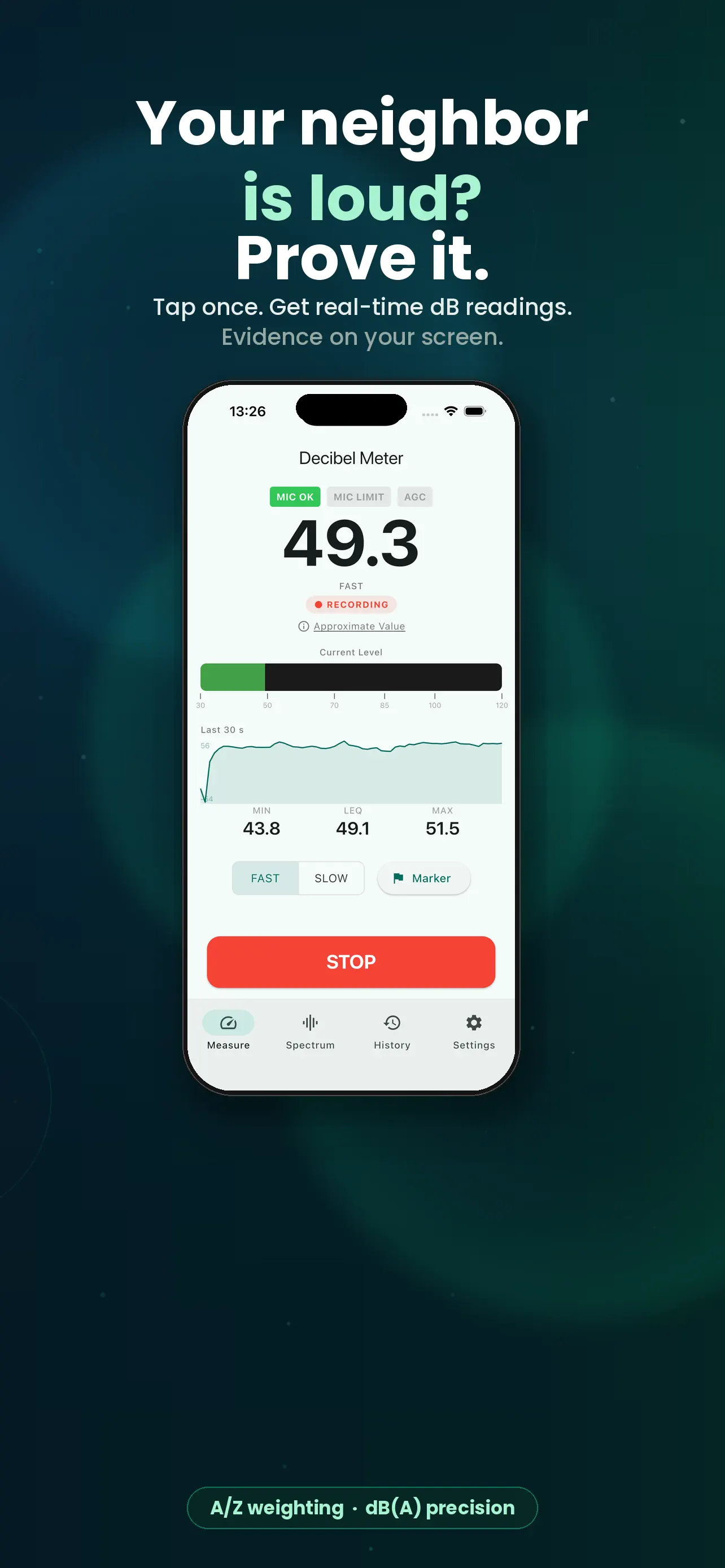
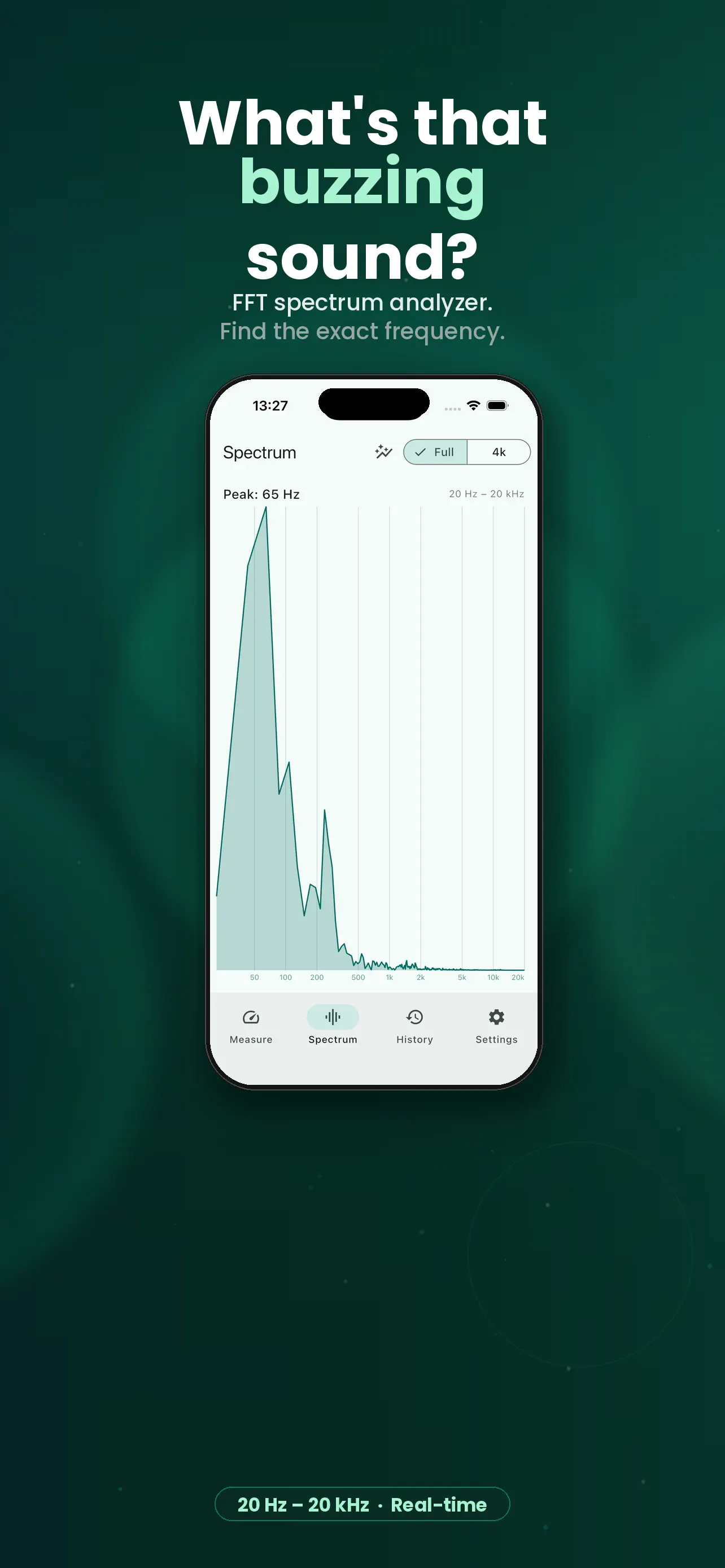
- Measure sound level in real time with FAST or SLOW response, watch MIN / LEQ / MAX values, and open the FFT spectrum view to inspect peak frequency.
Screenshots
How to use it
Measure the room, save the reading to the log, then review or export the recorded history.
Who it is for
People monitoring home, office, or workplace sound levels.
Privacy and permissions
You can find the permissions an app may request in its store listing and on its support page. The linked legal pages explain how the app handles data and the privacy choices it provides.
Support is available through the app store.
FAQ
Does NoiseLedger: dB Meter Log include Quick noise level checks at home, in the office, or in an apartment?
NoiseLedger: dB Meter Log lists this feature in its store description: Quick noise level checks at home, in the office, or in an apartment
How does NoiseLedger: dB Meter Log handle Session history for comparing repeated measurements over time?
NoiseLedger: dB Meter Log lists this feature in its store description: Session history for comparing repeated measurements over time
What can NoiseLedger: dB Meter Log do with PNG report and CSV export for sharing or archiving results?
NoiseLedger: dB Meter Log lists this feature in its store description: PNG report and CSV export for sharing or archiving results