OneTap - Flashlight & SOS for iPhone and Android
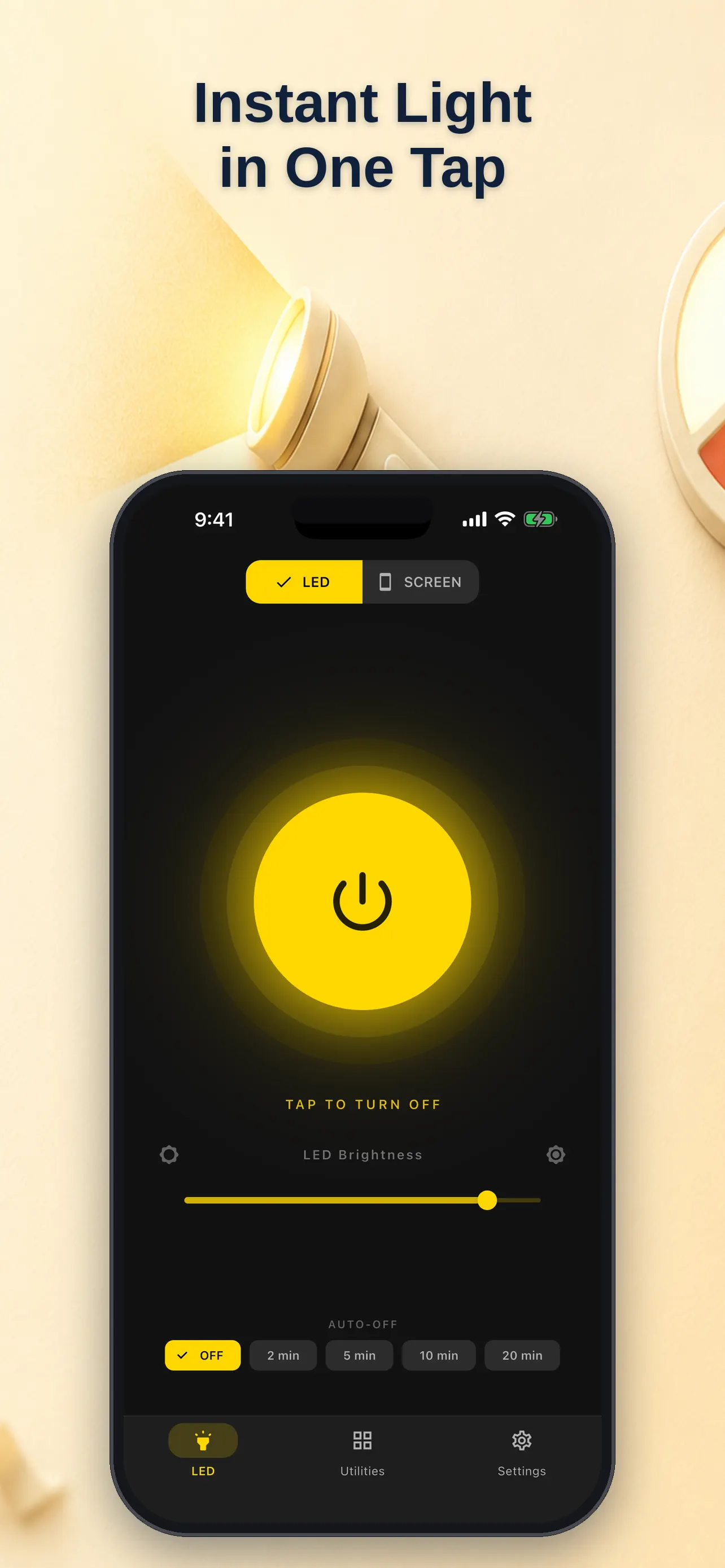
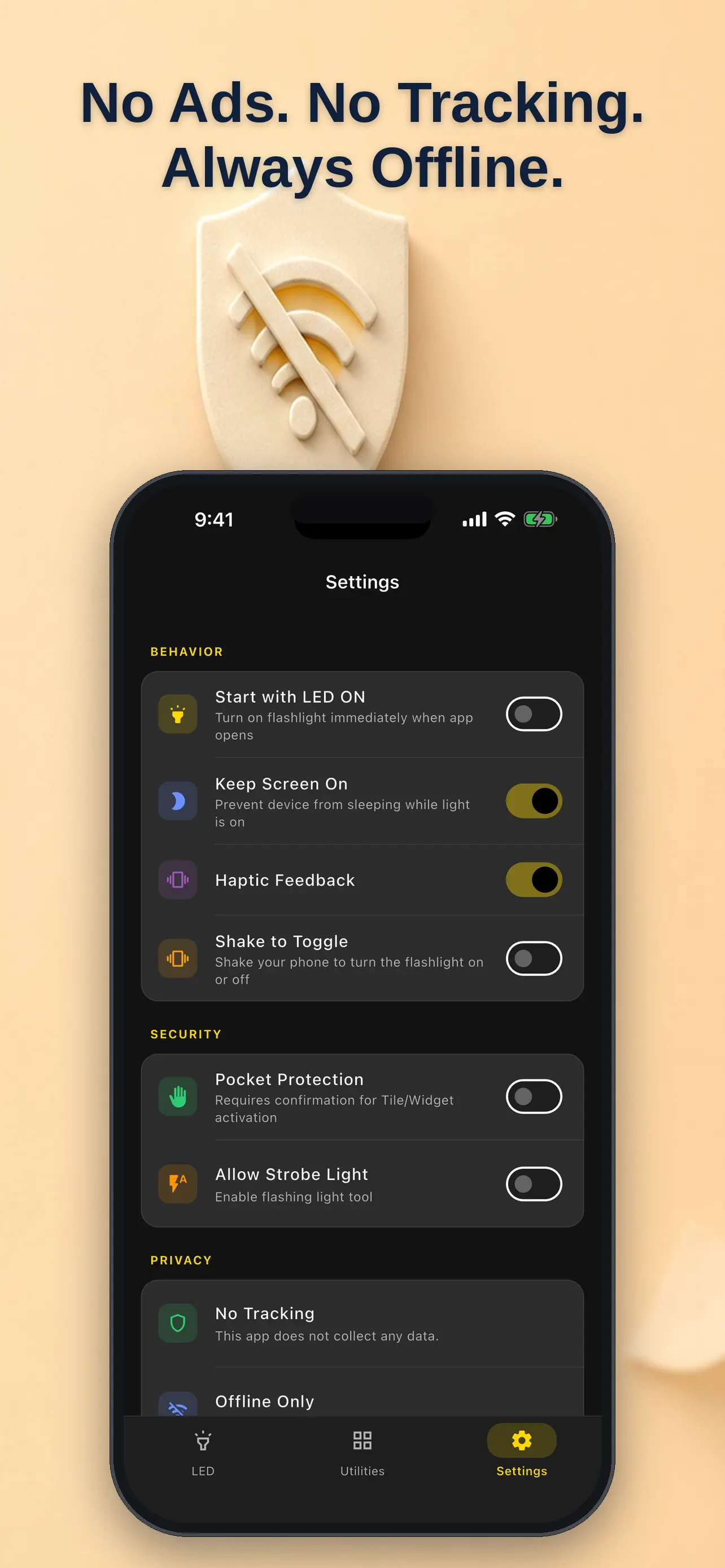
OneTap - Flashlight & SOS turns on a phone light in under 300 milliseconds from the app, widget, Control Center, Action Button or Siri shortcut. Choose the camera LED torch or a softer screen light in white, warm, red or a selected color, then set a 2-, 5-, 10- or 20-minute auto-off timer. Its emergency tools include an international Morse SOS signal, a message-to-Morse blinker, beacon and a deliberately gated adjustable strobe. Pocket protection helps avoid accidental activation, and the interface includes VoiceOver, high contrast and large targets.
At a glance
- Platforms
- iPhone · Android
- Price
- Free
- Category
- Utilities
- No ads
- ✓
- No tracking
- ✓
- Works offline
- ✓
- Last verified
- 2026-07-29
- Minimum OS
- 14.0
- Version
- 2.0
- Released
- 2026-07-23
What is it?
OneTap - Flashlight & SOS is an app for an instant flashlight, SOS signalling, and emergency light controls.
What problem does it solve?
In the dark, a flashlight should not require navigating menus or an account.
What it can do
- LED Torch — full-power camera flash, now with adjustable brightness on supported iPhones
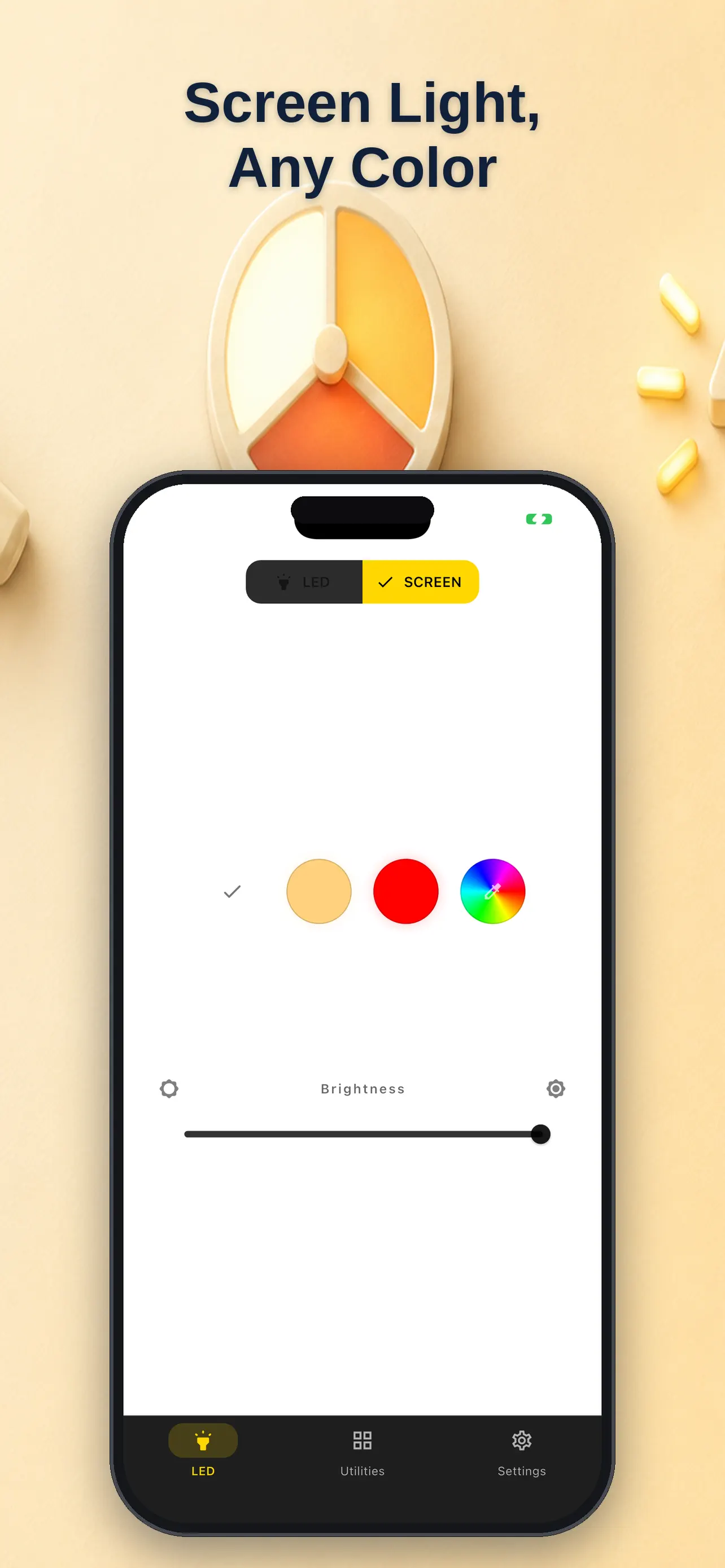
- Screen Light — soft white, warm, or red light, plus a full color wheel. Perfect for reading, camping, or keeping your night vision
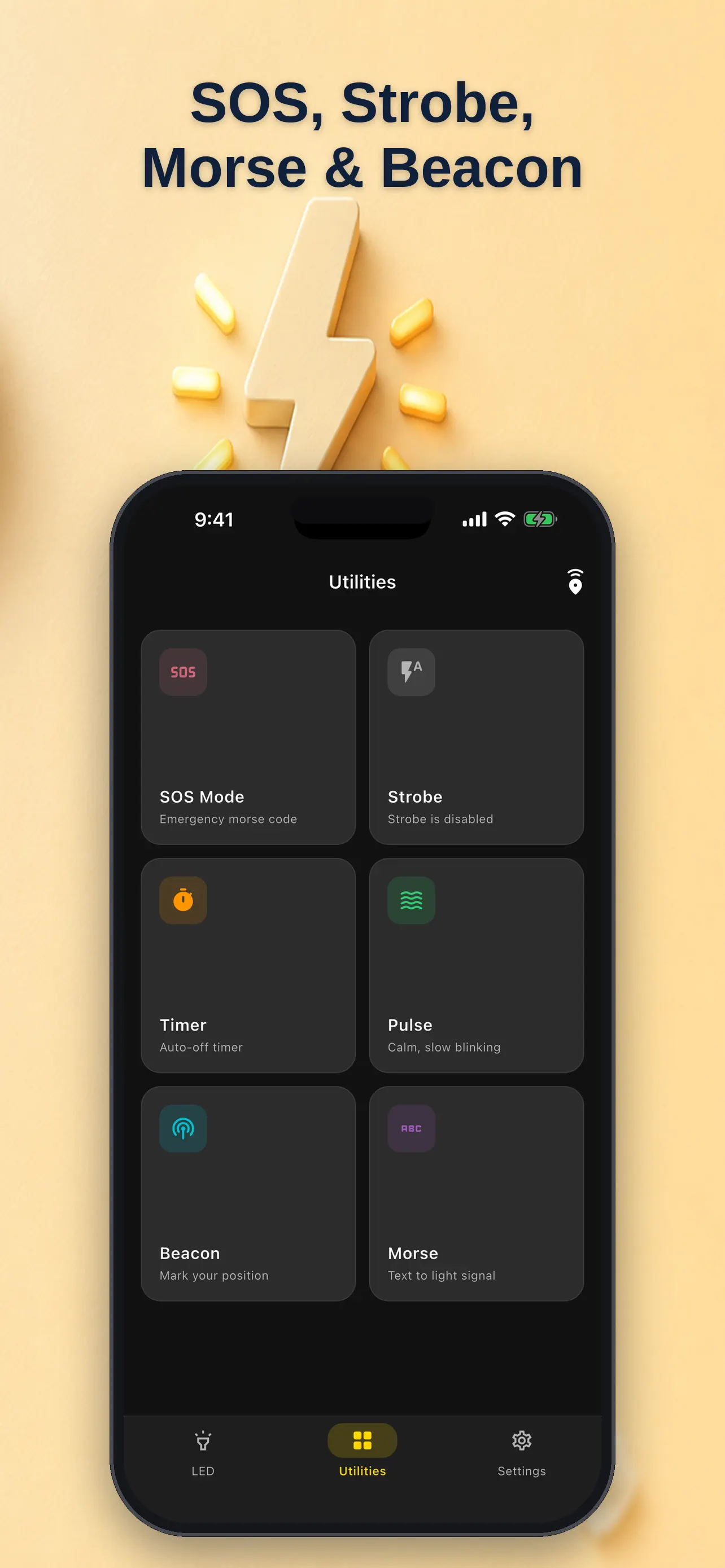
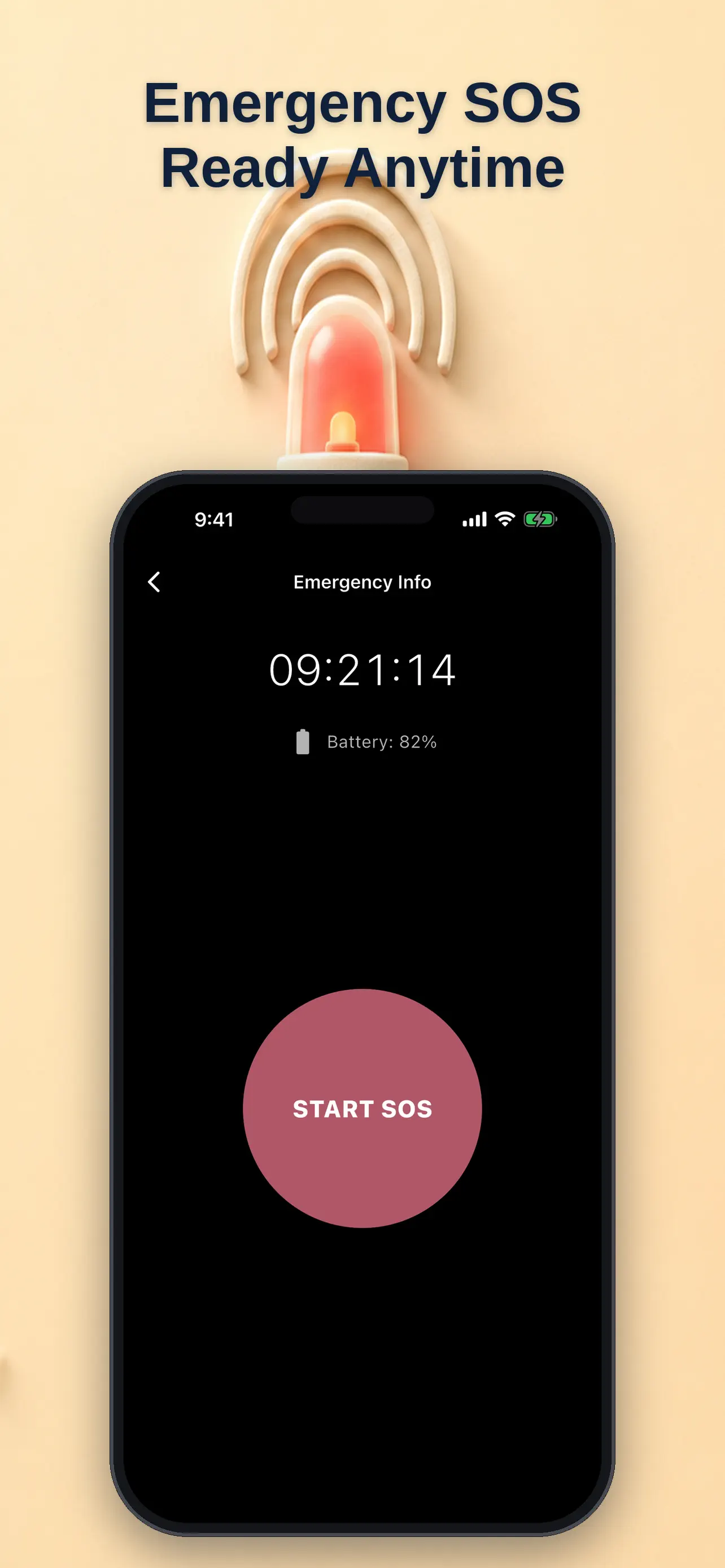
- SOS — international Morse code signal, one tap to start and stop
- Morse translator — type any message and watch it blink in Morse
- Beacon — a slow, bright pulse to mark your location
- Strobe — deliberately separated and gated, adjustable frequency, never triggers by accident
- Zero internet connection — no network permission at all
- Zero analytics, telemetry, or trackers
Screenshots
How to use it
Tap to turn on the light, choose the needed mode, and use SOS only when an emergency signal is appropriate.
Who it is for
Anyone who wants a fast light and emergency signal on their phone.
Privacy and permissions
You can find the permissions an app may request in its store listing and on its support page. The linked legal pages explain how the app handles data and the privacy choices it provides.
Support is available through the app store.
FAQ
Does OneTap - Flashlight & SOS include LED Torch — full-power camera flash, now with adjustable brightness on supported iPhones?
OneTap - Flashlight & SOS lists this feature in its store description: LED Torch — full-power camera flash, now with adjustable brightness on supported iPhones
How does OneTap - Flashlight & SOS handle Screen Light — soft white, warm, or red light, plus a full color wheel. Perfect for reading, camping, or keeping your night vision?
OneTap - Flashlight & SOS lists this feature in its store description: Screen Light — soft white, warm, or red light, plus a full color wheel. Perfect for reading, camping, or keeping your night vision
What can OneTap - Flashlight & SOS do with SOS — international Morse code signal, one tap to start and stop?
OneTap - Flashlight & SOS lists this feature in its store description: SOS — international Morse code signal, one tap to start and stop
When is Morse translator — type any message and watch it blink in Morse useful in OneTap - Flashlight & SOS?
OneTap - Flashlight & SOS lists this feature in its store description: Morse translator — type any message and watch it blink in Morse
Can I use OneTap - Flashlight & SOS for Beacon — a slow, bright pulse to mark your location?
OneTap - Flashlight & SOS lists this feature in its store description: Beacon — a slow, bright pulse to mark your location