Scan to PDF: Sign & Redact for iPhone
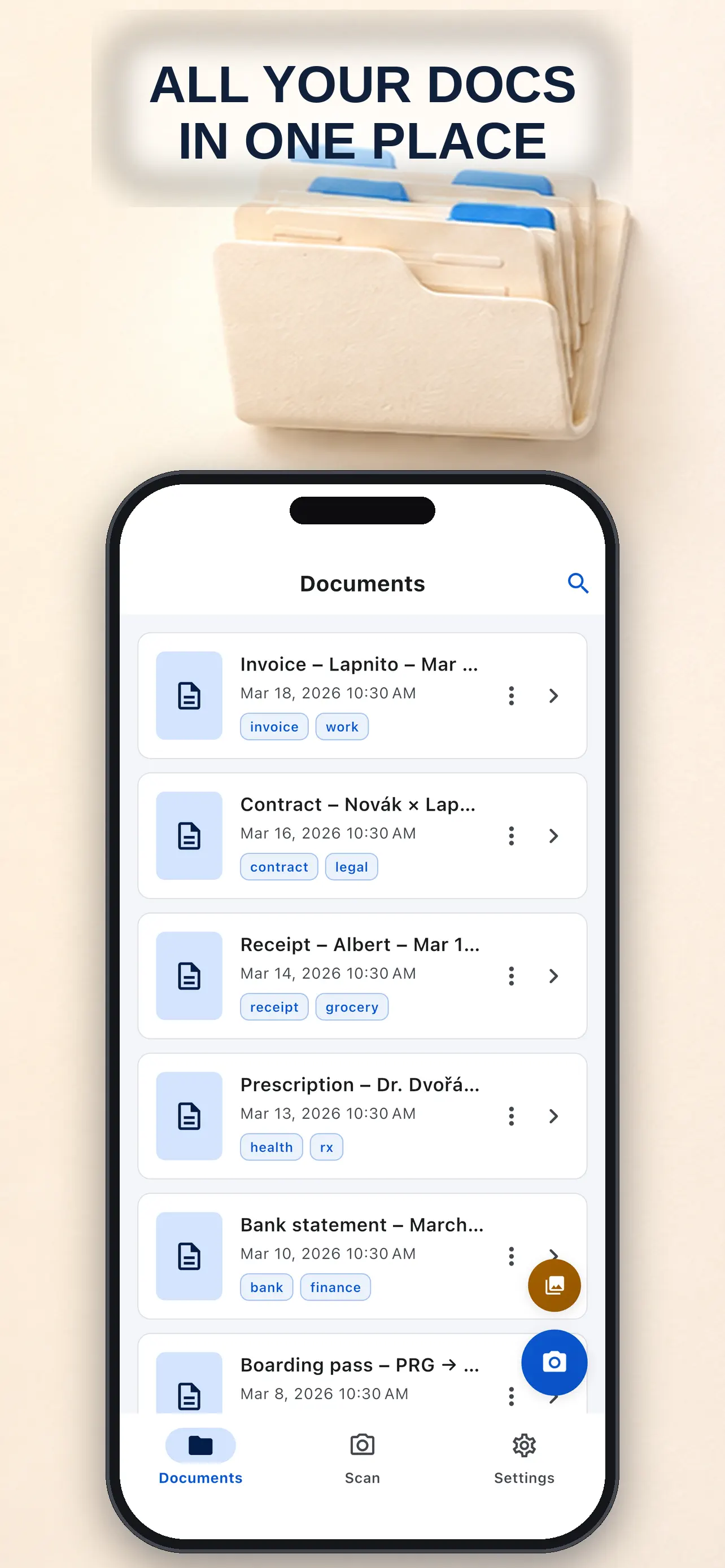
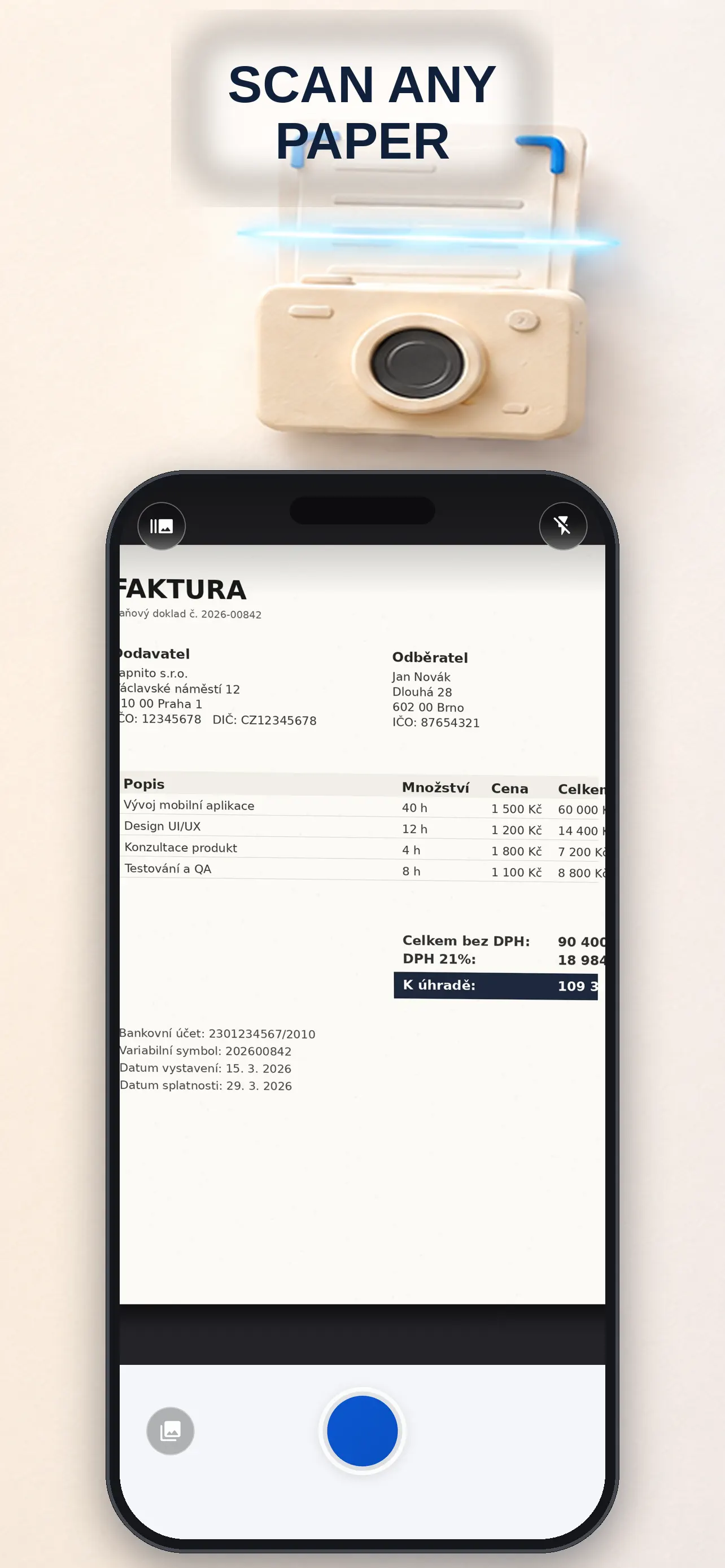
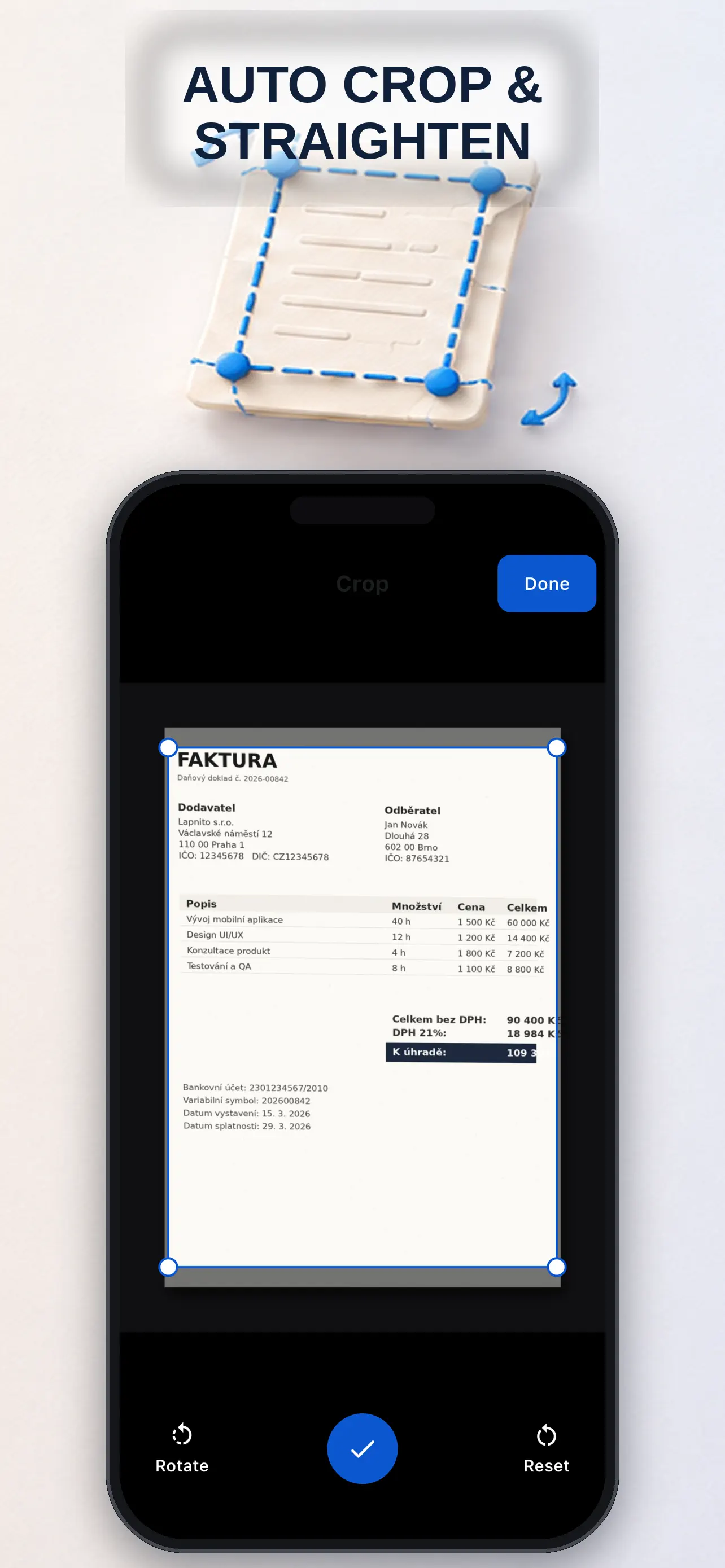
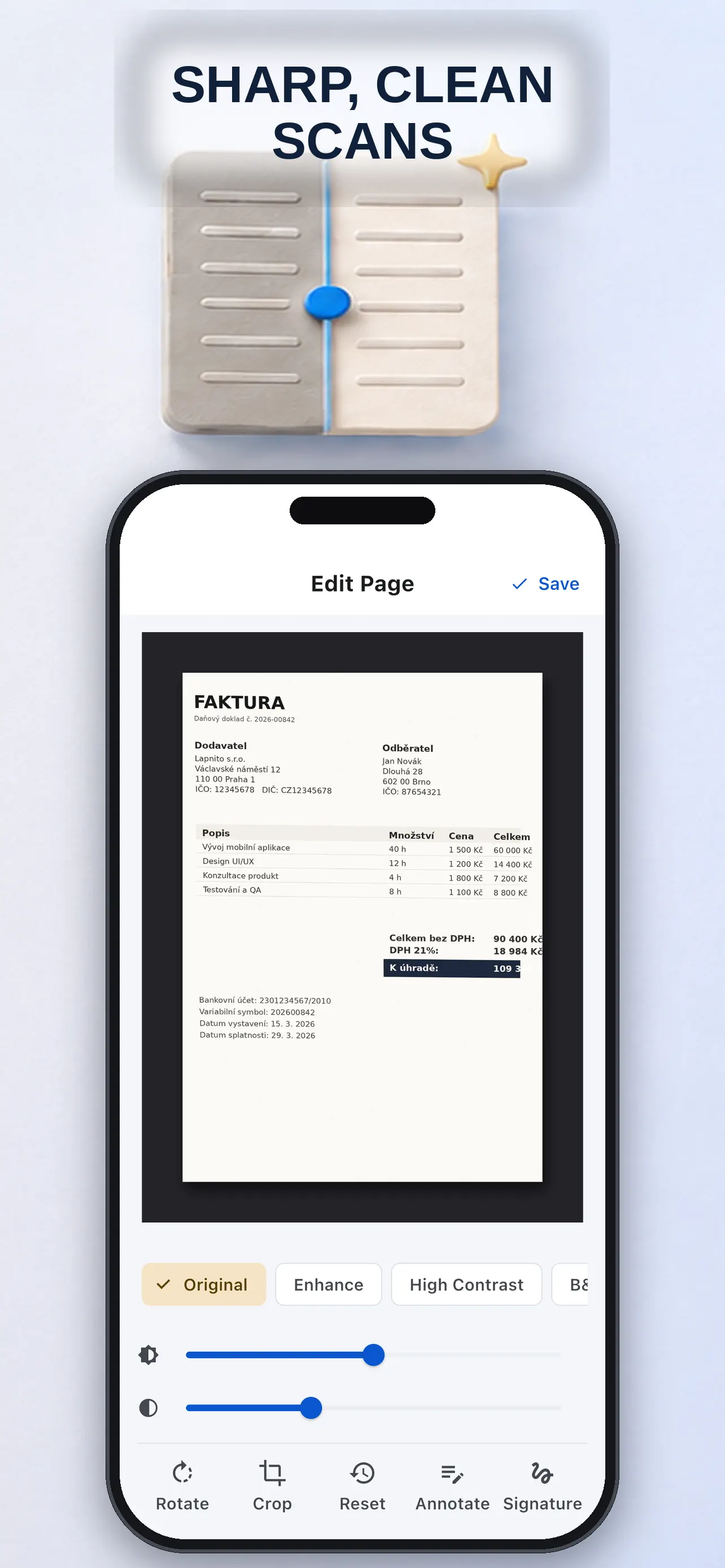
Scan to PDF: Sign & Redact turns paper into a local PDF workflow on an iPhone: scan, correct the page, fill it, sign it, redact it and save or share the result. Automatic edge detection and perspective correction speed up capture, while manual corners, batch ordering, filters, brightness controls and OCR help with awkward receipts or multi-page documents. A redaction is baked into the exported PDF rather than added as a removable layer, and a Face ID-locked library can keep documents local. It is designed for practical paperwork such as invoices, forms, statements and ID copies.
At a glance
- Platforms
- iPhone
- Price
- Free
- Category
- Productivity
- No ads
- ✓
- No tracking
- ✓
- Works offline
- ✓
- Last verified
- 2026-07-29
- Minimum OS
- 15.5
- Version
- 2.0
- Released
- 2026-07-07
What is it?
Scan to PDF: Sign & Redact is an app for Scan papers to PDF, fill and sign them, and redact private information offline.
What problem does it solve?
It turns Scan papers to PDF, fill and sign them, and redact private information offline from several awkward steps into a direct phone workflow.
What it can do
- Auto edge detection + perspective fix, manual corner handles
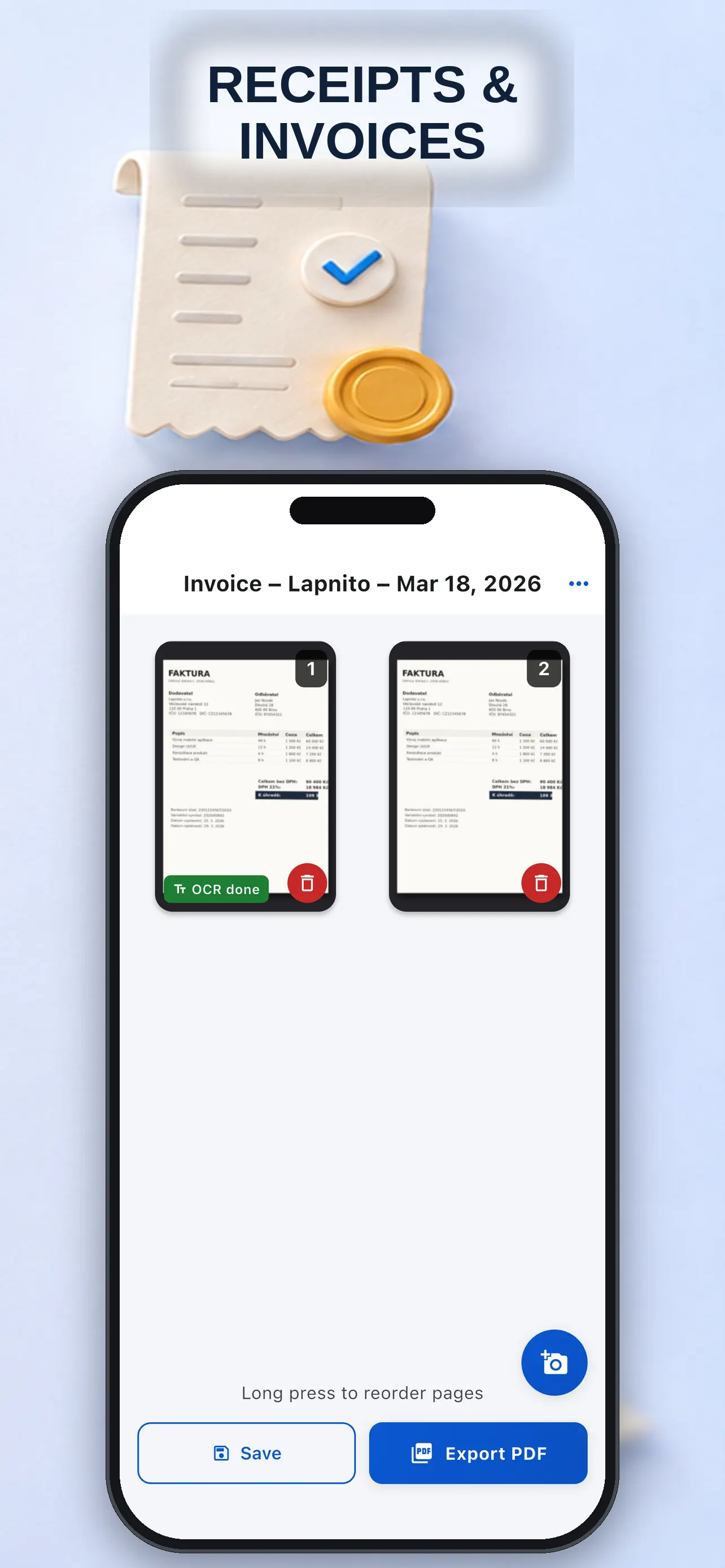
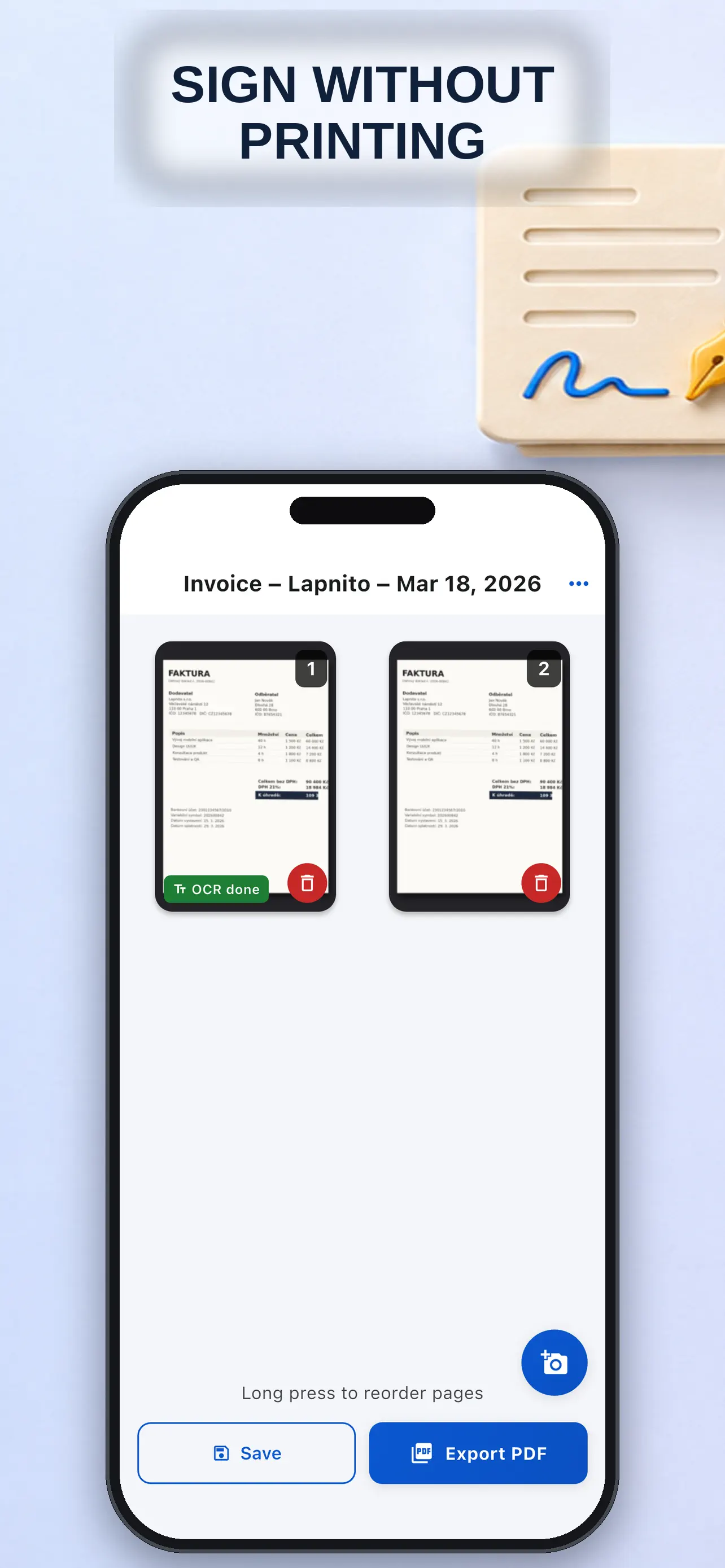
- Batch scanning; add, delete, reorder pages
- Filters and brightness/contrast for faded receipts
- OCR text recognition and automatic naming
- Compact or high-quality PDF export; share or save to Files
- Face ID-locked local library
- Receipts and invoices for expenses and taxes
- Bank statements redacted for landlords and agents
Screenshots
How to use it
Choose the tool for Scan papers to PDF, fill and sign them, and redact private information offline, enter or capture the information, check the result, and save it for later use.
Who it is for
People who want to handle Scan papers to PDF, fill and sign them, and redact private information offline clearly from a phone.
Privacy and permissions
You can find the permissions an app may request in its store listing and on its support page. The linked legal pages explain how the app handles data and the privacy choices it provides.
FAQ
Does Scan to PDF: Sign & Redact include Auto edge detection + perspective fix, manual corner handles?
Scan to PDF: Sign & Redact lists this feature in its store description: Auto edge detection + perspective fix, manual corner handles
How does Scan to PDF: Sign & Redact handle Batch scanning; add, delete, reorder pages?
Scan to PDF: Sign & Redact lists this feature in its store description: Batch scanning; add, delete, reorder pages
What can Scan to PDF: Sign & Redact do with Filters and brightness/contrast for faded receipts?
Scan to PDF: Sign & Redact lists this feature in its store description: Filters and brightness/contrast for faded receipts
When is OCR text recognition and automatic naming useful in Scan to PDF: Sign & Redact?
Scan to PDF: Sign & Redact lists this feature in its store description: OCR text recognition and automatic naming