
BarcodeWake for Android.
An alarm clock that rings until you scan a barcode, solve a puzzle or walk.
- Android
- Free
What it is, in plain words.
BarcodeWake: Mission Alarm is an alarm clock for heavy sleepers that stops only when you complete a mission. You can scan a barcode or QR code, solve a math problem, type a sentence, shake the phone, walk real steps or tap an NFC tag. It is free and works offline, with no ads or subscription.
What is it?
BarcodeWake: Mission Alarm is an Android mission alarm clock with six ways to prove you are awake and anti-cheat protection.
What problem does it solve?
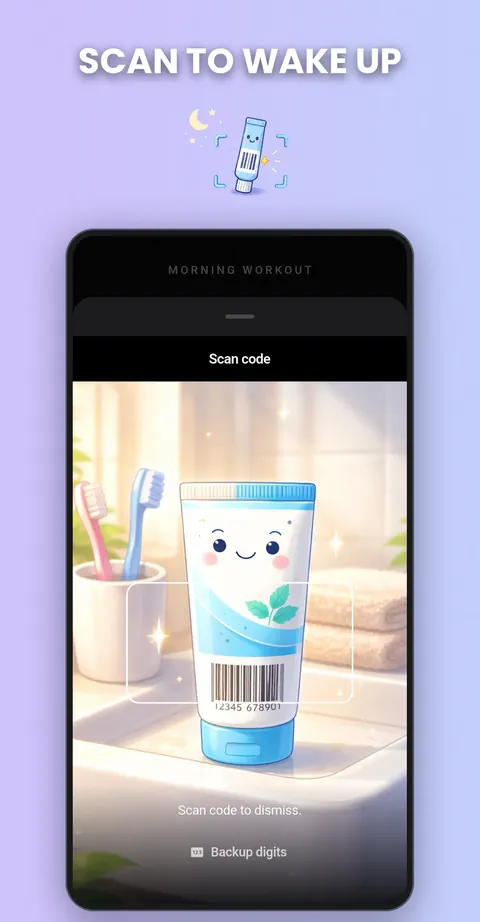
Swiping away an alarm and sleeping on is easy to do half asleep. A mission alarm makes you get out of bed first, for example to scan a barcode on a product in the kitchen, so the alarm stops only when you are really up.
Everything it can do.
Scan to dismiss
Register a barcode or QR code on something far from your bed and scan it to stop the alarm.
Math, typing and shake missions
Solve easy to hard math problems, type a sentence exactly or shake the phone until the counter is full.
Walk and NFC missions
Take real steps counted by the pedometer or tap an NFC tag in the bathroom or kitchen.
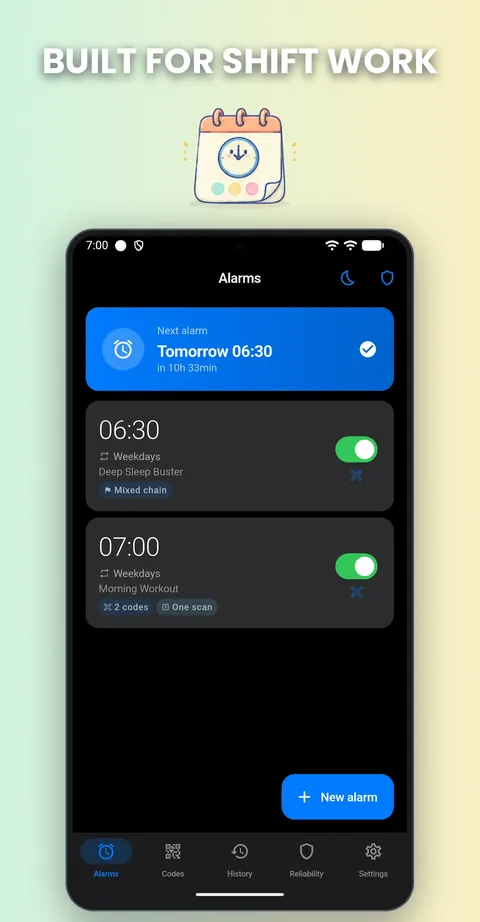
Mission chains
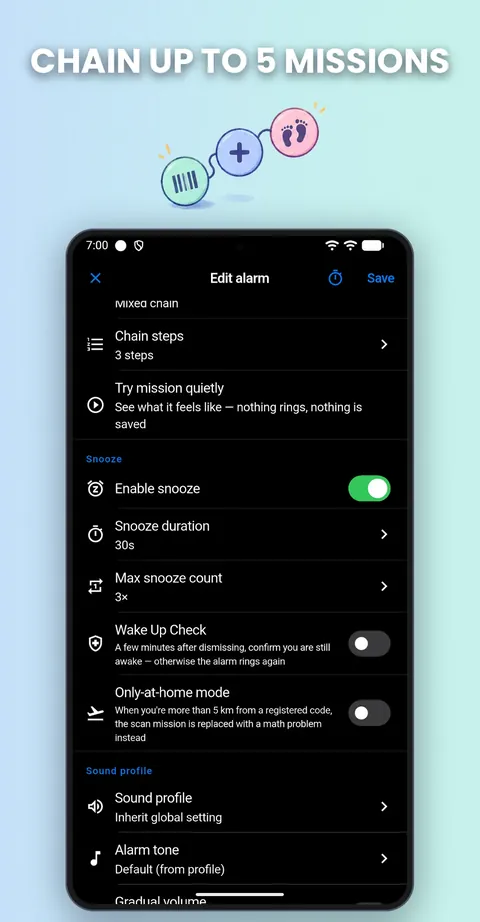
Chain up to 5 missions in one alarm or let the app pick a random one.
Wake up check
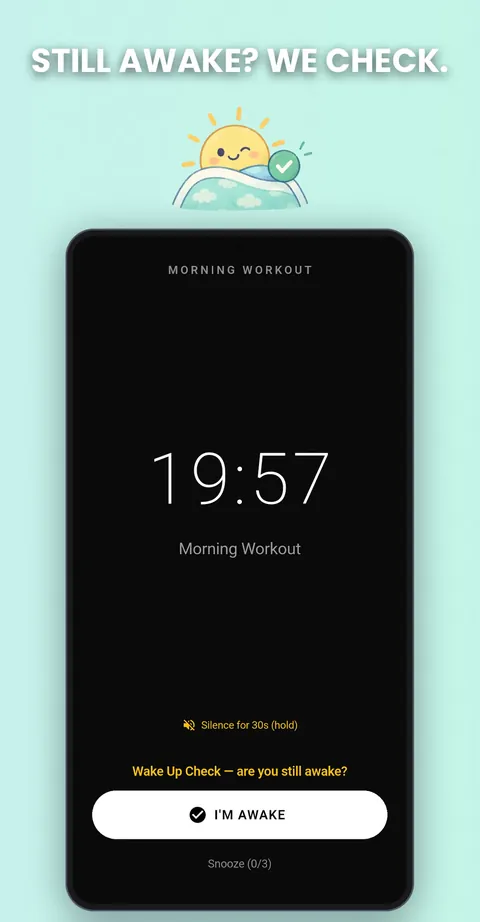
A few minutes after you dismiss the alarm, the app checks that you are still awake and rings again if you are not.
Anti-cheat protection
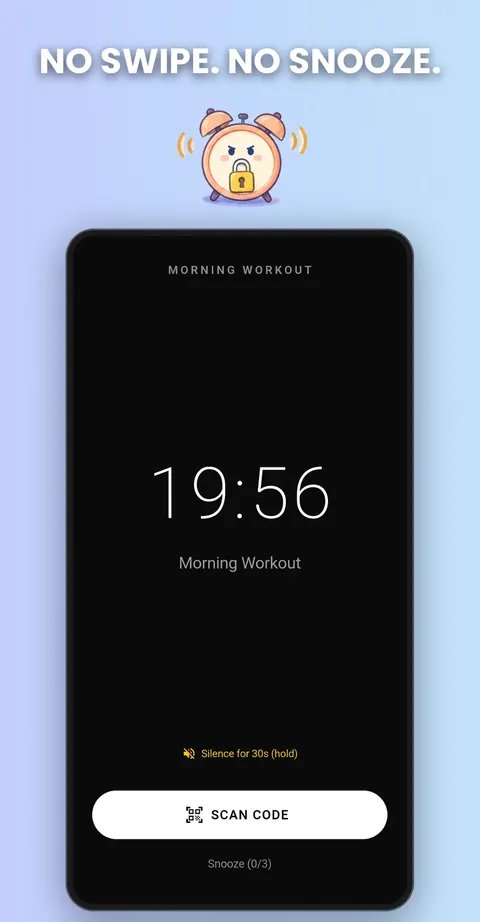
Volume buttons, the notification shade and the back button are blocked while ringing, and the alarm survives a reboot or force-stop.
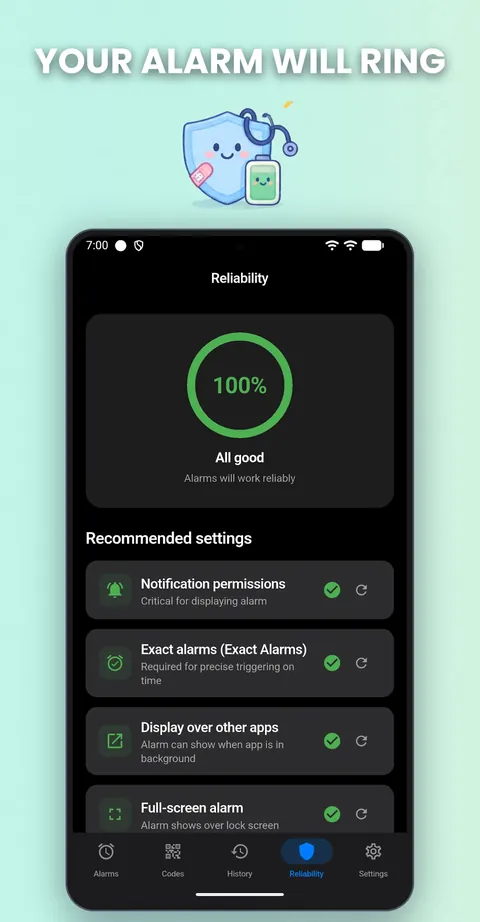
Reliability Doctor
Detect your phone maker and show the battery settings to change so alarms are not killed.
Alarm scheduling and sounds
Use shift repeat, weekday and one-off alarms, a next-alarm widget with Skip, a nap timer, gradual volume and custom or extra-loud tones.
See it up close.
Up and running in three steps.
Register a code
Scan a barcode or QR code on an object far from your bed.
Set the alarm and mission
Choose the time and one or more missions, such as scan, math or walk.
Wake up for real
When the alarm rings, complete the mission to stop it.
Is it for you?
Heavy sleepers, chronic snoozers, students, nurses, shift workers and anyone whose five more minutes turns into forty-five.
Private by design.
The Google Play listing says there is no account, internet access or tracking, and that barcodes are stored only as hashes on your device. The Play data safety section reports that no data is collected. The privacy page says optional telemetry is off by default. The optional Accessibility service is used only to block the power-off menu while an alarm rings, and it is off until you enable it.
- No ads
- No tracking
- Works offline
Questions, answered.
Is BarcodeWake really free?
Yes. The listing says there are no ads, paywall, subscription or premium tier, and everything is unlocked from day one.
Does it work offline?
Yes. The listing says it is 100% offline.
What if I am away from my registered barcode?
Only-at-home mode switches the scan mission to a math challenge, so you are not stuck without your barcode.
Why might my alarm not ring?
Many phones kill alarm apps with the battery optimizer. The Reliability Doctor shows the exact settings to change for your phone maker.
Can I turn the phone off to silence it?
The optional power-off block closes the power-off menu while ringing, which needs the Android Accessibility service that you enable yourself.
Is there an emergency exit?
Yes. There is a 30-second silence and a PIN-protected emergency dismiss, available once per 24 hours.
Support, privacy and terms.
App details
- Platforms
- Android
- Price
- Free
- Category
- Utilities
- Version
- 2.0.3
- Released
- October 15, 2026


