Boat Knot Meter for iPhone.
GPS speed over ground in knots, with anchor watch and no-wake alarm.
- iPhone
- Free
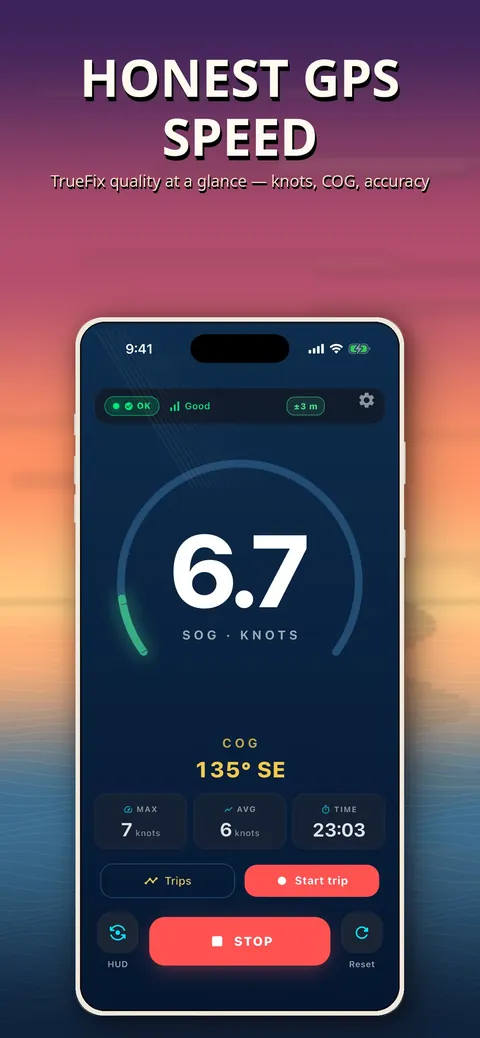
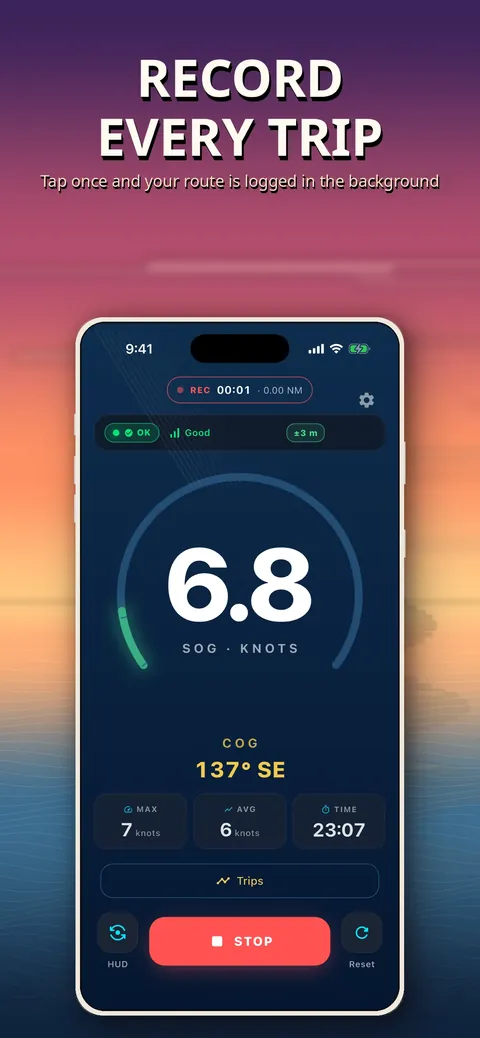
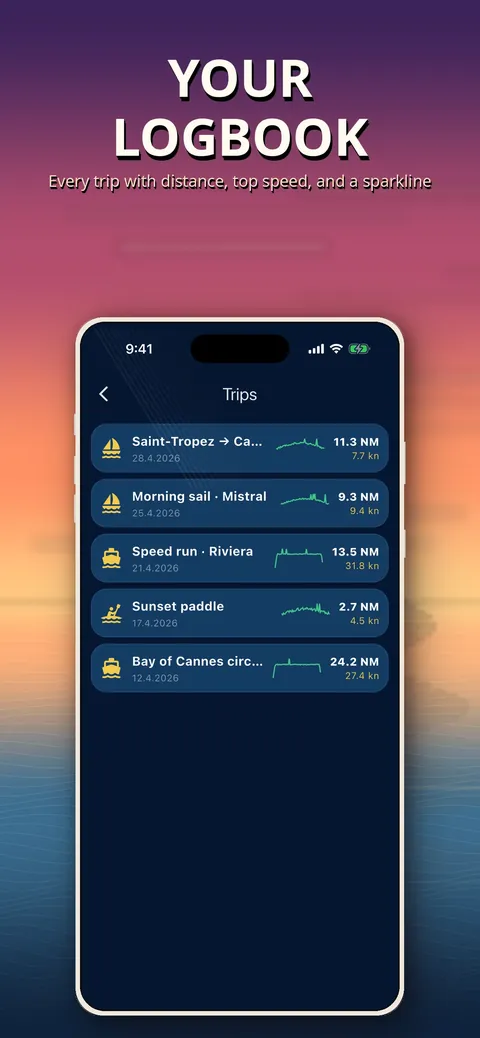
What it is, in plain words.
Boat Knot Meter: Anchor Watch shows your true speed over ground in knots with 0.1-knot precision, plus course over ground. It adds an anchor drift alarm and a no-wake speed alarm for sailors, fishers, kayakers and small-craft owners. It is a boat speedometer and anchor watch, not a chartplotter.
What is it?
Boat Knot Meter: Anchor Watch is a GPS speedometer for boats that also provides an anchor drift alarm, a no-wake alarm and a trip log.
What problem does it solve?
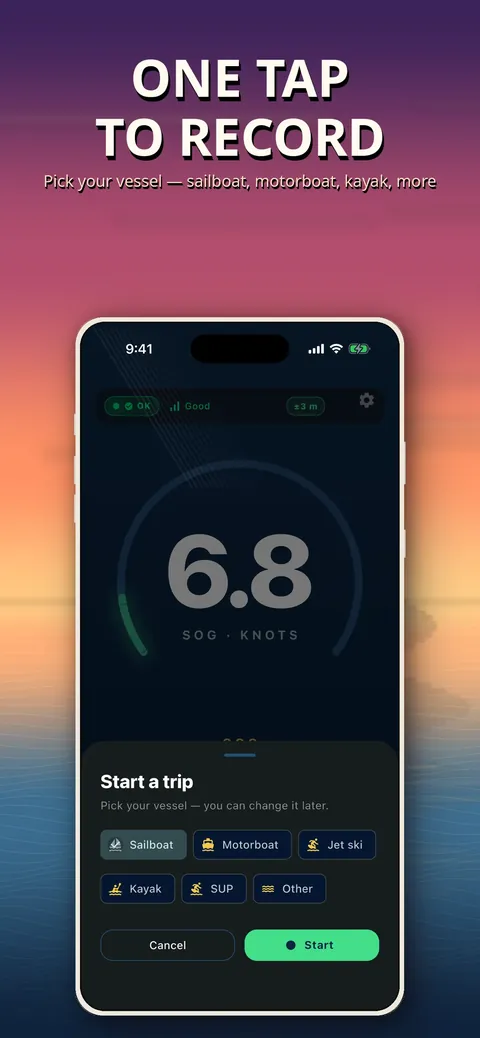
Small boats, dinghies and kayaks often have no instruments, and a phone GPS can spike or silently lose its fix. This app shows GPS quality at all times and dims the speed digits when the signal degrades, instead of pretending everything is fine.
Everything it can do.
Speed over ground
Read speed in knots, km/h, mph or m/s with 0.1-knot precision.
Course over ground
See your course as a compass and in degrees.
Captain Mode
Giant digits stay readable from the helm about 2 m away.
Anchor watch
Set a safety radius of 10, 25, 50 or 100 m and get an audio and vibration alarm if the boat drifts beyond it.
No-wake alarm
Country presets for speed limits can be edited per harbour, and a red banner with haptic alert fires when you exceed the limit.
GPS quality indicator
The app shows fix accuracy as Waiting, OK, Weak or Lost, and a glitch guard suppresses GPS spikes near cliffs, bridges and tall buildings.
Trip log
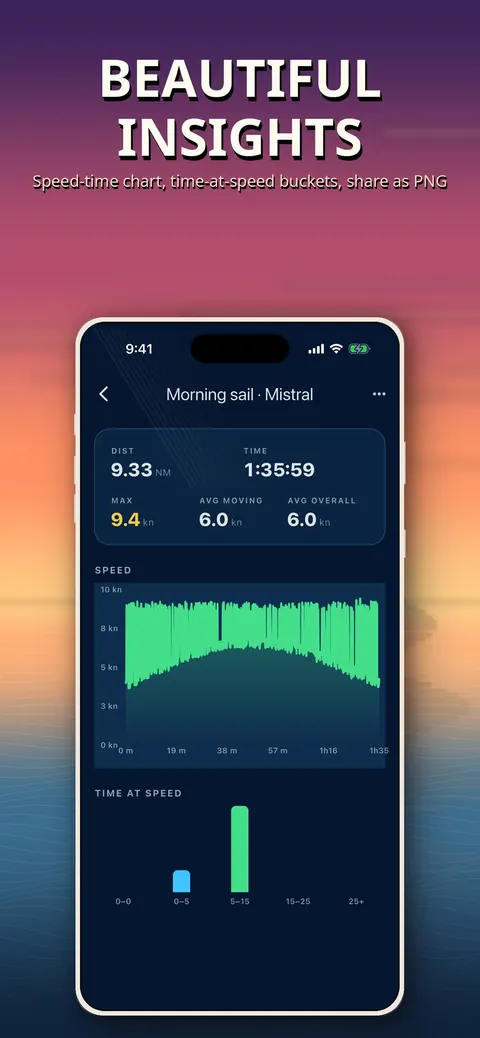
Track distance in nautical miles, maximum and average knots and time spent in speed ranges.
GPX and CSV export
Export a day as GPX 1.1 for OpenCPN or as CSV for spreadsheets.
See it up close.
Up and running in three steps.
Wait for a GPS fix
Open the app outdoors and check that the fix indicator shows OK.
Choose your tools
Read speed and course, set a no-wake limit, or drop anchor and set the safety radius.
Review the trip
Open the trip log to see distance and speed, and export it as GPX or CSV if you wish.
Is it for you?
Sailors, fishers, jet ski and motor yacht owners, and kayak or paddleboard users who want a reliable speed readout and an anchor alarm on a phone. It also has a Drive Mode for road use. It is not a substitute for certified marine instruments or a chartplotter.
Private by design.
The store listing says no data leaves your phone, with no analytics, crash reporting, cloud, third-party tracker or accounts. The only network call is the optional Send Feedback form, which you start yourself. The app needs location for GPS speed, and background anchor monitoring with the screen off works when you grant Always Location.
- No ads
- No tracking
- Works offline
Questions, answered.
Does it work without cell signal?
Yes. It works offline once it has a GPS lock, so no cell signal is needed in open water.
Is this a chartplotter?
No. It has no AIS, electronic charts or autopilot, and it should be used alongside a chartplotter, not instead of one.
Can the anchor alarm run with the screen off?
Yes, background monitoring continues with the screen off when you grant Always Location.
Which speed units are supported?
Knots, km/h, mph and m/s.
Can I use it in a car?
Yes. Drive Mode in Settings, Advanced, Modes turns it into a GPS speedometer for car, motorcycle or bicycle.
Can I rely on it for navigation?
No. The listing states it is not a substitute for certified marine instruments or for navigation, collision avoidance or open-ocean passage.
Support, privacy and terms.
App details
- Platforms
- iPhone
- Price
- Free
- Category
- Navigation
- Minimum OS
- iOS 13.0+
- Version
- 1.0
- Released
- April 29, 2026


