Bubble Level & Inclinometer for iPhone and Android.
A spirit level and angle finder with calibration, tolerance alerts and history.
- iPhone
- Android
- Free
What it is, in plain words.
Bubble Level & Inclinometer turns your phone into a level and angle finder for DIY, trades and everyday fixes. It offers a 2D bullseye, horizontal and vertical levels, an angle mode in degrees, percent grade, mm/m and roof pitch, and a camera clinometer. A guided calibration and a live confidence bar help you trust each reading.
What is it?
Bubble Level & Inclinometer is a measuring app that uses your phone's motion sensors as a spirit level, inclinometer and slope finder.
What problem does it solve?
Hanging a shelf straight, tiling a floor or levelling a caravan needs a reliable reference, and a real level is rarely in your pocket. This app gives a calibrated reading in under a second and tells you through sound and haptics when you are within tolerance, so you can work without staring at the screen.
Everything it can do.
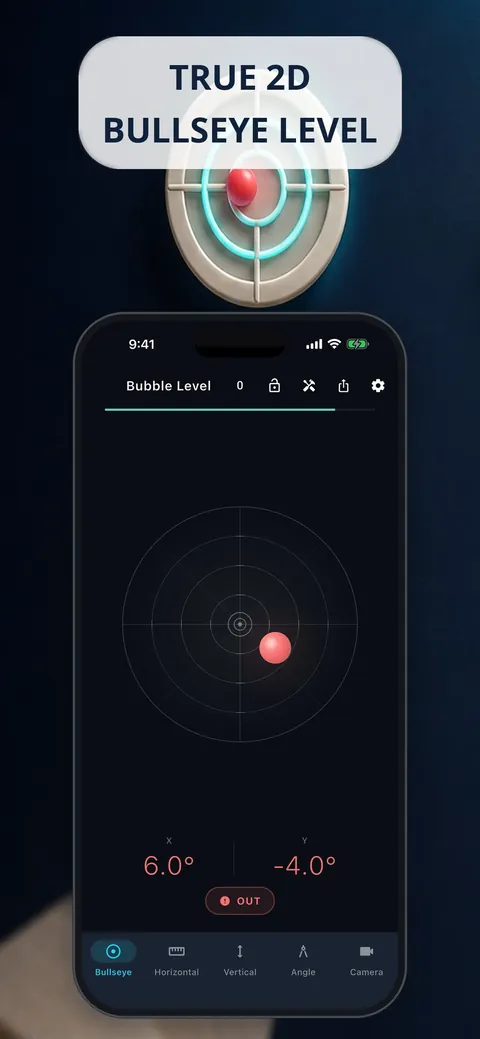
Bullseye level
A 2D circular level shows tilt on tables, shelves, appliances and tripods.
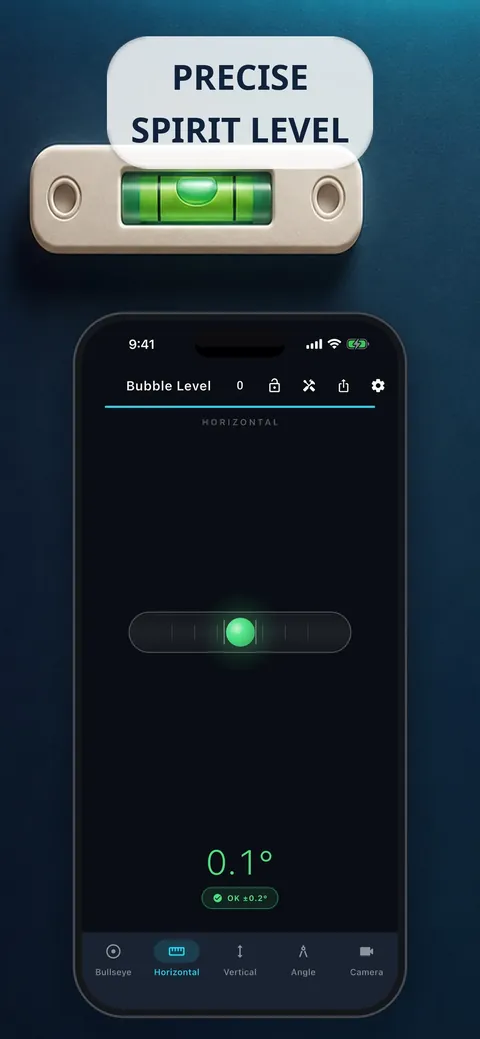
Horizontal and vertical level
Classic single-axis spirit level for shelves and door frames.
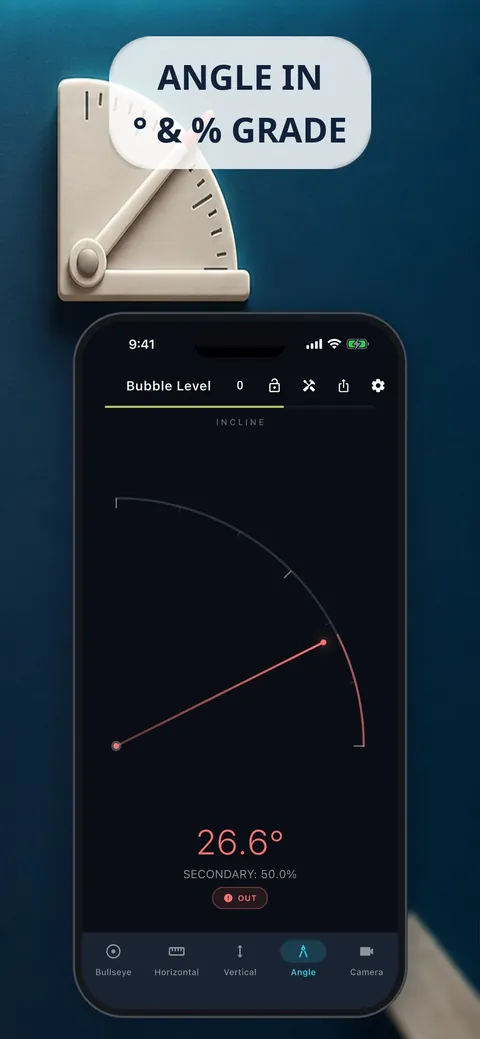
Angle mode
Read any incline in degrees, percent grade, mm/m or roof pitch (x:12).
Camera clinometer
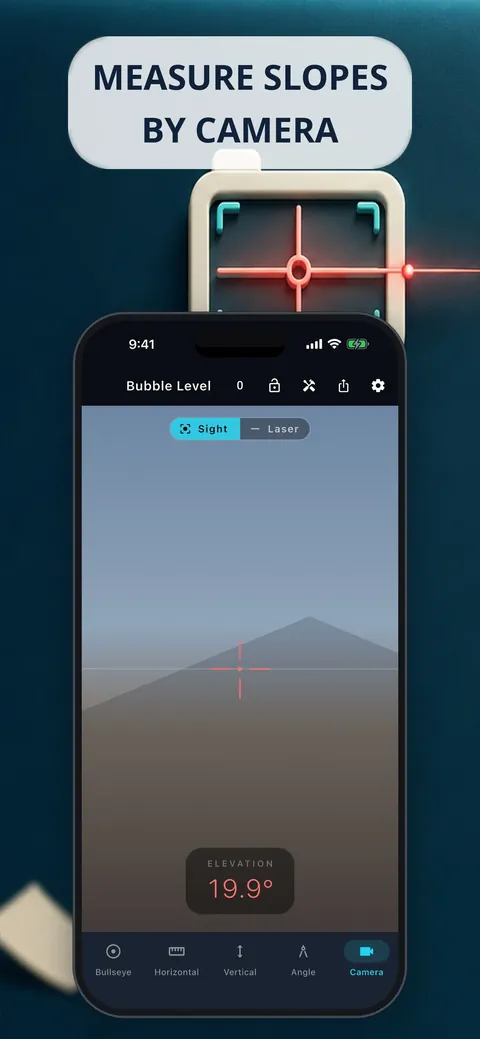
Point the camera at a roof, ramp or hillside to measure the slope you see, or project an AR laser line to hang shelves straight.
Calibration wizard
A guided 180-degree calibration with saved profiles keeps readings accurate, even with a phone case.
Tolerance guidance
OK, NEAR and OUT states with haptic and sound feedback tell you when you are level without looking.
Pro tools
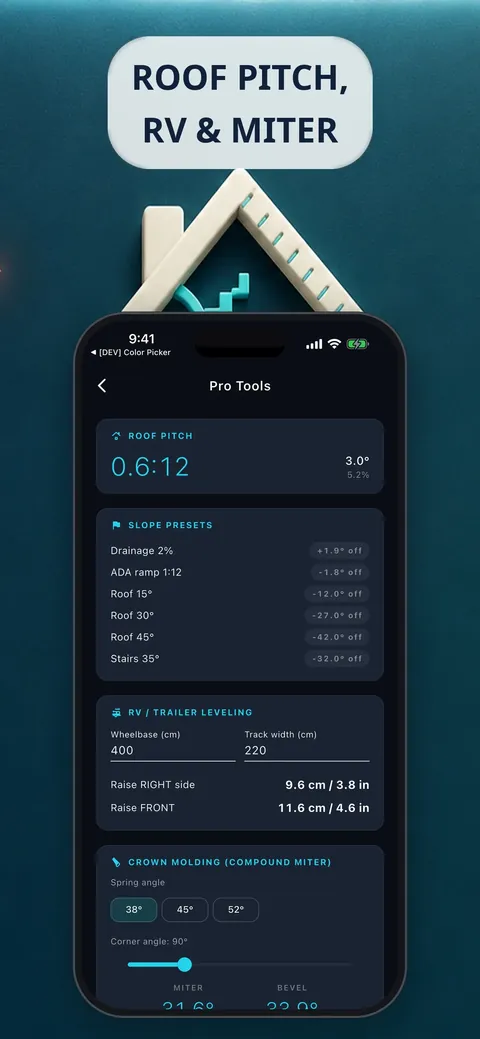
Roof pitch, RV and trailer levelling, crown-molding miter and bevel, and slope presets for drainage, ramps and stairs.
History and export
Label and save up to 500 measurements and export them to CSV.
See it up close.
Up and running in three steps.
Calibrate once
Run the guided 180-degree calibration on a flat surface.
Choose a mode
Pick bullseye, horizontal, vertical, angle or camera, and set a tolerance if you need one.
Measure and save
Place the phone on the surface, use Hold or Auto-hold to freeze the reading, and save it to history.
Is it for you?
DIY builders, tradespeople, woodworkers, tilers and roofers, RV and caravan owners, and anyone hanging pictures and shelves who wants a quick, trustworthy level.
Private by design.
The store listing says there are no ads, no tracking, no account and no data collected, and that measuring works fully offline. The app uses the motion sensors, and the camera only for the camera clinometer and the AR laser line, where the picture is processed on the device and not saved, sent or shared. Note that the app's privacy page, last dated February 2026, still describes optional Google AdMob ads with a consent prompt, so check the current store listing for the latest status.
- No ads
- No tracking
- Works offline
Questions, answered.
Does it work offline?
Yes. The store listing says all measuring works 100% offline.
How do I make it more accurate?
Run the guided 180-degree calibration wizard. You can save calibration profiles, so a phone case does not cost you accuracy.
Which units can it show?
Angles in degrees, percent grade, mm/m and a 1:X ratio, plus roof pitch in x:12.
What does tolerance mode do?
It marks the reading as OK, NEAR or OUT within a tolerance band you choose and gives haptic and sound guidance, so you do not have to watch the screen.
Can I export my measurements?
Yes. History keeps up to 500 labeled measurements and exports them to CSV.
Why does it use the camera?
Only the camera clinometer and AR laser line use it, to sight a slope or project a level line. The picture is processed on the device and is not saved or sent.
Support, privacy and terms.
App details
- Platforms
- iPhone and Android
- Price
- Free
- Category
- Utilities
- Minimum OS
- iOS 14.0+
- Version
- 2.0
- Released
- July 22, 2026


