LumenLeaf for iPhone and Android.
Measure PPFD, DLI, lux and color temperature for your plants with your phone.
- iPhone
- Android
- Free
What it is, in plain words.
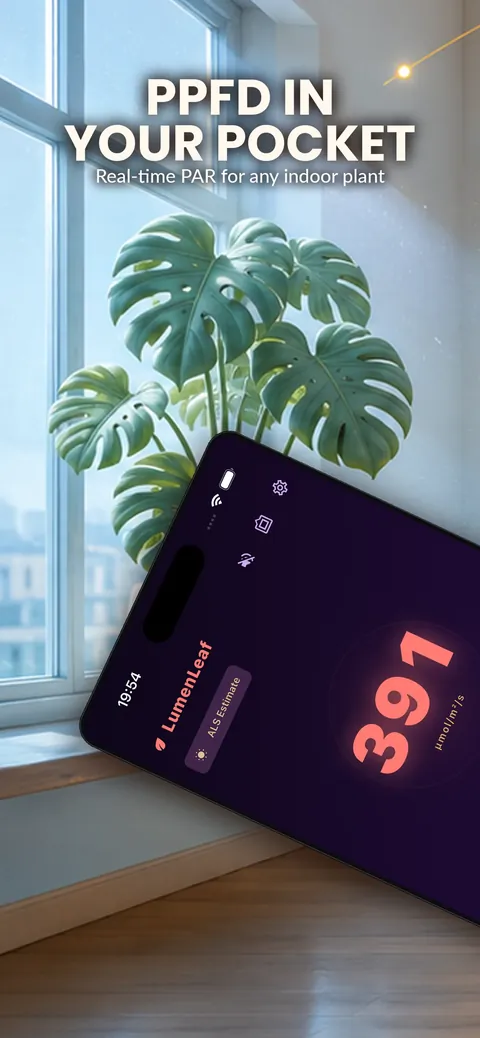
LumenLeaf: PPFD Grow Light turns your phone into a PAR and PPFD grow light meter. It measures PPFD, daily light integral, lux and color temperature for houseplants, microgreens, grow tents and planted aquariums. Every feature is free, works offline and needs no account, and the app is open about whether a reading comes from the camera or the ambient light sensor.
What is it?
LumenLeaf: PPFD Grow Light is a light meter app that measures PPFD, DLI, illuminance and color temperature for plants.
What problem does it solve?
Plants need the right amount of light, and guessing at a window or a grow lamp leads to leggy or scorched leaves. LumenLeaf gives a number and compares it with a target range for your plant, while clearly labeling how reliable the reading is.
Everything it can do.
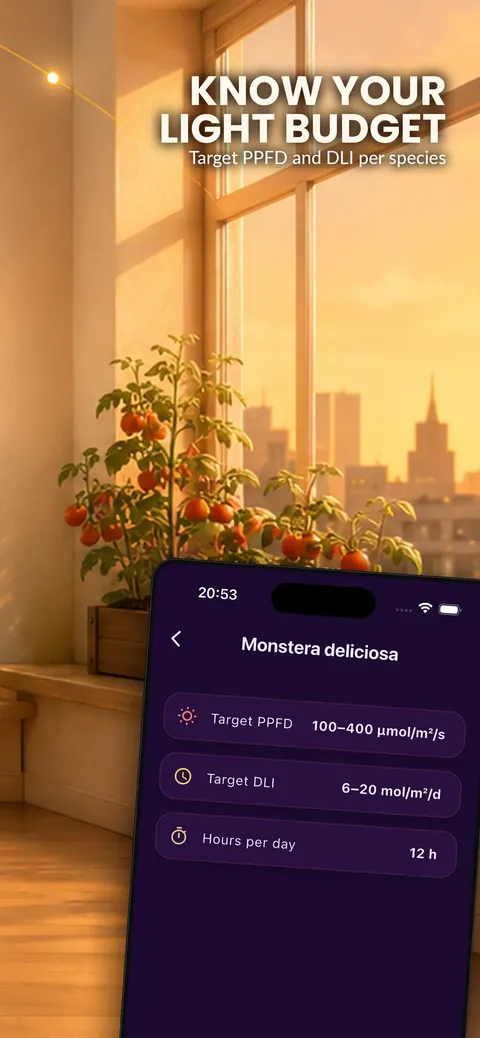
PPFD and PAR
Measure photon flux density in µmol/m²/s in real time.
Daily light integral
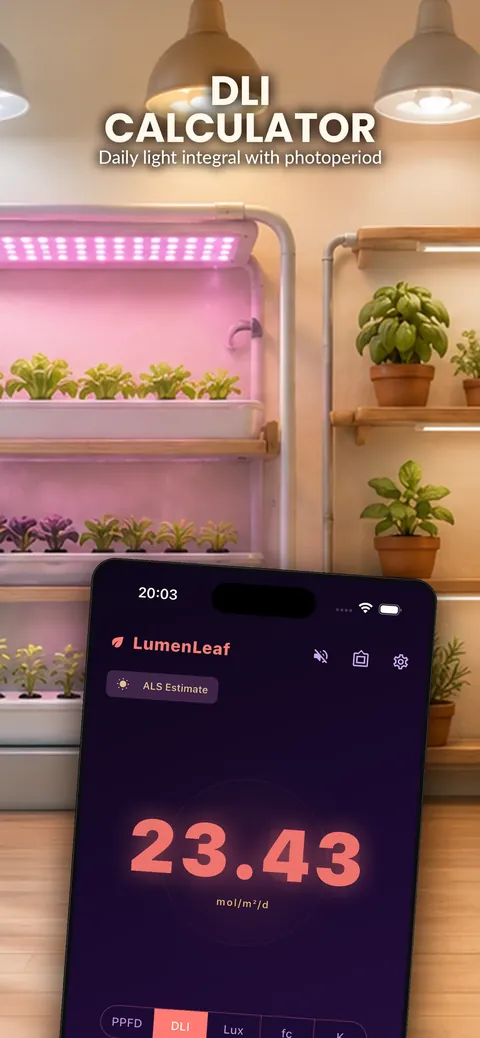
Convert live PPFD into DLI in mol/m²/d using the photoperiod of the use case you pick.
Lux and color temperature
Read illuminance in lux or foot-candles and color temperature in Kelvin.
Light source profiles
Choose sunlight, white LED, HPS, metal halide, CMH, fluorescent, CFL or halogen for better conversion.
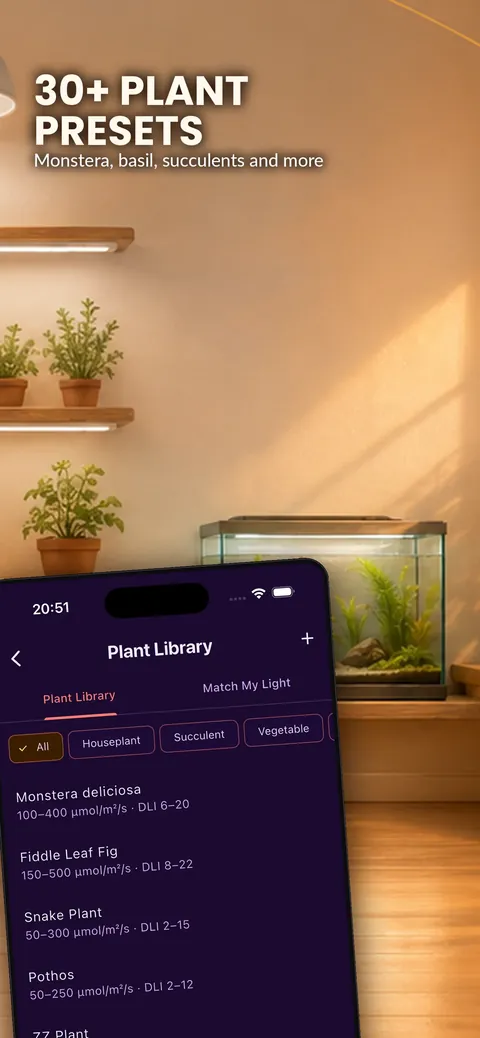
Plant presets
Use 33 presets with target PPFD and DLI ranges, or add your own plant.
Grow tent modes
Use modes for a grow tent, window light, a ceiling lamp or microgreens, and map the light spread across your tent.
Accuracy labels
The app shows whether you are in camera mode or ambient light sensor estimate mode.
History and export
Keep average, peak and minimum readings and export the history to CSV.
See it up close.
Up and running in three steps.
Pick a plant and use case
Choose a plant preset and a mode such as grow tent or window light.
Measure the light
Hold the phone where the plant sits, using the printer-paper diffuser if the app is in camera mode.
Compare with the target
See whether the light is on target, too low or too high, and adjust the lamp height.
Is it for you?
Houseplant owners, microgreen and herb growers, succulent and orchid fans, hydroponic and grow-tent hobbyists, and planted aquarium keepers.
Private by design.
The store listing says LumenLeaf collects zero data, with no analytics, tracking SDKs or advertising IDs, and that readings never leave your phone. It also says there is no account, ads or subscription and that the app works fully offline. It reads the camera or the ambient light sensor to take measurements.
- No ads
- No tracking
- Works offline
Questions, answered.
Is LumenLeaf really free?
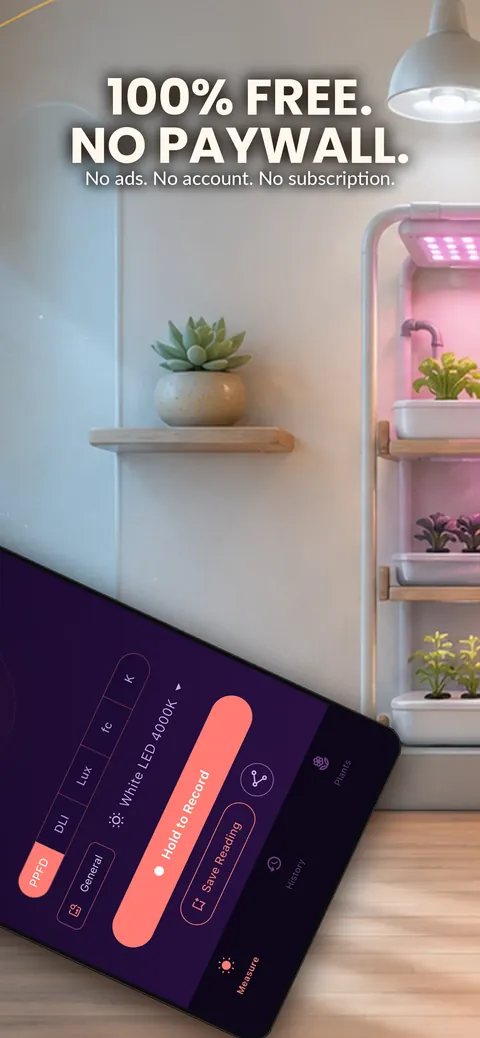
Yes. The store listing says every feature, light source and plant preset is free, with no ads, in-app purchases or Pro tier.
Does it work offline?
Yes. It works fully offline and needs no account.
How accurate is it?
On most Android phones it reads the ambient light sensor and labels the value an estimate. Camera mode is used on calibrated devices, and the app always shows which mode you are in.
Do I need extra hardware?
No. When the device runs in camera mode, a built-in guide shows how to make a diffuser from ordinary printer paper in about two minutes.
Can I use it for aquariums?
Yes. Aquatic plant presets for Anubias, Java fern and Vallisneria let you use it as a PAR meter for planted aquariums and terrariums.
Can I export my readings?
Yes. Measurement history can be exported to CSV.
Support, privacy and terms.
App details
- Platforms
- iPhone and Android
- Price
- Free
- Category
- Utilities
- Minimum OS
- iOS 14.0+
- Version
- 1.0
- Released
- May 27, 2026


