
EchoForge for iPhone and Android.
Record your voice, apply effects on your phone and share the clip, all offline.
- iPhone
- Android
- Free
What it is, in plain words.
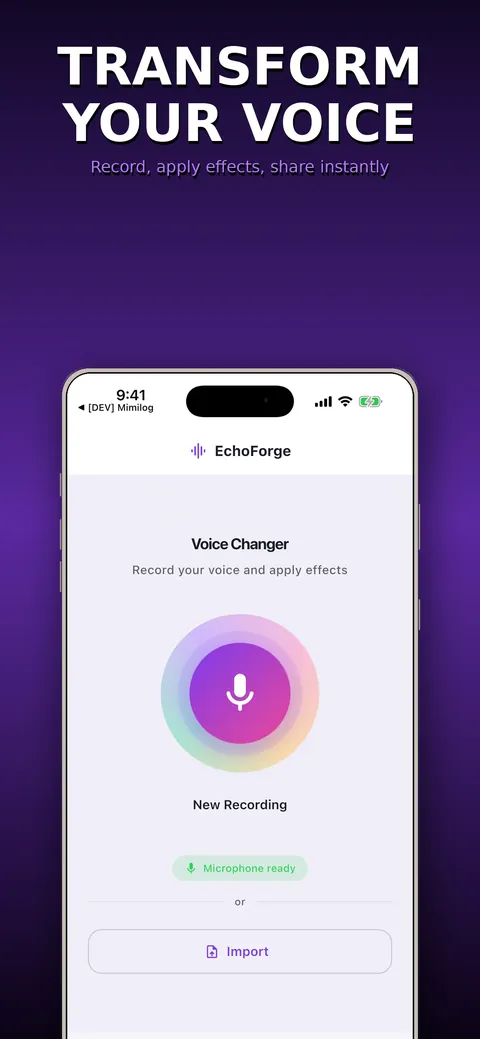
EchoForge: Voice Changer records your voice, runs it through studio-style effects on your device and lets you share the result. It includes 23 presets, from Helium to Monster, and a custom effect chain with up to 14 effect types. The store listing says the app has no internet permission, no account and no ads.
What is it?
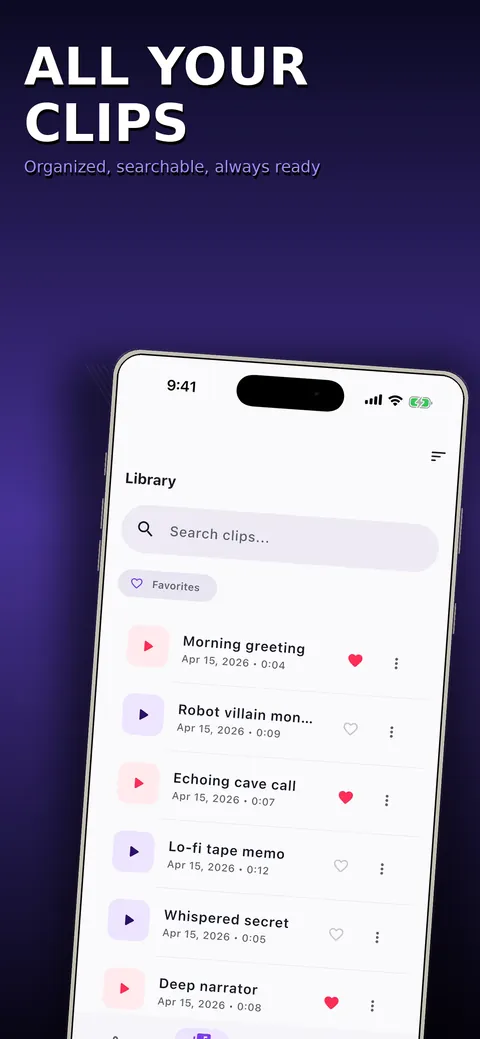
EchoForge: Voice Changer is a voice recorder and effects app with 23 presets, a custom effect chain and a local clip library.
What problem does it solve?
Funny voice messages, robot voices for a video or a private recording with reverb usually mean uploading audio to an online service. EchoForge does the processing on your phone, so the recording never has to leave it.
Everything it can do.
23 voice presets
Choose from Helium, Chipmunk, Giant, Robot, Cave, Stadium, Echo, Alien, Demon, Ghost, Whisper, Megaphone, Telephone and more, and hear the result instantly.
Custom effect chain
Stack up to 14 effect types, reorder them and switch each on or off.
Fine-tuning
Adjust pitch, reverb, echo, distortion, chorus and a 5-band equalizer with sliders and live preview.
Undo and redo
Step back or forward through every change while you tune.
Clip library
Clips are stored locally with search, favorites and tags.
Sequences
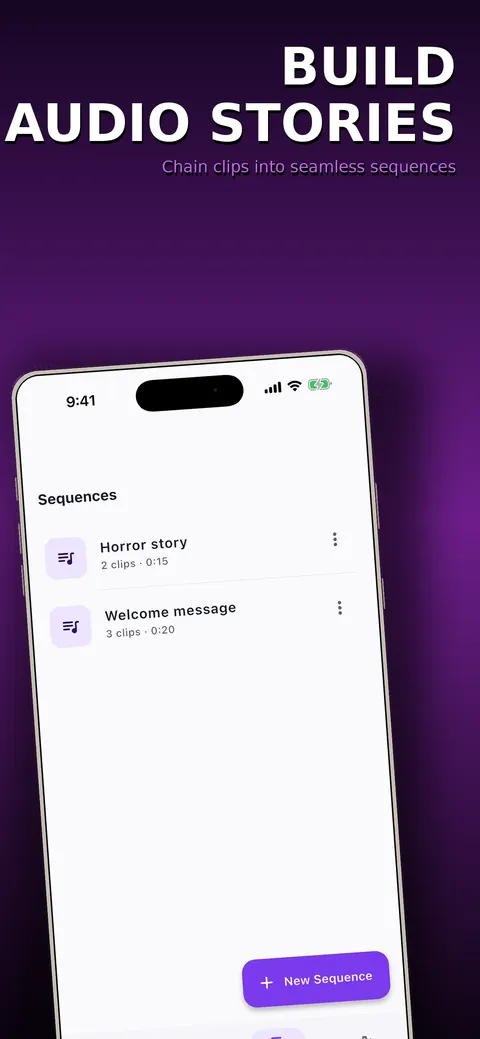
Join several clips into one sequence.
Export and share
Export as M4A (AAC) or WAV and send it through the standard share sheet; the file always contains the processed audio.
Accessibility
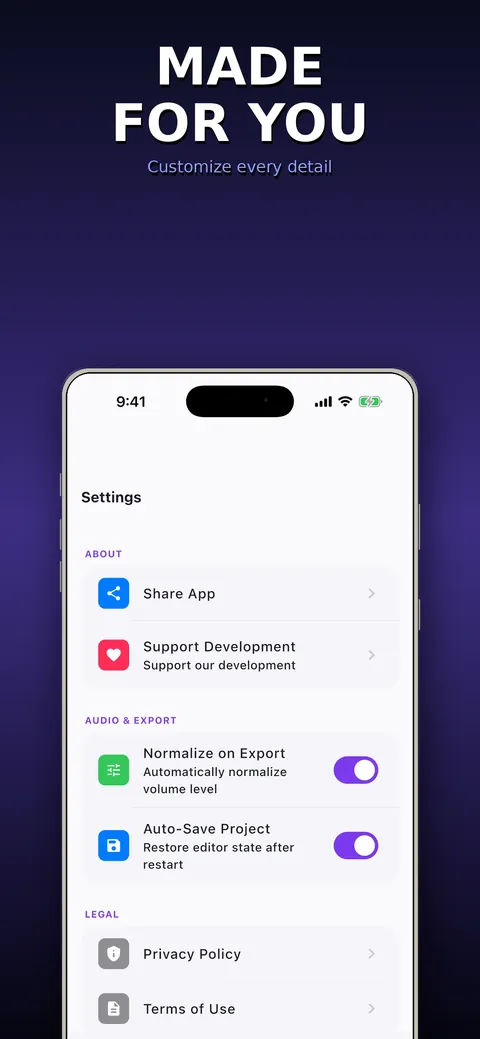
Light and dark themes, large controls, high contrast and VoiceOver support.
See it up close.
Up and running in three steps.
Record
Tap record and speak, or open a clip from your library.
Pick or build an effect
Tap a preset to hear it instantly, or stack and tune your own effect chain.
Export and share
Save as M4A or WAV and send it to a messaging app, social app or your files.
Is it for you?
People who want funny voice messages and pranks, robot, monster or ghost voices for videos and streams, character voices for storytelling, or a private voice recorder with studio-style effects.
Private by design.
The store listing says EchoForge has no internet permission, no account, no analytics, no trackers and no ads, and that nothing is uploaded. Clips are stored on your device. The app asks for microphone access to record your voice and file access to save and share exports.
- No ads
- No tracking
- Works offline
Questions, answered.
Does EchoForge need an internet connection?
No. The store listing says it works 100% offline and the app has no internet permission at all.
How many voice effects are there?
There are 23 presets, plus a custom chain where you can stack up to 14 effect types.
Which formats can I export?
M4A (AAC) and WAV, shared through the standard share sheet.
Does the exported file contain the original voice?
No. The exported file always contains the processed audio, never the raw take.
Is there a subscription?
No. The store listing says everything is included, with no subscription, paywall or unlockable extras.
Which languages does it support?
The store listing says it is available in 53 languages.
Support, privacy and terms.
App details
- Platforms
- iPhone and Android
- Price
- Free
- Category
- Entertainment
- Minimum OS
- iOS 15.0+
- Version
- 2.0
- Released
- August 19, 2026


