FLAC Player Offline for iPhone and Android.
An offline music player for your own FLAC, MP3 and lossless files, with gapless playback.
- iPhone
- Android
- Free
What it is, in plain words.
FLAC Player Offline: Gapless plays your own music files without a connection, an account or a subscription. It supports MP3, FLAC, ALAC, WAV, AAC, AIFF, OGG Vorbis and Opus in full quality, with gapless playback, crossfade and a 10-band equalizer. You can add music over Wi-Fi from your computer, through Files and Finder, or by importing whole folders.
What is it?
FLAC Player Offline: Gapless is a local music player for your own library with lossless and hi-res formats, gapless playback and tag editing.
What problem does it solve?
Music subscriptions rent you your own music back and need a connection, while many local players handle lossless files or album gaps poorly. This player keeps your files on your device, organizes them by album and artist and plays live and concept albums without gaps.
Everything it can do.
Lossless formats
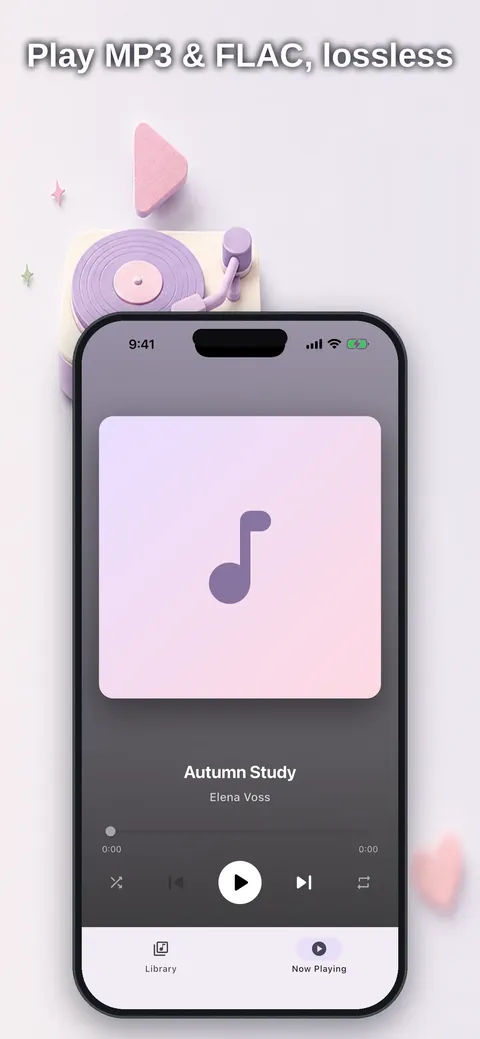
Play MP3, FLAC, ALAC, WAV, AAC/M4A, AIFF, OGG Vorbis and Opus.
Gapless playback
Albums such as live recordings, concept albums and DJ sets play without gaps, with optional crossfade between albums.
Wi-Fi transfer
Send music from your computer straight into the app from a browser.
Folder import
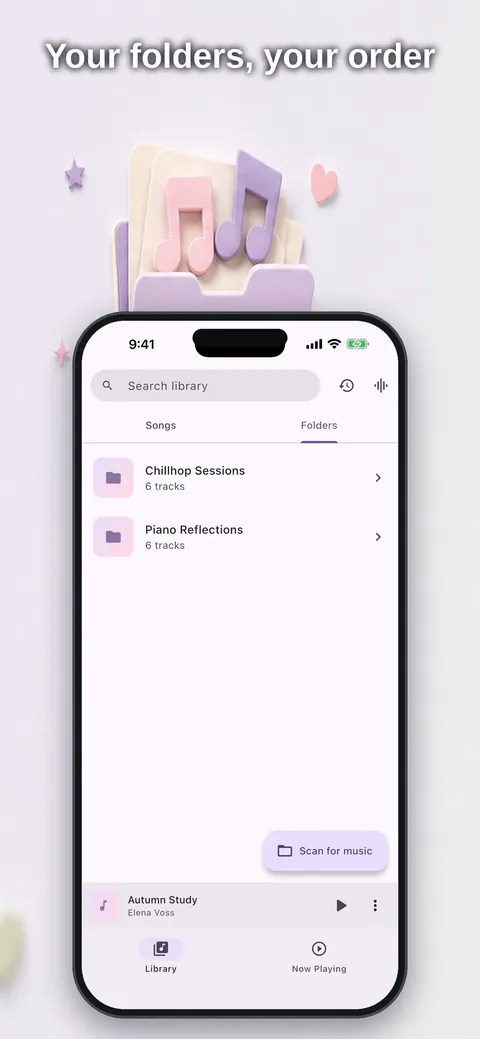
Import whole folders and keep their structure, or add files through Files and Finder.
Library organization
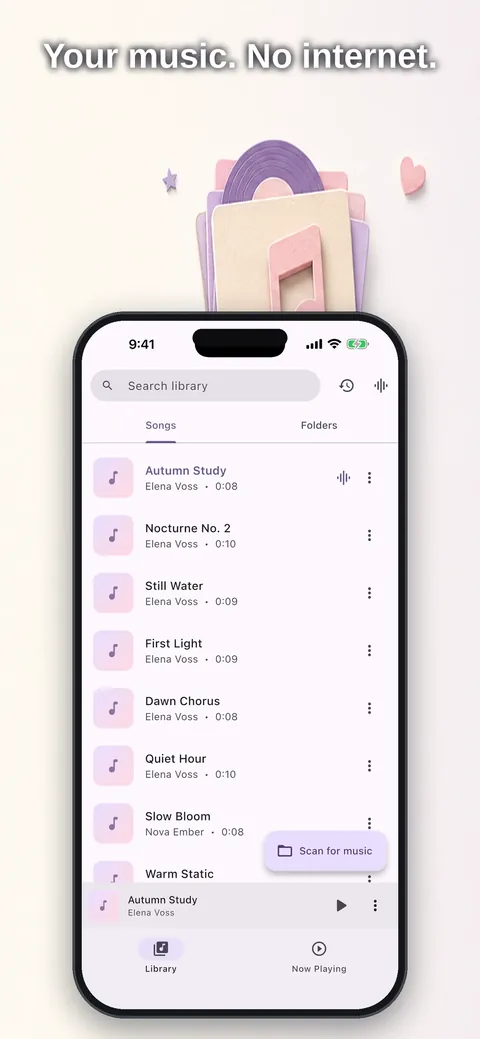
Browse albums, artists, genres and folders with cover art, and sort by title, artist, album, date added or length.
Tag and artwork editing
Edit tags and album artwork directly on your phone.
Equalizer
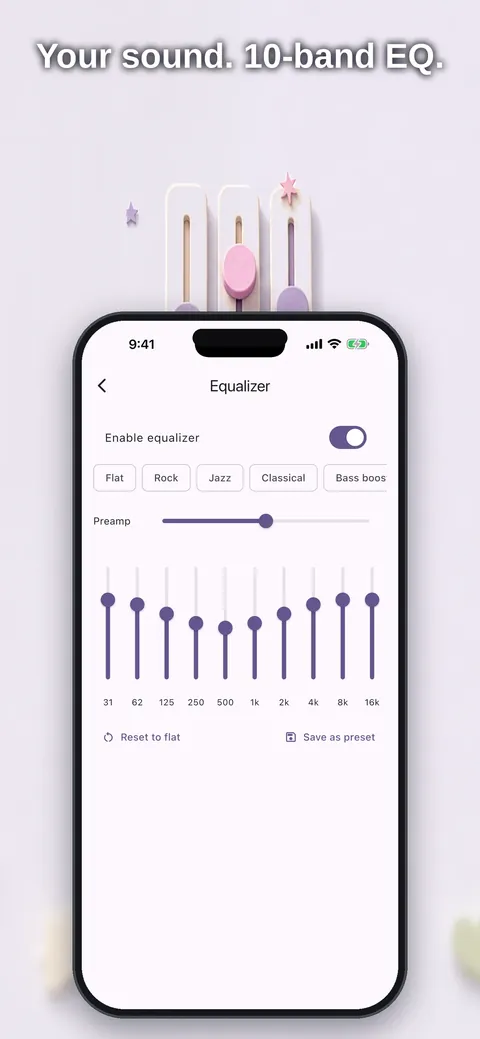
A 10-band equalizer with presets, and on Android also bass boost and ReplayGain levelling.
Playlists and queues
Build playlists, import and export M3U, keep several play queues and set a sleep timer with fade-out.
See it up close.
Up and running in three steps.
Add your music
Import files or folders, send them over Wi-Fi from your computer, or use Files and Finder.
Let it organize
Your library is sorted automatically by album, artist, genre and folder.
Press play
Playback works offline, including over Bluetooth, in the car and from the lock screen.
Is it for you?
Audiophiles with FLAC and hi-res collections, anyone with an MP3 library built over years, and travelers and commuters who do not want to use mobile data. It plays your own music files, and DRM-protected Apple Music tracks cannot be played.
Private by design.
The store listing says your music files never leave your device, with no analytics, tracking, account or ads, and that the app works offline. The App Store and Play descriptions do not list the permissions, so refer to the app's privacy page and the store listing for details.
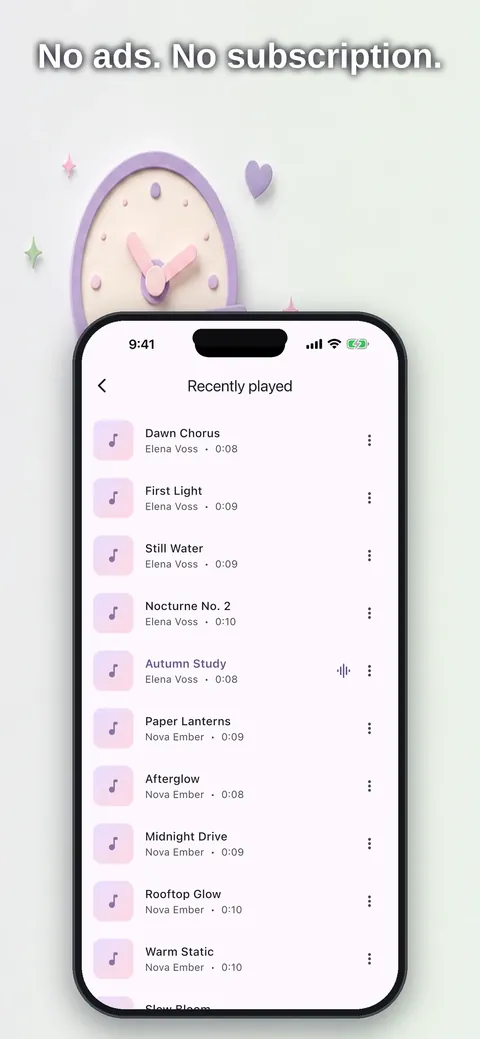
- No ads
- No tracking
- Works offline
Questions, answered.
Does it need an internet connection?
No. It plays local files and works offline.
Which audio formats are supported?
MP3, FLAC, ALAC, WAV, AAC/M4A, AIFF, OGG Vorbis and Opus on iOS, with MP3, FLAC, ALAC, WAV, OPUS and OGG named in the Google Play description.
How do I get music from my computer?
Use the Wi-Fi transfer, which lets you drop files into the app in your browser, or add files through Files on iPhone and Finder on Mac.
Does it have gapless playback?
Yes. Gapless playback is a core feature, and crossfade between albums is optional.
Can I play Apple Music downloads?
No. DRM-protected Apple Music tracks cannot be played, because the player is for your own music files.
Can I edit tags and cover art?
Yes. You can edit tags and album artwork on your phone.
Support, privacy and terms.
App details
- Platforms
- iPhone and Android
- Price
- Free
- Category
- Music
- Minimum OS
- iOS 15.0+
- Version
- 3.0
- Released
- October 25, 2026


