
FuelFare for iPhone and Android.
Work out what a trip costs, split fuel between passengers and track commutes.
- iPhone
- Android
- Free

What it is, in plain words.
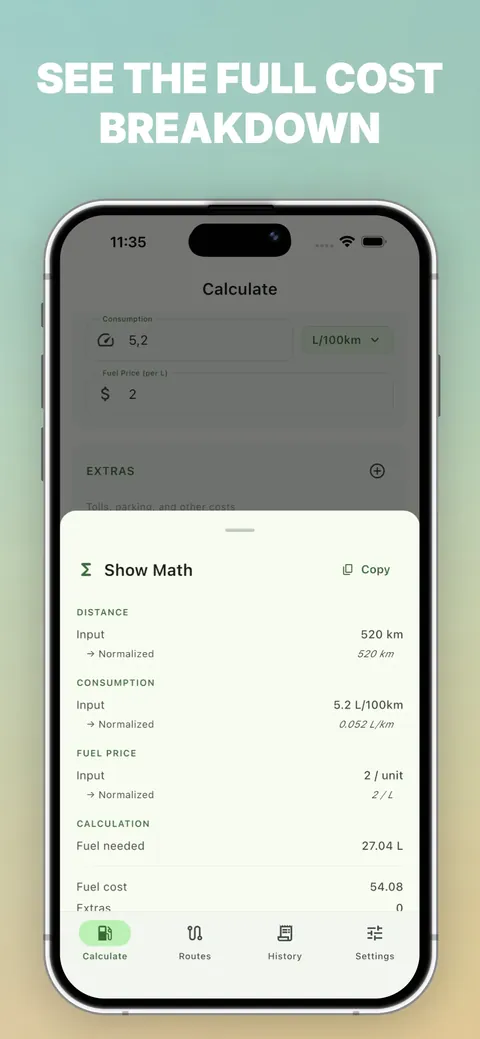
FuelFare: Trip Cost Calculator shows what a drive costs from distance, fuel consumption and fuel price. You can add tolls, parking and other expenses, split the total between passengers, and save vehicles and routes for repeat trips. It works offline for core features, with no ads, no tracking and no account.
What is it?
FuelFare: Trip Cost Calculator is a driving cost calculator with gas splitting, saved vehicles and routes, and a local trip history.
What problem does it solve?
The real cost of a drive is easy to guess wrong, and splitting it fairly with passengers or colleagues usually ends in rough estimates. FuelFare gives a clear figure in seconds and shows what a regular commute costs over time.
Everything it can do.
Trip cost
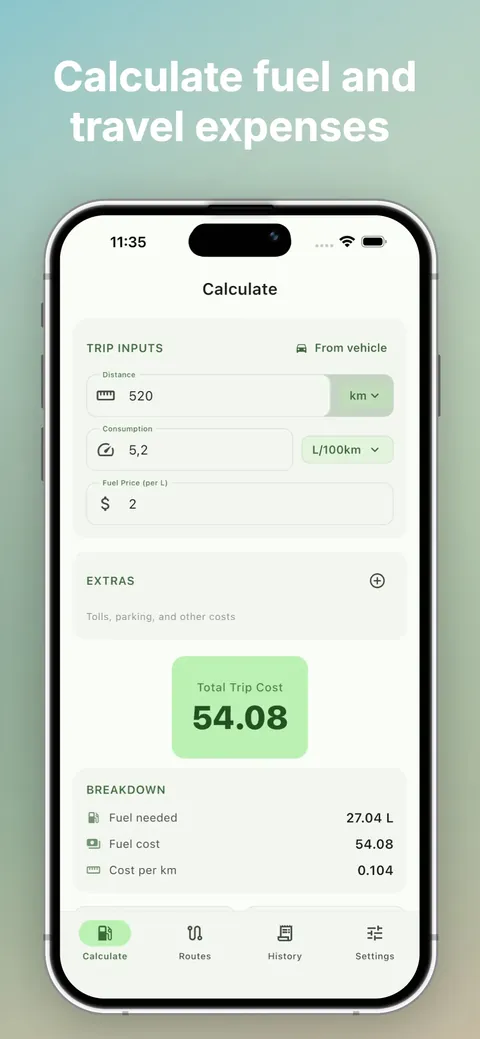
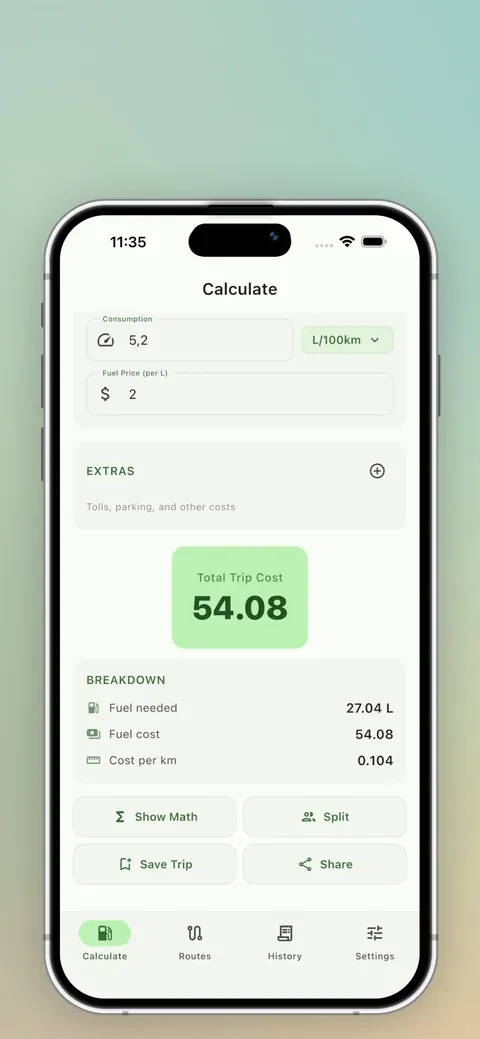
Calculate the total cost of a trip from distance, fuel consumption and fuel price.
Gas cost split
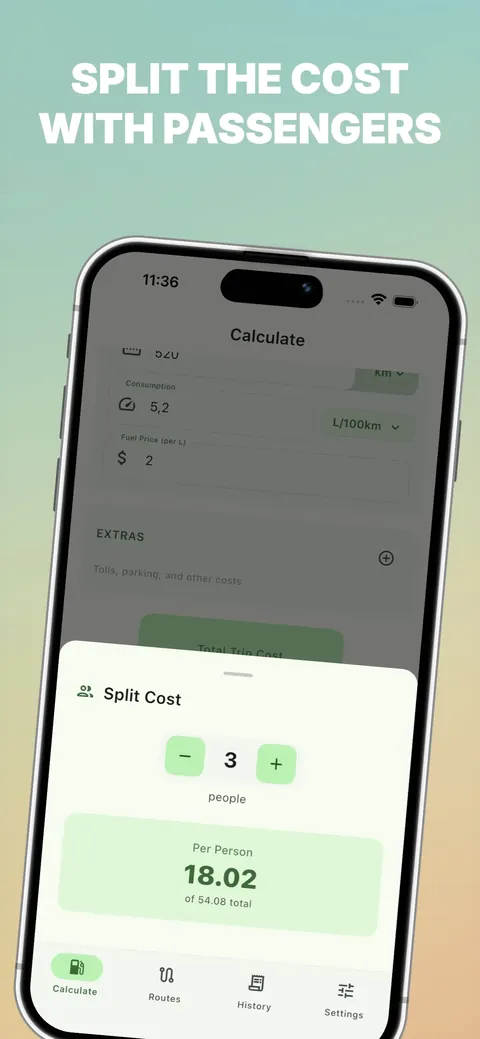
Divide fuel costs between passengers for carpools, family trips and group travel.
Commute cost
Estimate what a regular commute costs before you start driving it.
Extra expenses
Add tolls, parking and other driving costs to the total.
Saved vehicles and routes
Store your vehicles and routes to speed up repeated calculations.
Trip history
Review past trips and keep your own local records.
Backup import and export
Export and import backups to move or protect your data.
See it up close.
Up and running in three steps.
Enter the trip
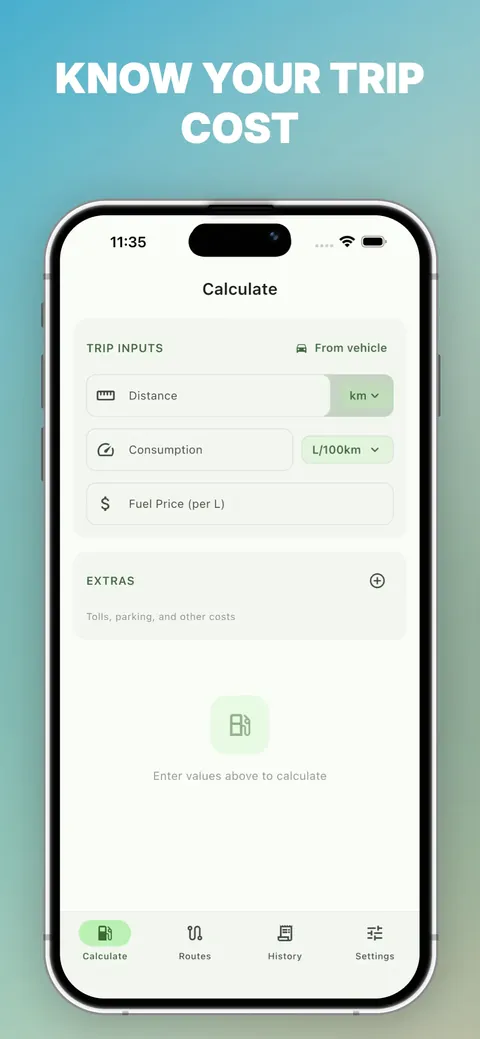
Add distance, fuel consumption and fuel price, or pick a saved vehicle and route.
Add costs and passengers
Include tolls or parking and choose how many people share the cost.
Save the result
Check the total and per-person amount and keep it in your trip history.
Is it for you?
Drivers who want to know what a trip really costs, carpoolers and friends sharing fuel, and commuters who want to see their daily driving as a monthly expense.
Private by design.
The store listing says FuelFare has no ads, no tracking and no account and keeps your data on your device. The privacy page says it uses no analytics or tracking identifiers and does not require location, advertising or tracking permissions. Backup import and export use the system file dialog to pick or save a file.
- No ads
- No tracking
- Works offline
Questions, answered.
Does FuelFare work offline?
Yes. The store listing says core features work offline.
Do I need an account?
No. The store listing says no account is required.
Can I split the cost between passengers?
Yes. FuelFare divides gas costs between passengers for carpools, family trips and group travel.
Can I include tolls and parking?
Yes. You can add extra costs such as tolls, parking or other driving expenses.
Does it use my location?
No. The privacy page says FuelFare does not require location permission.
How do I back up my data?
Use the export and import backup feature, which saves a file through the system file dialog.
Support, privacy and terms.
App details
- Platforms
- iPhone and Android
- Price
- Free
- Category
- Utilities
- Minimum OS
- iOS 17.0+
- Version
- 1.0
- Released
- April 13, 2026


