Epub Reader for Dyslexia for iPhone and Android.
An offline ebook reader with syllable highlighting and a reading ruler.
- iPhone
- Android
- Free
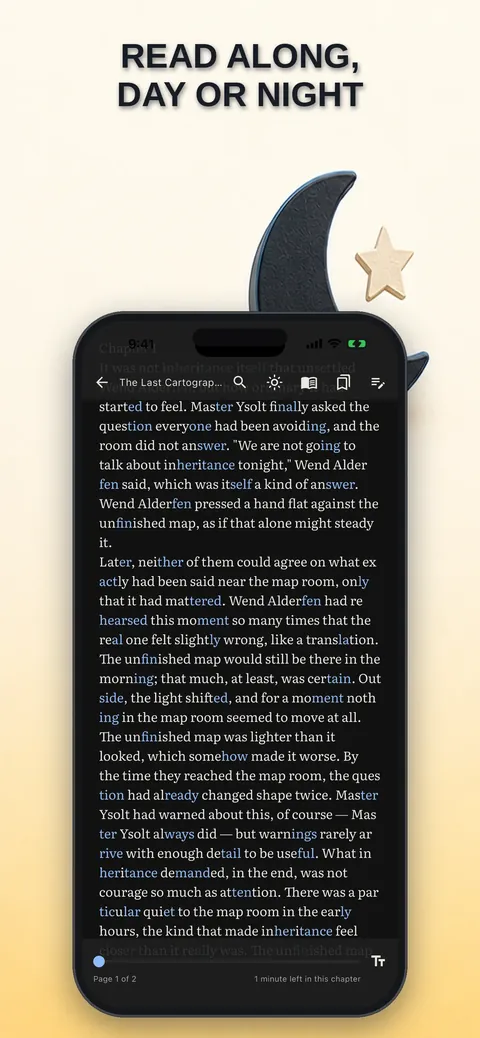
What it is, in plain words.
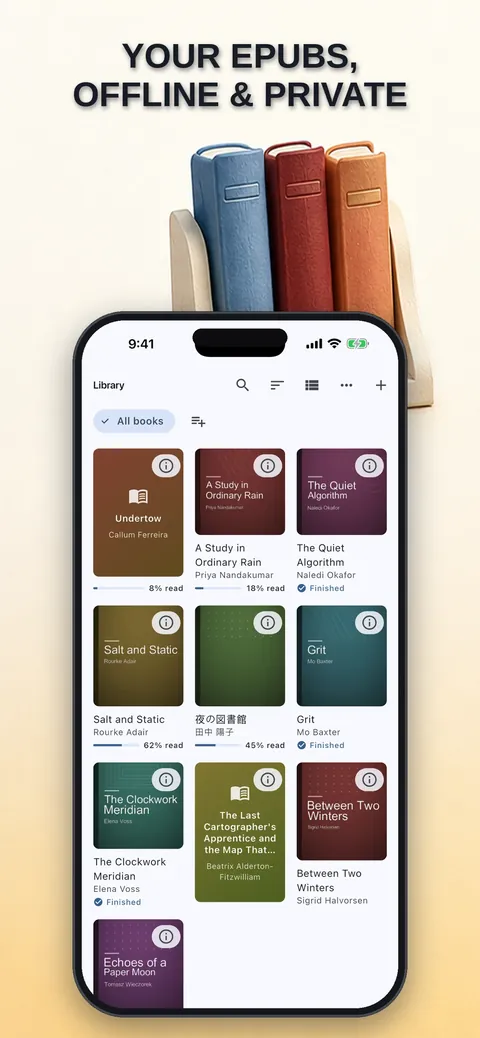
Epub Reader for Dyslexia opens the ebooks you already own and makes their text easier to read. Syllable highlighting, a line-focus ruler, an easy-reading mode and read-aloud help readers who find ordinary text tiring. It reads EPUB, FB2, MOBI, AZW3 and TXT, works completely offline and needs no account.
What is it?
Epub Reader for Dyslexia is an offline ebook reader with reading aids such as syllable highlighting, line focus and an easy-reading mode.
What problem does it solve?
Long words, tight spacing and bright white pages make reading tiring for many people, especially those with dyslexia. This reader breaks words into visible syllables, dims everything except the line you read and softens the page, without sending your library anywhere.
Everything it can do.
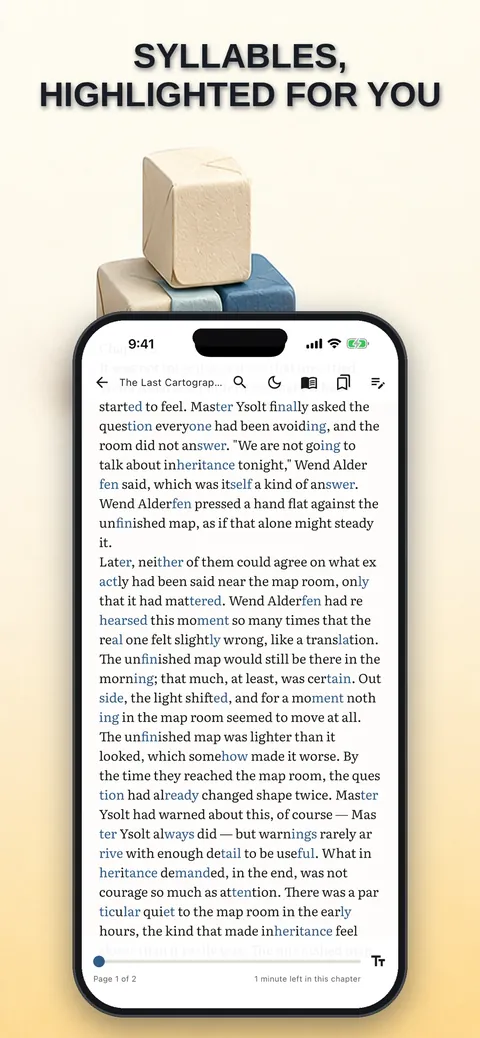
Syllable highlighting
Every second syllable is tinted so long words split into parts you can see; it is available for 10 languages.
Line focus ruler
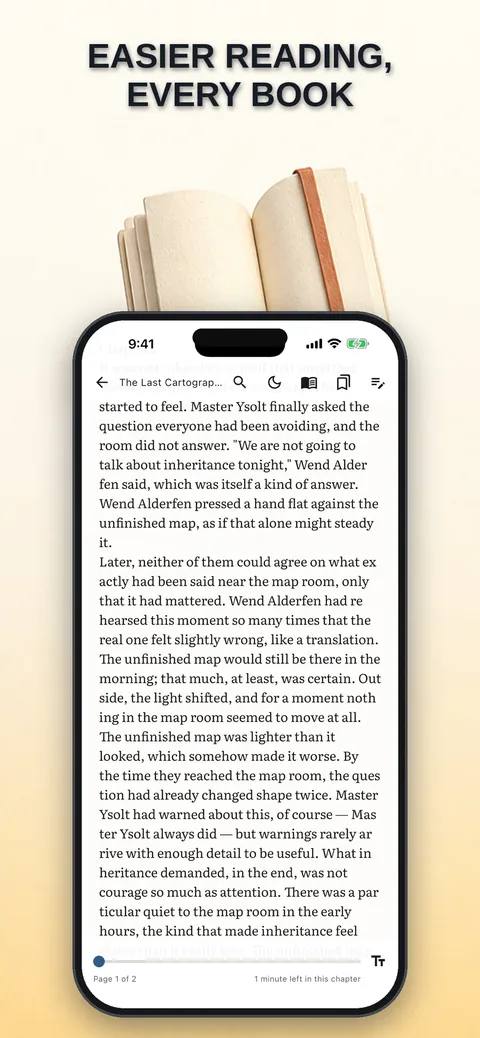
The page dims except for a band around the current line, and you drag the band with your finger.
Easy-reading mode
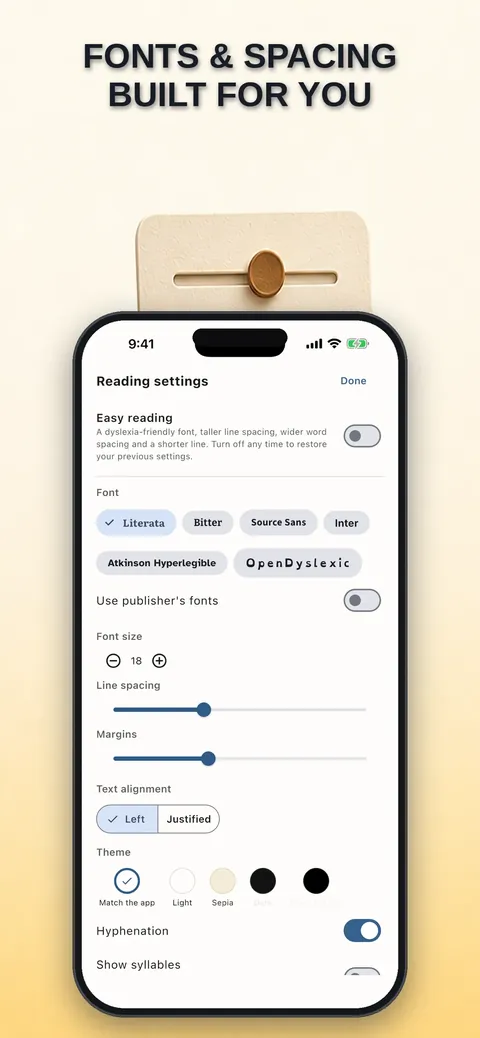
Wider letter, word and line spacing, a cream page instead of white and bold instead of italics, applied across the whole app.
Read aloud
Read-along speech highlights the spoken sentence in its own color, separate from your own highlights.
Typography and themes
Set font, size, spacing, margins and page transition, with day, sepia, dark and true black themes.
Many formats
Open EPUB, FB2, MOBI, AZW3 and TXT; non-EPUB files are converted on import so they really open.
Highlights and notes
Keep highlights, notes and bookmarks, search inside books and export them.
Statistics and backup
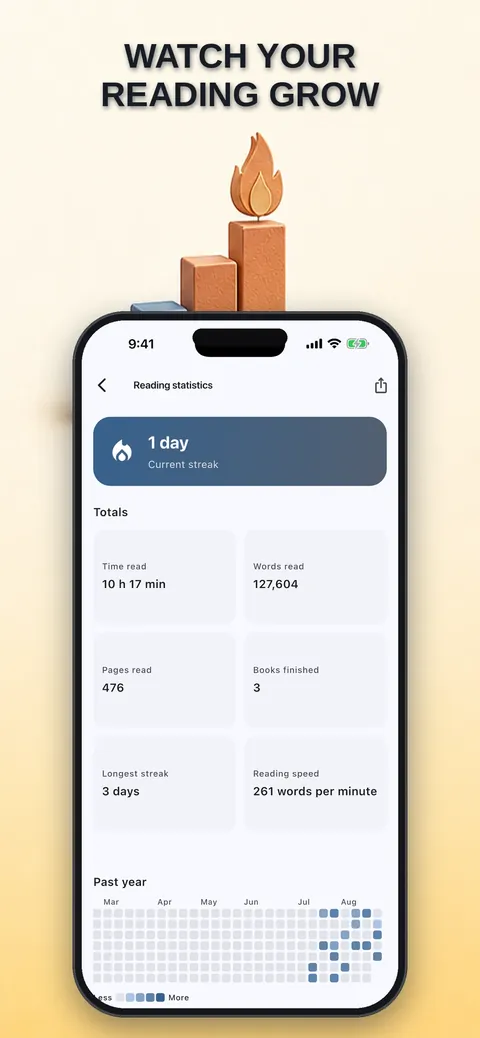
Track reading statistics, goals and streaks, and back up your library data.
See it up close.
Up and running in three steps.
Import your books
Add files from the Files app, iCloud Drive, a folder or any app that can share a file.
Set up your reading aids
Turn on syllable highlighting, the line ruler or easy-reading mode and adjust the typography.
Read and keep notes
Read, listen with read-aloud, and add highlights, notes and bookmarks as you go.
Is it for you?
Readers with dyslexia or who tire easily when reading, language learners, and anyone who wants a private, offline reader for DRM-free ebooks they already own.
Private by design.
The app states it has no account, ads, tracking or analytics, and that its App Store privacy label is Data Not Collected. The Android build has no internet permission, so it cannot open a network connection. On iOS only, word lookup can optionally use Wiktionary online; it is off by default. The iOS version requests no camera, microphone, photos, location or contacts.
- No ads
- No tracking
- Works offline
Questions, answered.
Which book formats does it open?
It opens EPUB 2 and 3, FB2, MOBI, AZW3 and TXT. Non-EPUB files are converted when you import them.
Does it work offline?
Yes. It is a fully offline reader, and the Android build has no internet permission at all.
In which languages does syllable highlighting work?
Czech, Dutch, English, French, German, Italian, Polish, Portuguese, Russian and Spanish.
Can it open DRM-protected books?
No. DRM-protected files are recognized and declined, and the app does not remove DRM.
Does word lookup send data online?
Word lookup is offline by default. On iOS you can voluntarily enable an online lookup at Wiktionary, and Android uses a small built-in offline glossary.
Can I export my notes?
Yes. You can export highlights and notes as Markdown, plain text or JSON through the share sheet.
Support, privacy and terms.
App details
- Platforms
- iPhone and Android
- Price
- Free
- Category
- Books
- Minimum OS
- iOS 15.0+
- Version
- 1.0
- Released
- September 4, 2026


