
Image Converter for iPhone and Android.
Convert and compress photos between HEIC, WebP, AVIF, JPG and more, offline.
- iPhone
- Android
- Free
What it is, in plain words.
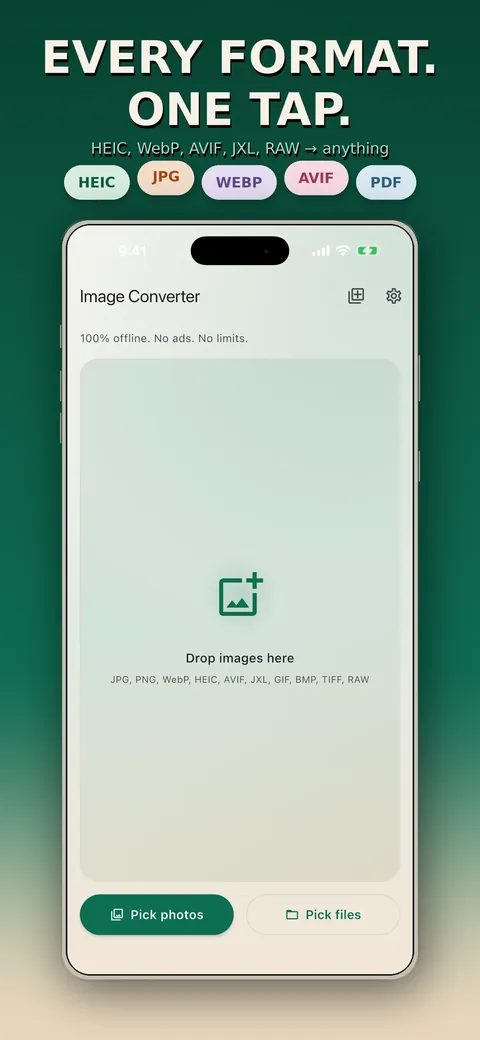
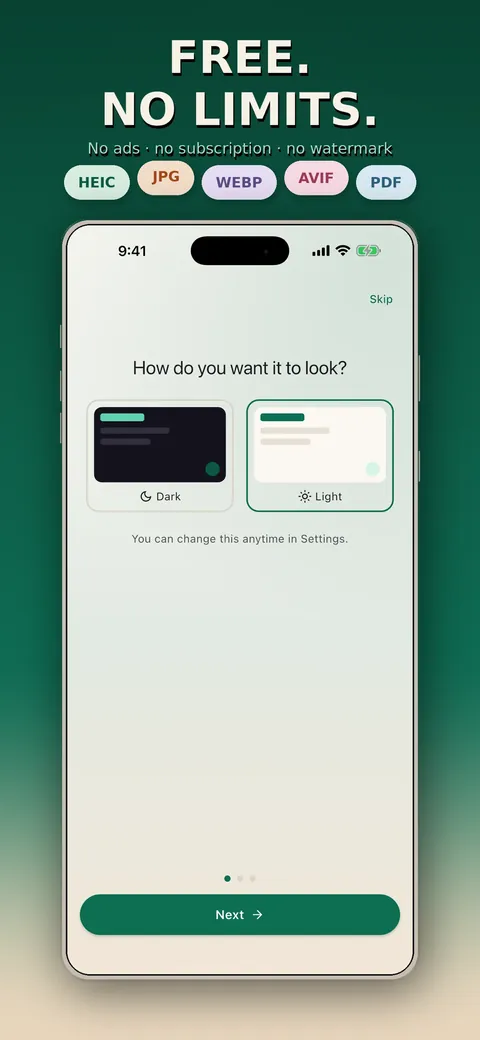
Image Converter: Offline Batch converts photos between formats such as HEIC, WebP, AVIF, JPEG XL, JPG and PNG on your device. You can convert hundreds of images in one queue, resize them, compress to a target file size and choose what to do with EXIF metadata. According to the store listing nothing is uploaded, and there is no account, ad, subscription or watermark.
What is it?
Image Converter: Offline Batch is a photo format converter with batch processing, resizing and size-targeted compression that runs entirely on your device.
What problem does it solve?
Photos arrive as HEIC, WebP or AVIF files that the website or app you need will not accept, and online converters mean uploading your pictures. This app converts them on the phone and lets you shrink files to fit an upload limit.
Everything it can do.
Wide format support
On iOS, read JPG, PNG, WebP, HEIC/HEIF, AVIF, JXL, GIF, BMP, TIFF and RAW (CR2, NEF, ARW, DNG) and write JPG, PNG, WebP, HEIC, AVIF, JXL, TIFF, BMP and PDF.
Batch conversion
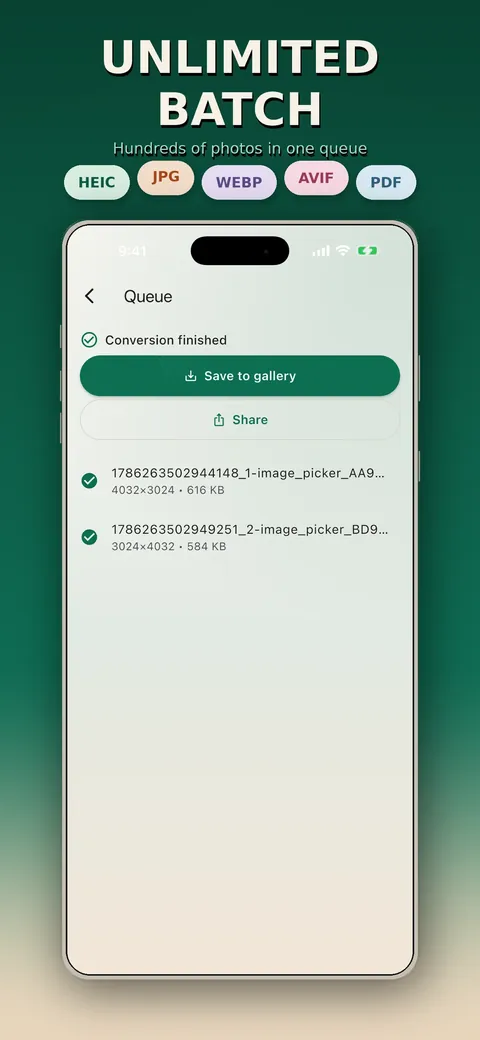
Convert hundreds of photos in one queue, with progress and cancel.
Target file size
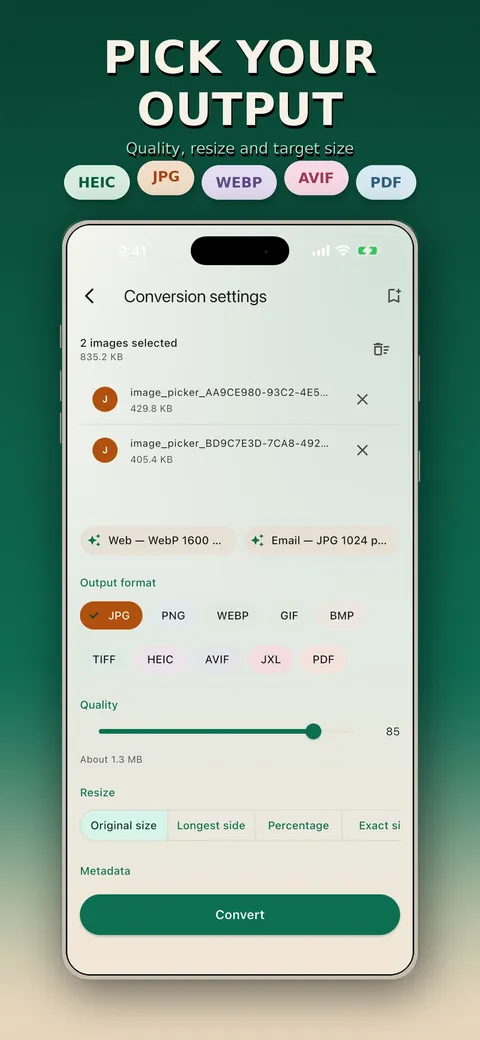
Compress to a set size, such as under 500 KB, for compatible lossy formats.
Resize and quality
Adjust output dimensions and quality.
EXIF control
Strip or keep EXIF metadata where the format supports it.
Presets
Save presets for workflows you repeat.
Flexible saving
Save results to your library or a chosen folder, or share them with another app.
See it up close.
Up and running in three steps.
Pick images
Select photos or files, or share them into the app.
Choose the output
Set the format, size, quality and metadata options.
Convert
Start the conversion, then save or share the results.
Is it for you?
Anyone who needs to send HEIC photos as JPG, web developers preparing WebP and AVIF assets, photographers converting RAW previews, and people who do not want to upload their pictures to a conversion service.
Private by design.
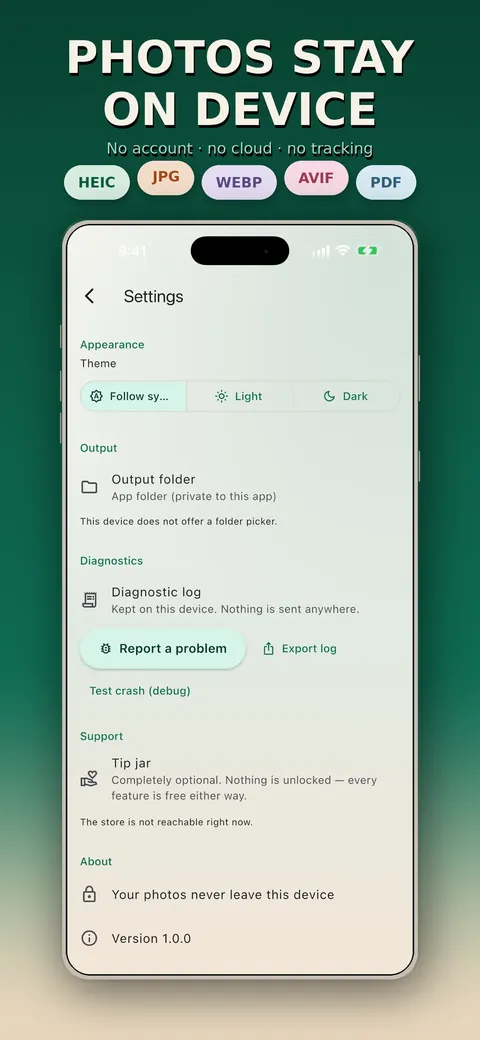
The store listing says every conversion happens on your device, with no upload, account, ads, subscription or watermark. The privacy page says there is no analytics or crash reporting and that the Android build holds no internet permission. On iOS the only network use is an optional one-off tip in Settings that goes through the App Store and does not involve your photos.
- No ads
- No tracking
- Works offline
Questions, answered.
Are my photos uploaded anywhere?
No. All conversion is done on your device, and the Android build has no internet permission.
Which formats can it convert?
On iOS it reads JPG, PNG, WebP, HEIC/HEIF, AVIF, JXL, GIF, BMP, TIFF and RAW and writes JPG, PNG, WebP, HEIC, AVIF, JXL, TIFF, BMP and PDF. Android supports JPG, PNG, WebP, GIF, BMP, TIFF and JPEG XL, with HEIC and AVIF depending on your device.
Can it convert many photos at once?
Yes. You can queue hundreds of photos in one batch with progress and cancel.
Can I reduce the file size?
Yes. You can set a target size, such as 200 KB or 500 KB, for compatible lossy formats, and the app tells you if the target cannot be reached.
Does it keep photo metadata?
You can choose to strip or keep EXIF metadata where the output format supports it.
Does it add a watermark or limit conversions?
No. The store listing says there is no watermark and no app-imposed conversion limit.
Support, privacy and terms.
App details
- Platforms
- iPhone and Android
- Price
- Free
- Category
- Photo & Video
- Minimum OS
- iOS 15.0+
- Version
- 1.0
- Released
- August 19, 2026
More from Lapnito.


