Pocket Seismograph for iPhone.
See how hard a surface shakes and at what frequency, using the accelerometer.
- iPhone
- Free
What it is, in plain words.
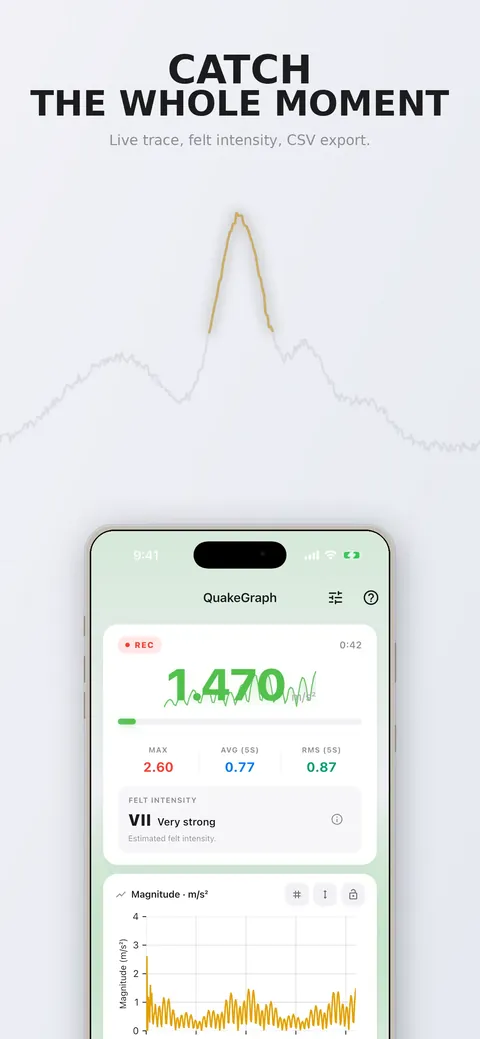
Pocket Seismograph: Vibration reads your iPhone's accelerometer at 100 Hz, draws the vibration live and names the strongest frequency it finds. It shows a spectrum, magnitude statistics and an rpm hypothesis for rotating parts, and it keeps named sessions you can export as CSV. It tells you honestly when there is no clear frequency.
What is it?
Pocket Seismograph: Vibration is a vibration meter and frequency analyzer that uses the phone's accelerometer.
What problem does it solve?
A washing machine that walks across the floor, a fan or a floor that moves when someone walks by shakes in a way you can feel but not measure. This app puts the phone on the surface and shows the dominant frequency and how strong the vibration is.
Everything it can do.
Dominant frequency
Name the strongest frequency in Hz with a full spectrum chart behind it.
Live trace
Watch NOW, MAX, AVG and RMS values as magnitude or full XYZ.
Rotation speed
Read an rpm hypothesis when the signal looks like a rotating part.
Estimated intensity
See an estimated felt intensity and estimated peak ground velocity.
Processing modes
Choose Raw, Stable or Vibration processing.
Named sessions
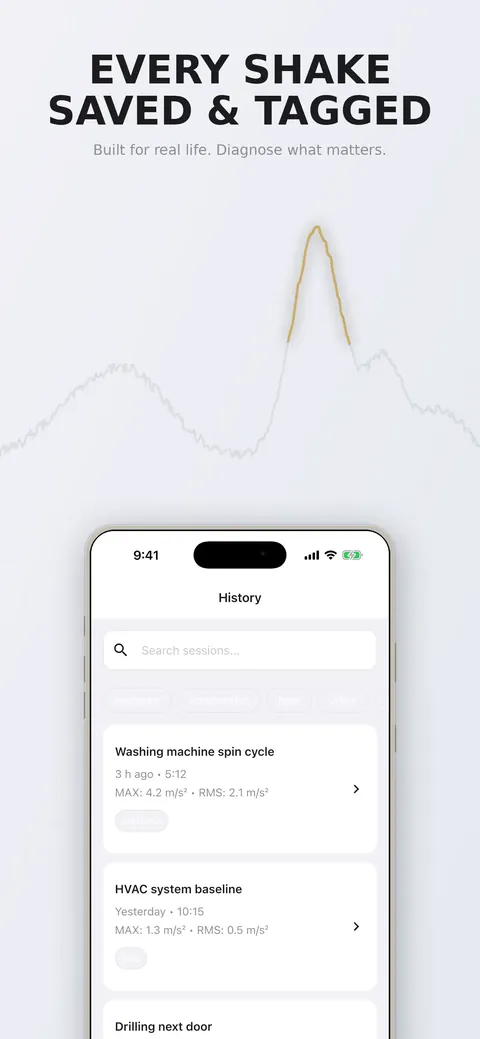
Name, tag, search and reopen saved sessions.
CSV export
Export sessions as CSV through the system save dialog, with locale-aware profiles.
Calibration wizard
Measure your own device's noise floor.
See it up close.
Up and running in three steps.
Place the phone
Put the phone flat on the surface, screen up.
Press Start
Watch the trace and the frequency card.
Save and export
Save the session, add a note and export CSV when you need to show someone.
Is it for you?
Homeowners with a noisy washing machine, people checking HVAC units, fans, floors and stairs, and anyone recording construction, traffic or machinery vibration with a timestamp. It is not a certified seismic instrument and sends no earthquake alerts.
Private by design.
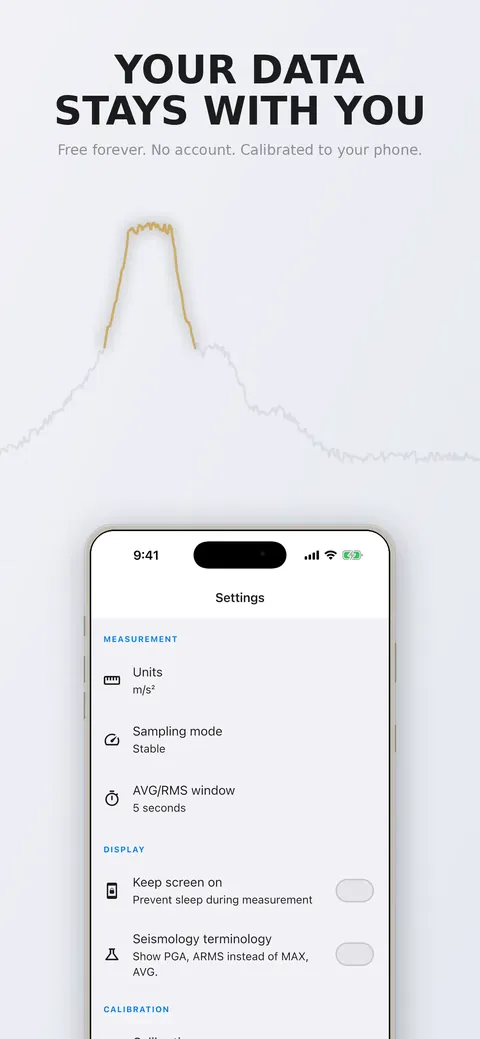
The store listing says the app works offline with no account and no sign-in. It uses the phone's accelerometer and does not list other permissions, so check the store listing and linked privacy page for details.
- No ads
- No tracking
Questions, answered.
Can it warn me about earthquakes?
No. It sends no seismic alerts, so use your country's official early-warning system for that.
What frequency range is reliable?
Frequency analysis reads reliably from about 1 Hz to 40 Hz and only indicatively up to roughly 50 Hz.
How accurate is the amplitude?
Amplitude is indicative, because the case, how firmly the phone rests and sensor filtering all affect it. The frequency is the more trustworthy part of the reading.
What if there is no clear frequency?
The app says No clear frequency instead of inventing one, which is the correct result for a phone lying still on a desk.
Is it a certified instrument?
No. It is not a certified seismic instrument, is not calibrated for legal evidence and is not a medical or diagnostic device.
Does it work offline?
Yes. The store listing says it works offline with no account or sign-in.
Support, privacy and terms.
App details
- Platforms
- iPhone
- Price
- Free
- Category
- Utilities
- Minimum OS
- iOS 13.0+
- Version
- 2.0
- Released
- August 5, 2026


