QR Reader for iPhone.
Scan and create QR codes and barcodes, with a link safety check on your device.
- iPhone
- Free
What it is, in plain words.
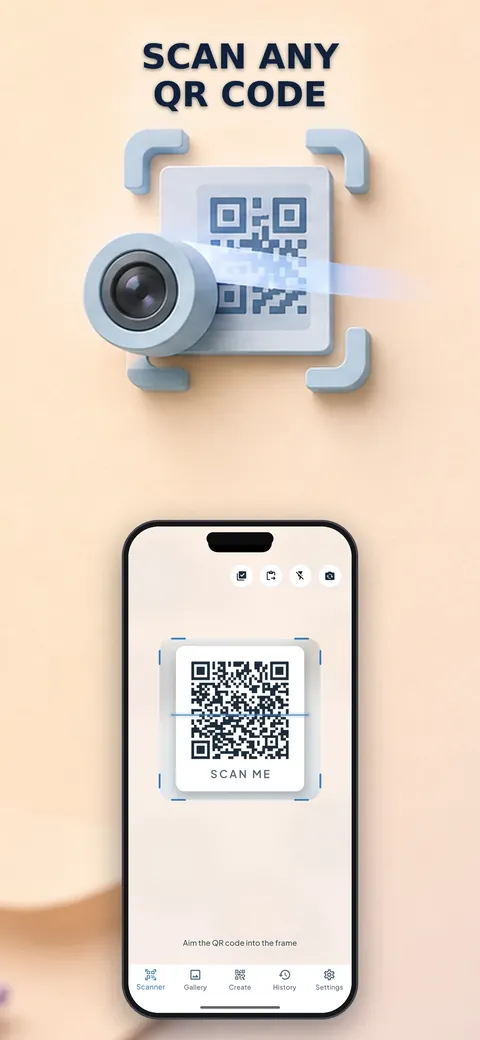
QR Reader: Code Generator scans QR codes and barcodes with the camera or from a photo and understands what is inside, such as Wi-Fi, contacts, events and locations. It checks links on your device for phishing tricks before opening them and lets you create your own codes with colors and styles. According to the store listing it has no ads, no collected data and no account.
What is it?
QR Reader: Code Generator is a QR and barcode scanner and generator with a built-in link safety check.
What problem does it solve?
A scanned code can hide a shortened or lookalike link, and many scanners send what you scan to a server. This app checks links on your device and does not send results anywhere.
Everything it can do.
Scan from camera or photo
Read QR codes and barcodes with pinch to zoom, tap to focus, batch scanning and a flashlight.
Smart results
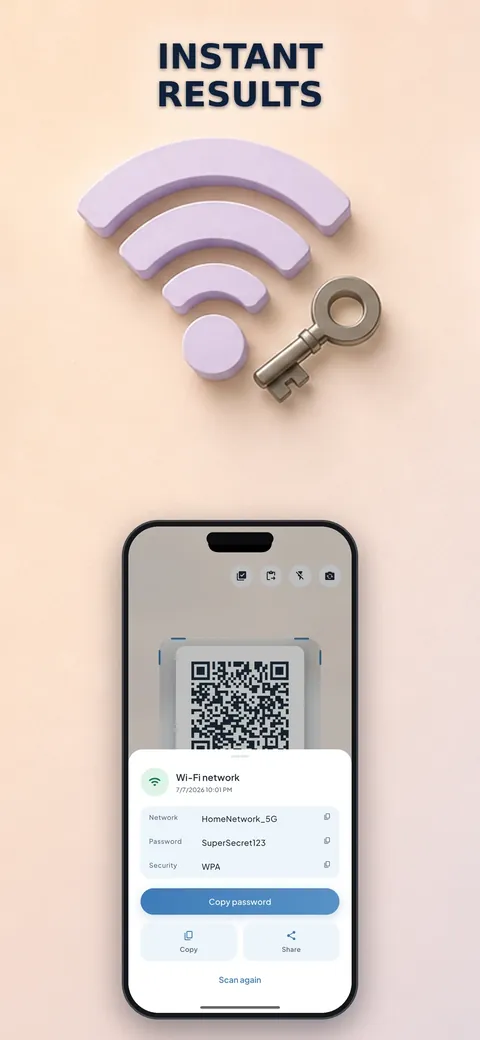
Join Wi-Fi, save contacts, add calendar events, open locations in Maps and look up products, copying any field with one tap.
Link safety check
Links are checked on your device, and shortened links and lookalike domains are flagged.
Create QR codes
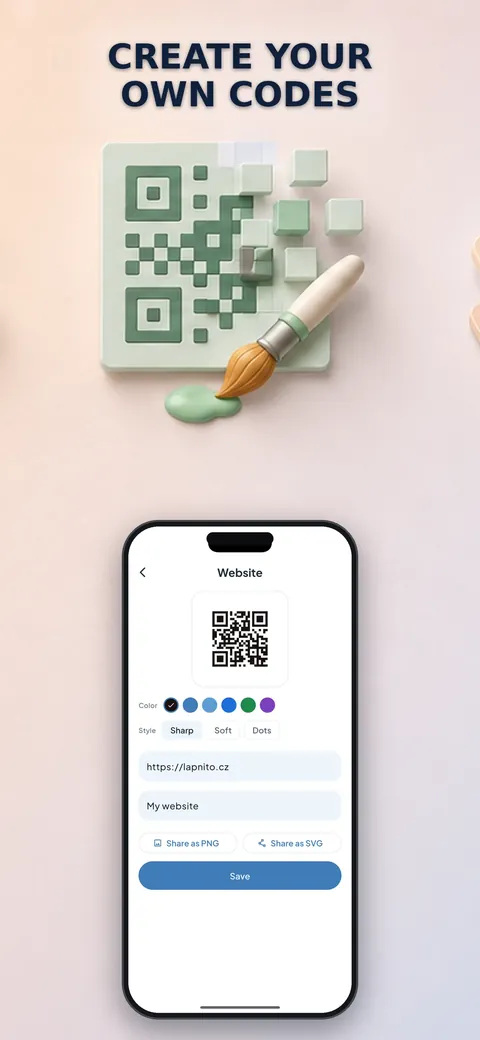
Make codes for links, Wi-Fi, contacts, email, SMS, phone, location and calendar events.
Custom styling
Pick colors and styles and preview live.
Export
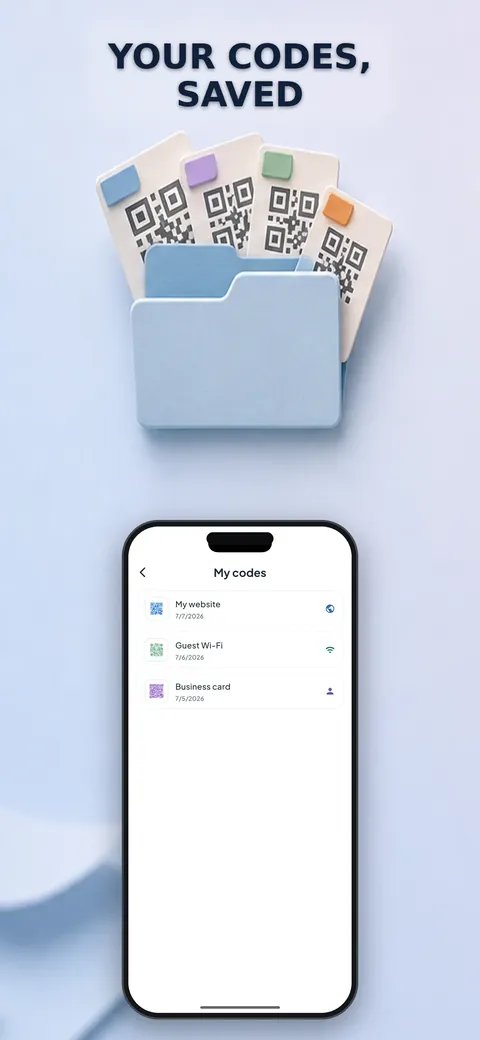
Export codes as PNG or vector SVG.
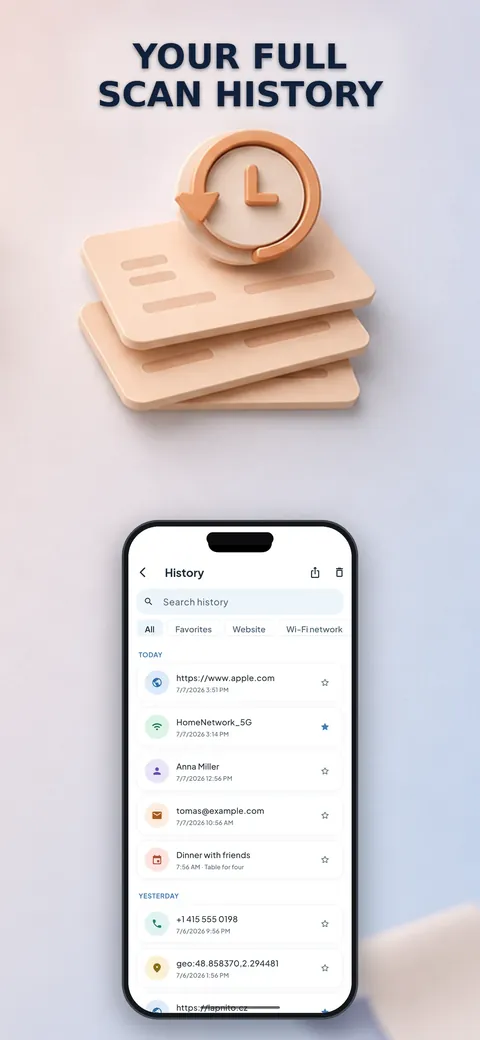
Unlimited history
Search your history, filter it, add favorites and notes and export it as CSV or JSON.
Accessibility
Large text and buttons and VoiceOver support.
See it up close.
Up and running in three steps.
Point at a code
Scan with the camera or choose a photo from your library.
Check the result
Read what the code contains and the link safety result.
Act or create
Join the Wi-Fi, save the contact or open the link, or create a new code of your own.
Is it for you?
Anyone who scans codes on menus, tickets, Wi-Fi labels or posters and wants a safer scanner, and people who need to make QR codes for links, Wi-Fi or contacts.
Private by design.
The store listing says the app has no ads, no tracking, no collected data and no account, and that link checks run on your device with nothing sent to a server. The camera is used for scanning.
- No ads
- No tracking
Questions, answered.
Does the app collect my scans?
No. The store listing says no data is collected and nothing is sent to a server.
How does the link safety check work?
Every link is checked on your device before it opens, and shortened links, lookalike domains and other phishing tricks are flagged.
Can I scan from a saved image?
Yes. You can scan codes straight from a photo.
What can I generate?
Codes for links, Wi-Fi, contacts, email, SMS, phone, location and calendar events, exported as PNG or SVG.
Is the history limited?
No. The history is unlimited, with search, filters, favorites, notes and CSV or JSON export.
Is it free?
Yes. The store listing calls it completely free, with no ads.
Support, privacy and terms.
App details
- Platforms
- iPhone
- Price
- Free
- Category
- Utilities
- Minimum OS
- iOS 13.0+
- Version
- 2.0
- Released
- July 9, 2026


