Birthday Countdown for iPhone and Android.
Days until every birthday, on your Home Screen, Lock Screen and in a list.
- iPhone
- Android
- Free
What it is, in plain words.
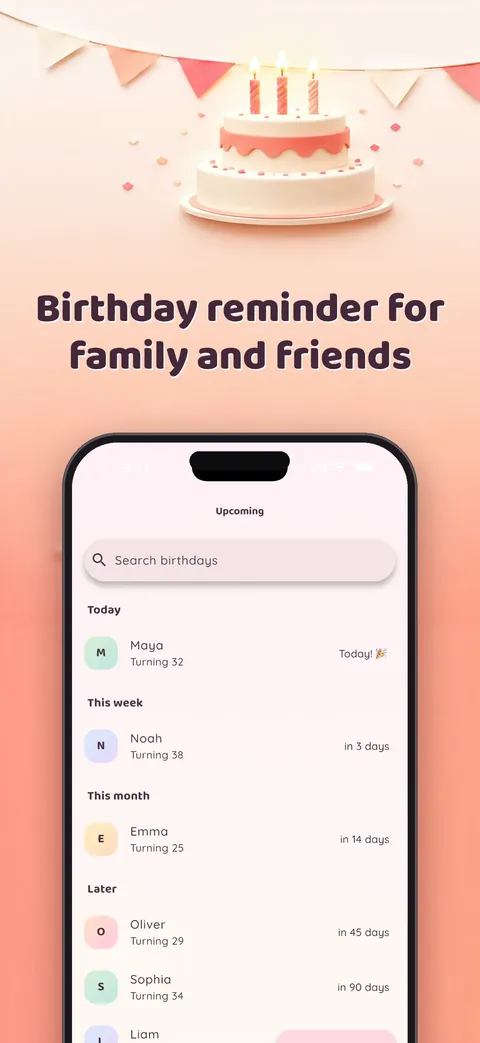
Birthday Counter: Days Until shows how many days are left until the next birthday on your Home Screen, on your Lock Screen and in a clear upcoming list. It adds reminders, calendar views, exact age and milestone alerts. According to the store listing, everything stays on your device, with no account, cloud, tracking, ads or subscription.
What is it?
Birthday Counter: Days Until is a birthday countdown app with widgets, per-person reminders and a private birthday calendar.
What problem does it solve?
Birthdays are easy to forget when they live in scattered contacts, calendars and your memory. This app keeps them in one list sorted by what is closest and reminds you at the time you choose, without sending your contacts anywhere.
Everything it can do.
Live countdown
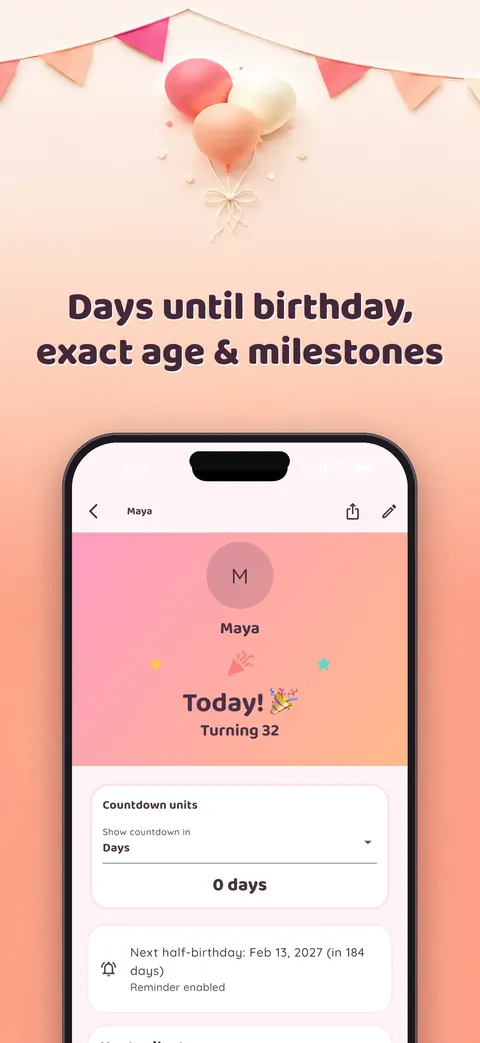
See the time to every birthday in days, weeks or hours.
Home and Lock Screen widgets
Widgets in small, medium and large sizes show the next birthday without opening the app.
Multiple reminders
Set several reminders per person, each at the exact local time you pick.
Calendar views
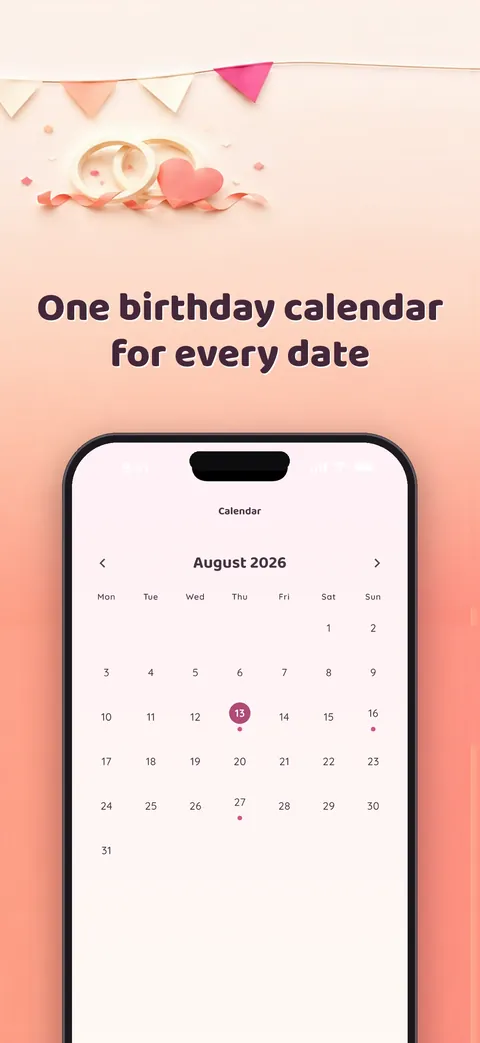
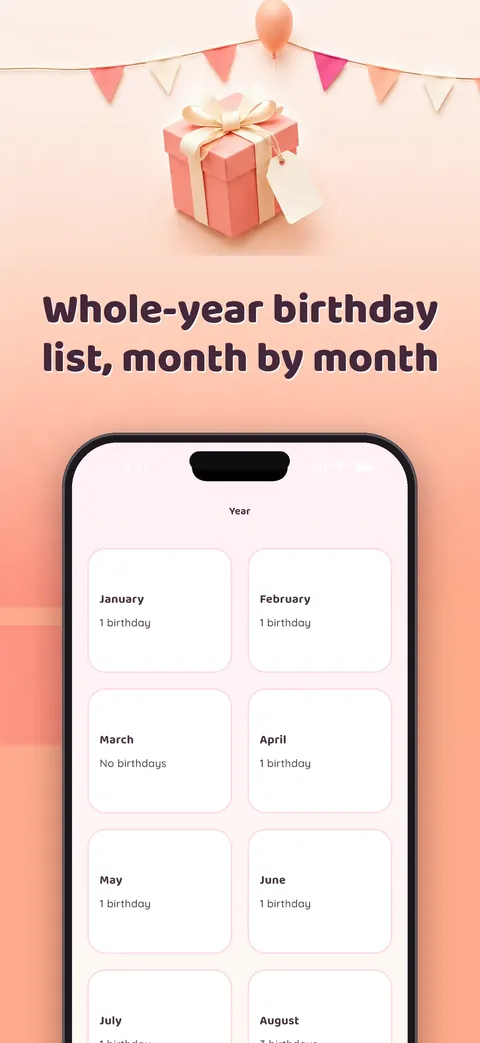
Month and year views show every celebration ahead.
Exact age
See age down to the day plus the total number of days lived.
Milestone alerts
Get notified about turning 18, 21 or 50, or reaching 10,000 days.
Groups and gift notes
Sort people into family, friends and colleagues, and keep private gift notes next to each person.
List sharing and import
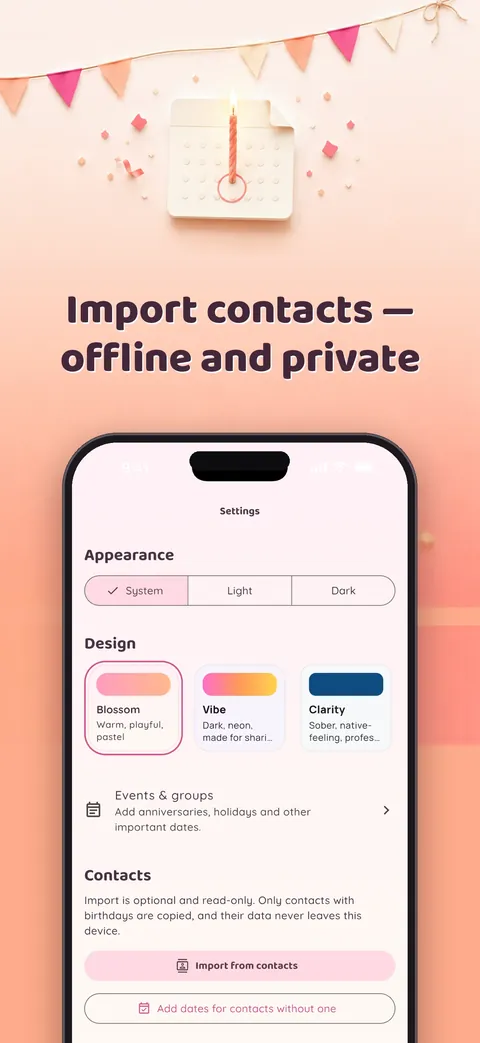
Send a chosen list as a single file, with photos, notes and reminders optional, or import birthdays from contacts when you ask for it.
See it up close.
Up and running in three steps.
Add birthdays
Type them in or import them from your contacts with one tap.
Set reminders
Choose when you want to be notified for each person.
Add a widget
Put the countdown on your Home Screen or Lock Screen and check it in a second.
Is it for you?
Anyone who wants to remember family, friends and colleagues without a social network or an account, including people who prefer widgets and local reminders.
Private by design.
The app states it collects no data: no account, analytics, ads or tracking, and the privacy page says it contains no networking code. All permissions are optional. Contacts (read-only) are requested only when you start an import, notifications when you save a first reminder, and on Android also exact alarms and run-after-restart so reminders arrive on time and survive a reboot. It does not request camera, photos, location, microphone or calendar access.
- No ads
- No tracking
- Works offline
Questions, answered.
Is Birthday Counter free?
Yes. The listing says it is free, with no ads, no subscription and widgets included from the first launch.
Does it work offline?
Yes. Countdowns, reminders and age calculations all run on your device.
Does it need access to my contacts?
No. It works fully before you grant anything. Contacts are used only if you choose to import birthdays.
Can I share a birthday list with someone?
Yes. You can send a chosen list as a single file and decide whether photos, notes and reminders go with it. The receiver sees what is new before saving and can undo the import.
Where are my backups?
Backups are ordinary files that you export and keep yourself.
Can I be reminded of milestone birthdays?
Yes. Milestone alerts cover turning 18, 21 or 50 and reaching 10,000 days.
Support, privacy and terms.
App details
- Platforms
- iPhone and Android
- Price
- Free
- Category
- Utilities
- Minimum OS
- iOS 15.0+
- Version
- 1.0
- Released
- 20 August 2026
More from Lapnito.


