
Mirror for iPhone and Android.
A pocket mirror with a screen light ring, 10x zoom and nothing saved.
- iPhone
- Android
- Free
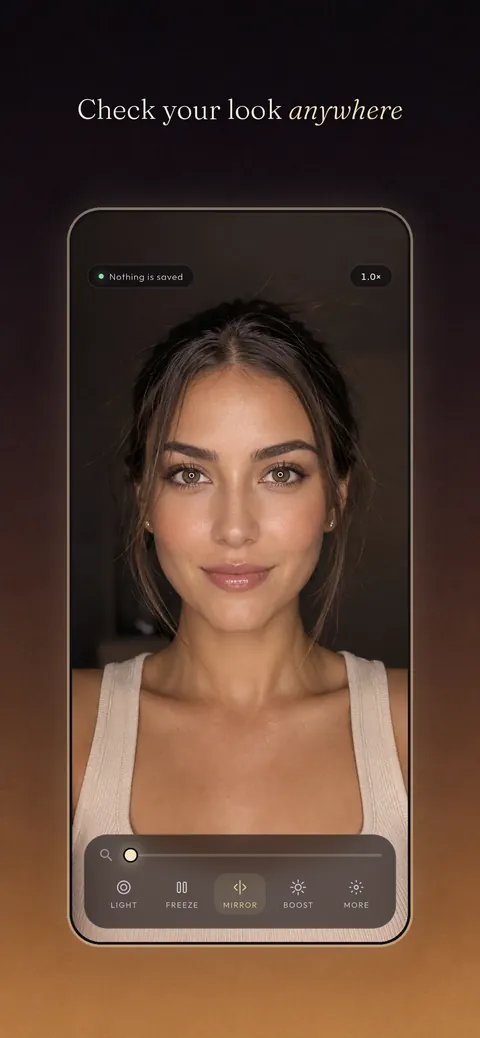
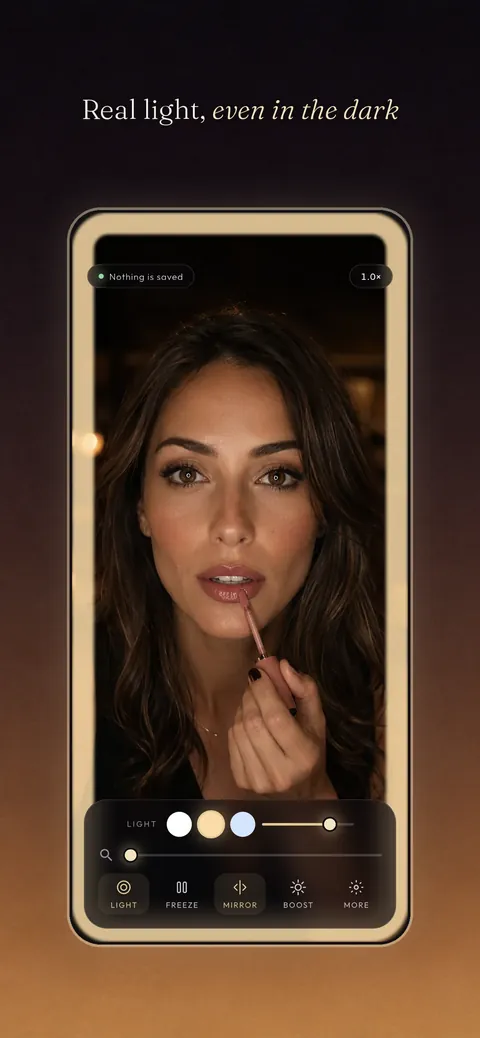
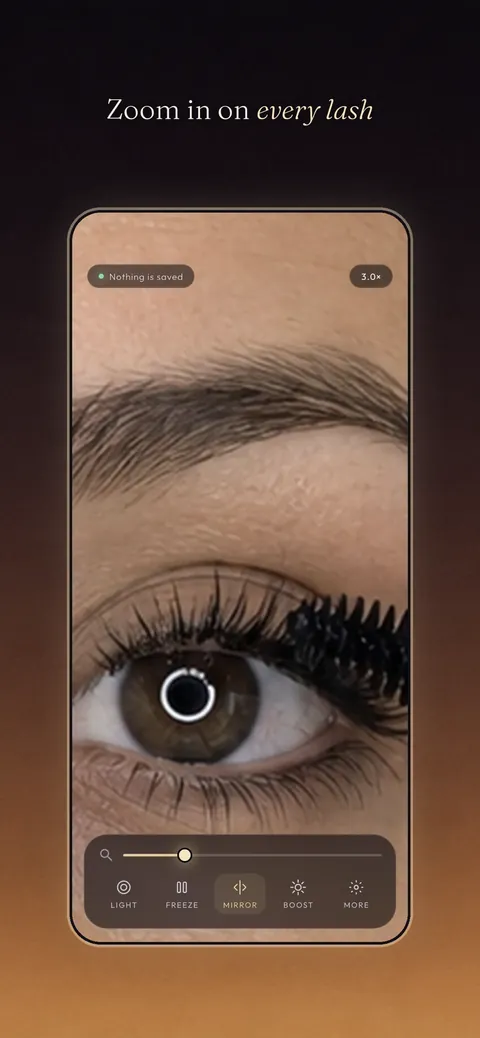
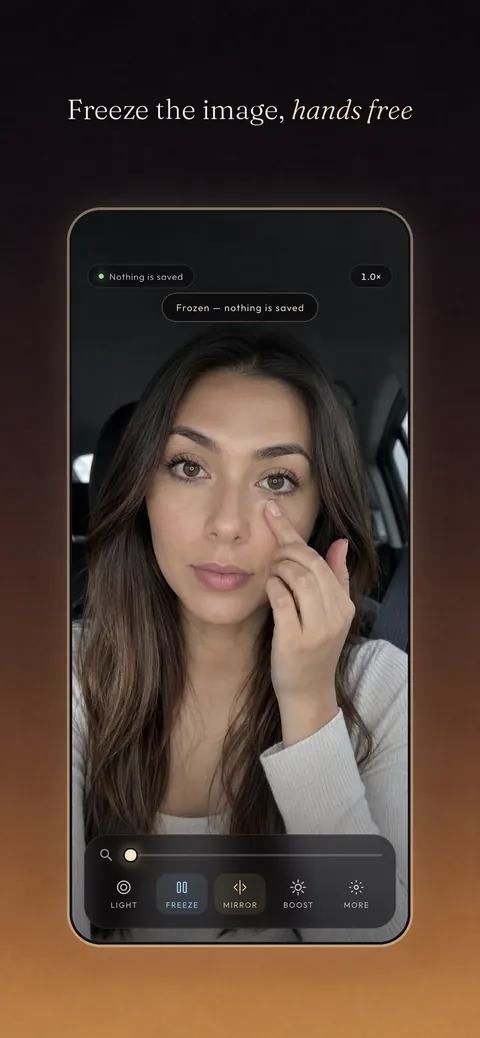
What it is, in plain words.
Mirror — Makeup & Light turns the front camera into a pocket mirror for checking makeup, brows, lashes, contact lenses or teeth. The screen becomes a soft ring light with warm, daylight and cool tones, and you can zoom from 1x to 10x with a pinch. It never takes or saves photos, and the only permission it asks for is the camera.
What is it?
Mirror — Makeup & Light is a live front-camera mirror with an adjustable light ring and zoom that does not store any image.
What problem does it solve?
You often need a quick, close look at your face, such as when inserting contact lenses or touching up makeup, and a small mirror is not always at hand or lit well. This app gives you a lit, magnified mirror in a moment without recording anything.
Everything it can do.
Light ring
The screen goes to full brightness with a soft ring in a warm, daylight or cool tone and adjustable intensity.
Zoom 1x to 10x
Pinch or use a slider to zoom in and see a single lash.
Freeze view
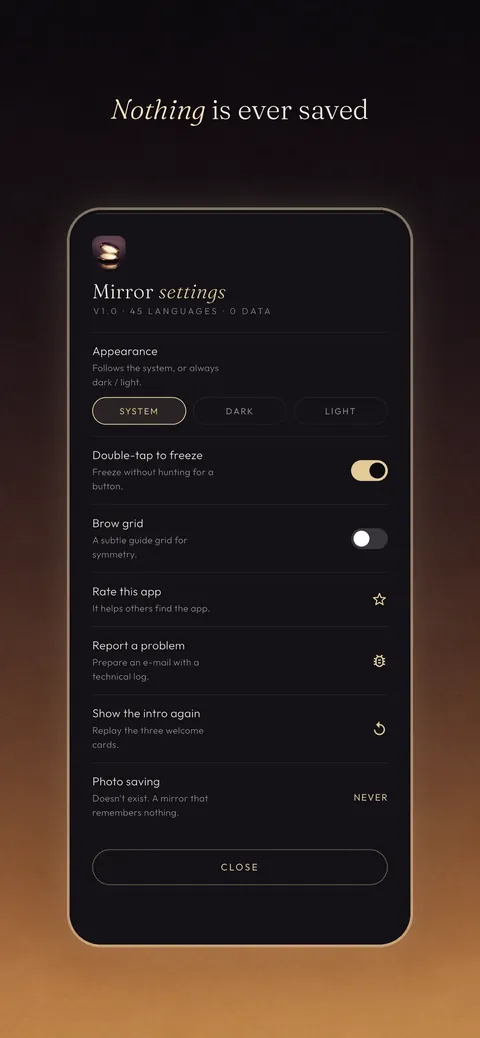
Pause the live image with a freeze button or a double tap, without saving a picture.
Mirrored or flipped view
Switch between the mirrored view and how others see you.
Brightness boost
Raise the screen brightness when you need more light.
Brow guide grid
Show a subtle grid as a guide when shaping brows.
See it up close.
Up and running in three steps.
Allow the camera
Grant camera permission in onboarding to show the live front-camera view.
Set the light and zoom
Choose a light tone and intensity and pinch to zoom.
Freeze for a closer look
Double-tap or use the freeze button to hold the view hands-free.
Is it for you?
Anyone who wants a quick mirror on the go for makeup checks, brows, lashes, contact lenses, skincare or teeth, or a last look before a meeting.
Private by design.
The privacy page says Mirror takes no photos or video, writes no image anywhere and has no account, analytics, ads, tracking or network connection. The only permission it requests is the camera, asked for after you tap Allow camera & start, and the microphone is never opened. Only a few local preferences and counters used for rating prompts are stored.
- No ads
- No tracking
Questions, answered.
Does Mirror save photos?
No. It does not take, save or share photos or videos, and the frozen image disappears when the app leaves the foreground.
What permission does it need?
Only the camera, to show the live front-camera preview.
Does it use the camera flash?
No. The Android description says the light ring uses the phone's screen and not the flash.
How far can I zoom?
From 1x up to 10x, with digital zoom included, so detail depends on your front camera and lighting.
Does it work offline?
Yes. It works without an internet connection or an account.
Is it free?
Yes. The Android description says there are no ads, in-app purchases or subscriptions.
Support, privacy and terms.
App details
- Platforms
- iPhone and Android
- Price
- Free
- Category
- Lifestyle
- Minimum OS
- iOS 15.0+
- Version
- 1.0
- Released
- 14 August 2026
More from Lapnito.


