
Video to Photo for iPhone and Android.
Step to the exact frame of any video and save it as a full-quality photo.
- iPhone
- Android
- Free
What it is, in plain words.
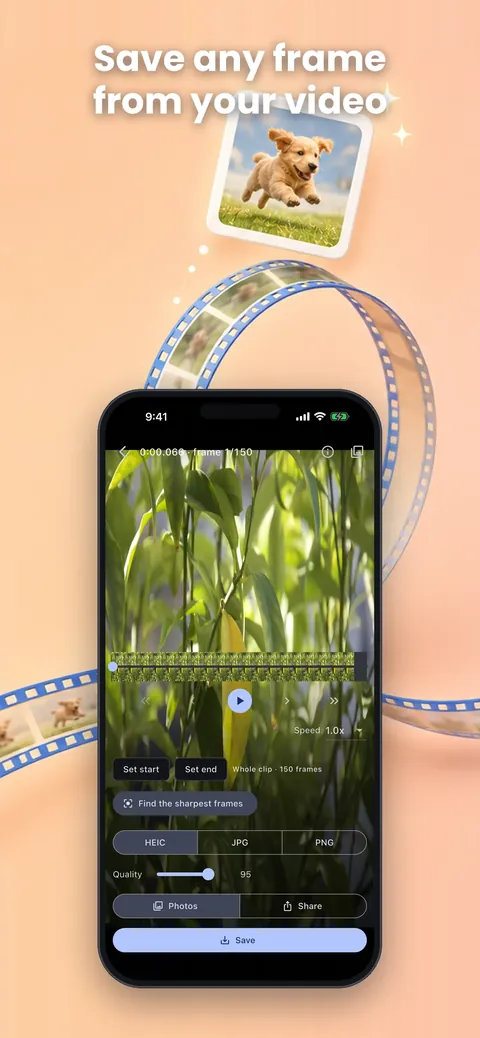
Video to Photo: Save Frames opens a video from your library, lets you step to the exact frame you want and saves it as a full-quality picture. It keeps the video's own resolution, supports batch export and can find the sharpest frame for you. According to the store listing there is no subscription, ad, watermark or export limit.
What is it?
Video to Photo: Save Frames is a frame grabber that exports still pictures from your videos at their original resolution.
What problem does it solve?
A screenshot of a paused video is low quality and often blurry, so the smile or the jump you filmed never becomes a proper photo. This app steps frame by frame, checks sharpness and saves the real frame at source resolution.
Everything it can do.
Full resolution
Save frames at the video's own resolution, up to 8K on iOS, instead of a downscaled screenshot.
Frame-accurate stepping
Move one frame at a time and zoom up to 8x.
Batch export
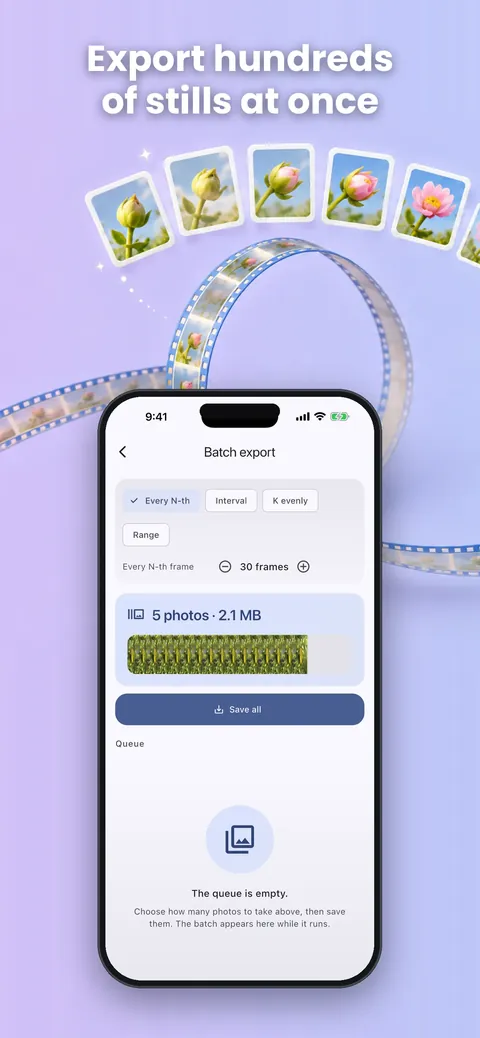
Export every N frames, every N seconds or a range you choose.
Sharpness finder
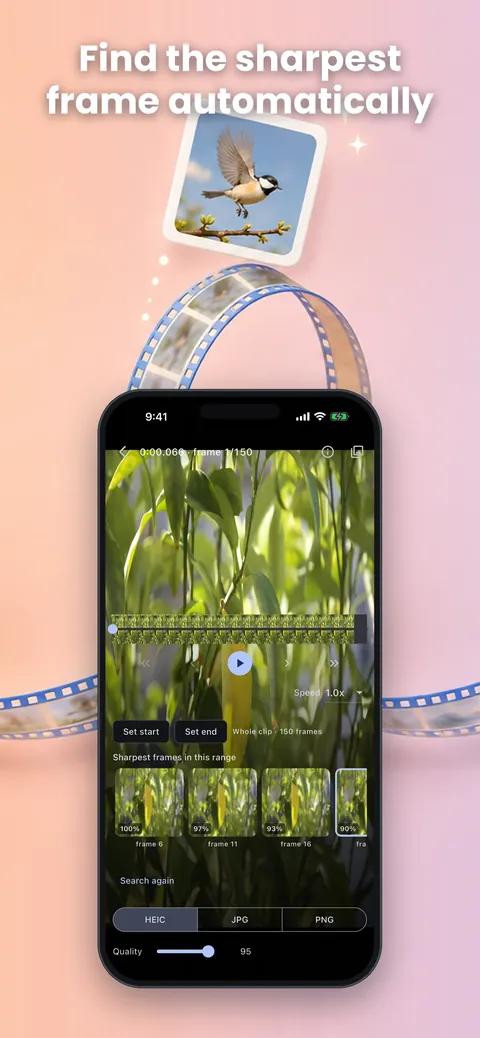
Find the sharpest frames so you do not pick a blurry one.
Choice of formats
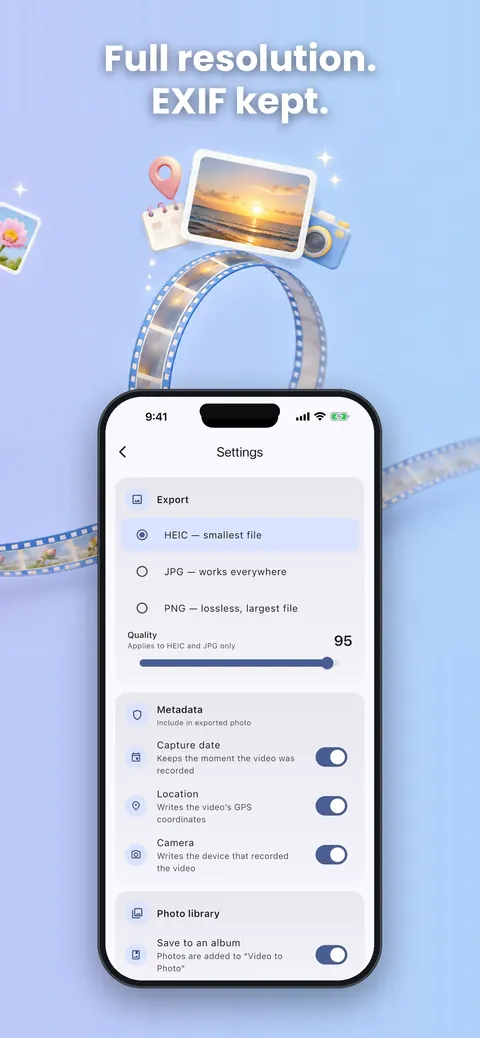
Save to Photos as JPEG, PNG or HEIC, with JPG used when HEIC is unavailable.
Metadata kept
On iOS, keep EXIF details such as capture date, GPS and camera info.
Live Photos
On iOS, export Live Photos at full resolution.
See it up close.
Up and running in three steps.
Pick a video
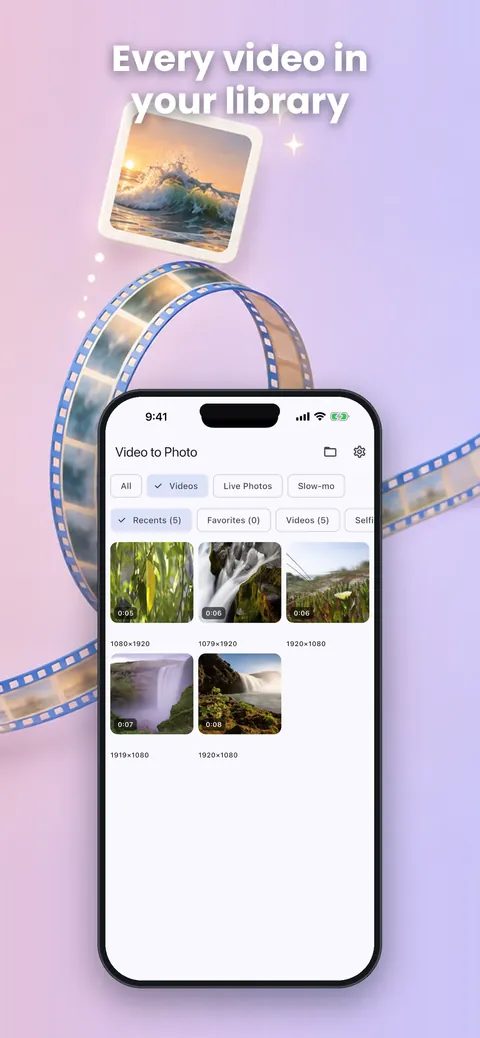
Choose a video from your library.
Find the frame
Scrub to the exact frame, or let the app find the sharpest one.
Save
Save the frame to Photos as JPEG, PNG or HEIC.
Is it for you?
Parents and pet owners who filmed a smile but never photographed it, sports and dance fans who want the exact moment of a jump, goal or pose, and creators making thumbnails and stills from 4K and 8K footage.
Your data, explained.
The store listing says the app works completely offline, with no account, no network access and nothing collected, and the listings also state there is no subscription, ads or watermark. It works with your video library and saves pictures to Photos.
- No ads
- Works offline
Questions, answered.
Is the photo the same quality as the video?
Yes. It saves the frame at the video's own resolution, though image quality depends on the source video and your device.
Can I export many frames at once?
Yes. Batch export saves every N frames, every N seconds or a range you choose.
How do I find a sharp frame?
Use the sharpness check, which finds the least blurry frames on the device.
Which formats can I save?
JPEG, PNG and HEIC. HEIC needs device support, and JPG is used when it is unavailable.
Does it add a watermark or limit exports?
No. The store listing says there is no watermark and no export limit.
Does it need internet?
No. It works completely offline with no network access.
Support, privacy and terms.
App details
- Platforms
- iPhone and Android
- Price
- Free
- Category
- Photo & Video
- Minimum OS
- iOS 13.0+
- Version
- 1.0
- Released
- August 18, 2026
More from Lapnito.


